

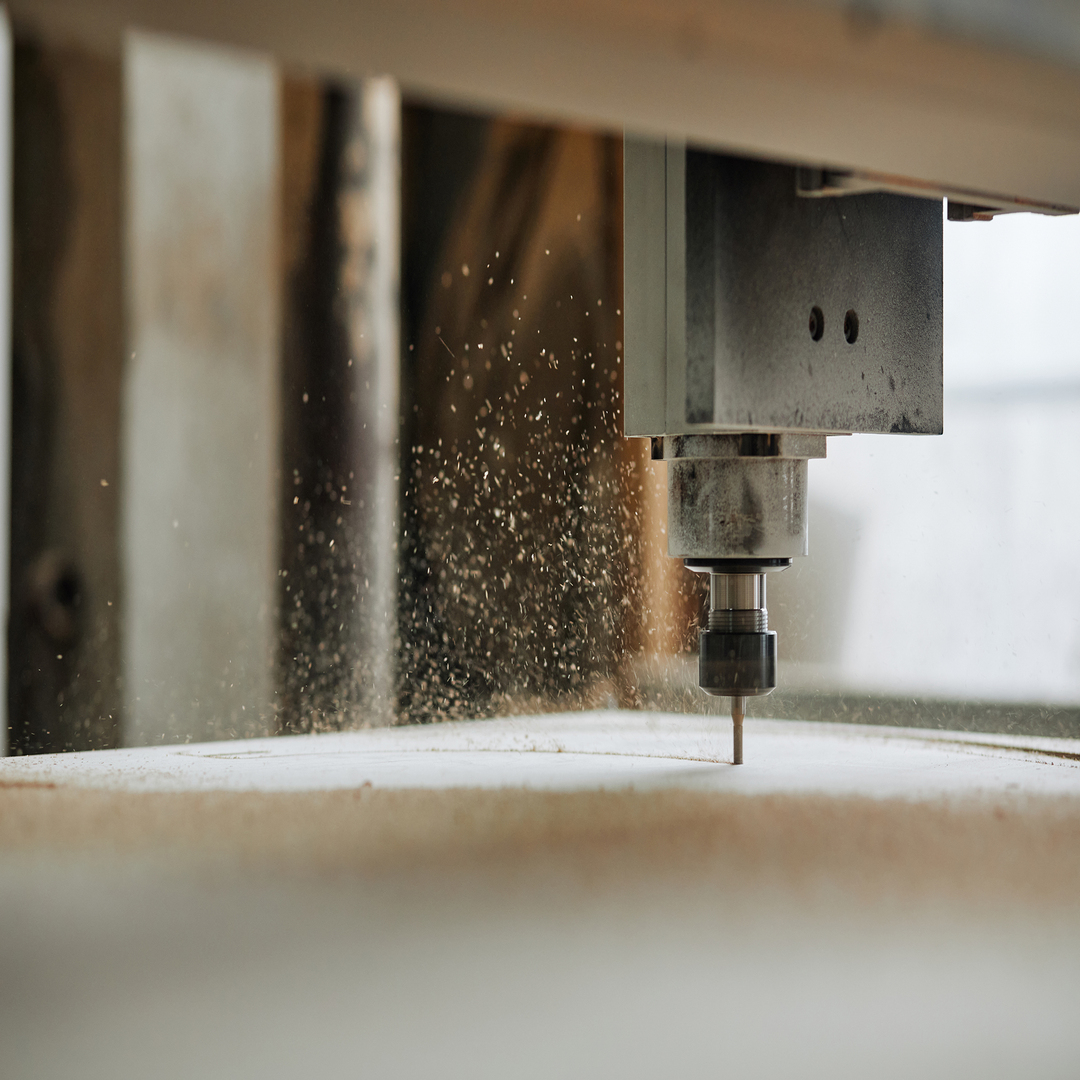
Every slab, panel, and block that enters your shop floor has a cost. Yet, in a vast number of CNC operations, a significant portion of that material never becomes a finished part, but it becomes scrap, instead.
Unusable offcuts, kerf losses between parts, positioning errors, tools removing more material than necessary: add these up across hundreds of cycles and the impact on your margins is far greater than most businesses realize. The good news is that much of this waste is not inevitable: it comes down to how you plan your operations.
In this article, we look at how much CNC material waste truly affects production, how nesting and the right cutting optimization strategies can reduce it, and why the right software is the difference between a shop that bleeds money and one that optimizes every cut.
How Much Does Material Waste Impact CNC Production?
In subtractive manufacturing — operations where you start with a workpiece and remove material until you get the finished part — some scrap is unavoidable. The problem starts when it becomes excessive.
Depending on the material and the type of operation, the percentage that ends up as offcuts can vary significantly. With high-cost materials such as stone, marble, engineered stone slabs, or laminated panels, just a few extra percentage points translate quickly into thousands of dollars a year.
But CNC material waste isn’t only the material you throw away, but it’s a cost that ripples through your entire supply chain. Scrap quickly means more raw material purchases, more machine time, higher CNC tool consumption, more handling, and more disposal costs. A facility that doesn’t control waste pays for the same mistake three times over.
The Hidden Costs of Waste
When we talk about waste, the first thing that comes to mind is material. But there are many more factors quietly eroding your margin.
Here are the hidden cost line items worth tracking:
- Rework on slab or wood panel sections that will ultimately become scrap
- Machine downtime
- Unplanned maintenance
- Premature CNC tool wear
- Excess energy consumption from unoptimized toolpaths
- Disposal costs for unused material
Preventing these situations requires acting upstream on the strategy itself and building a lean, waste-free workflow from the ground up.
How Does Nesting Work?
Nesting is a technique that arranges and organizes multiple parts within a limited area so that every inch of a stone slab or wood panel is used and, consequently, reduces CNC material waste as a direct result. Instead of positioning geometries by eye, nesting software automatically calculates part footprints, builds nested layouts, and prepares the job for cutting.
To understand why nesting matters, you need to look at both its direct and indirect benefits. Beyond reducing cost per part, this technology also lets you:
- Perform fewer slab/panel changeovers
- Generate cleaner toolpaths during CNC machining
- Plan production more predictably with fewer unexpected interruptions
The Step-by-Step Process for Saving Material
In practice, Nesting is carried out by dedicated software that uses an algorithm to optimize CNC cutting and reduce material waste. Here’s how CNC operators run the process.
- The software imports the parts to be produced from the CAD project, complete with all specifications: dimensions, quantities, and machining constraints.
- Next, the operator defines the slab or panel format, thickness, any zones to exclude due to defects or holes, and part orientation to respect the surface grain.
- The algorithm then arranges the parts to maximize the usable area and minimize offcuts, generating one or more cutting layouts.
Based on the chosen strategy, toolpaths are created for the CNC machine. At this stage, cutting operations can be simulated before sending the job to production.
Want to find out how much material you could save every day?
CNC Tools Also Drive Material Waste in Production
The DDX Optimizer arranges parts to use every portion of the workable surface. However, it’s not the only factor to control for real material savings. Another key variable is CNC tool selection, which directly affects how much material is removed and the quality of the finished part.
What actually causes material scrap in practice? Let’s break it down:
- Size: An oversized CNC tool can’t reach sharp internal corners, leaving excess material and forcing additional finishing passes. Conversely, a tool that’s too small for roughing operations can cause imprecise cuts and parts that have to be scrapped.
- Cutting parameters: Feed rate and depth of cut also affect scrap. If the spindle advances too fast or too slow, the tool can overheat, deforming the material or breaking entirely. This generates vibrations that ruin the surface finish and render the part unusable. And if the tool cuts too deep, it may remove more material than your CAM program calculated.
- Wear and breakage: A worn CNC tool loses its cutting edge, increases cutting forces, and causes out-of-tolerance dimensions.
Find out how much you can reduce scrap and cycle times: request a free DDX Optimizer demo and optimize your cutting strategies.