

XDesignPRO2026-09-29T11:26:02+02:00

The CAD/CAM Software for Furniture Design

XDesignPRO is our solution for carpenters and stonemasons who are asking for a powerful, yet easy-to-use interior design software. It’s perfect for cabinet configuration, commercial furniture and tailored environments’ projects.

The CAD/CAM Software for Furniture Design

DDX Software for Interior Design

Hardware Library

CNC export

Transversal, longitudinal sections

Render with indirect light

Solid design and modeling

Design of parametric furniture
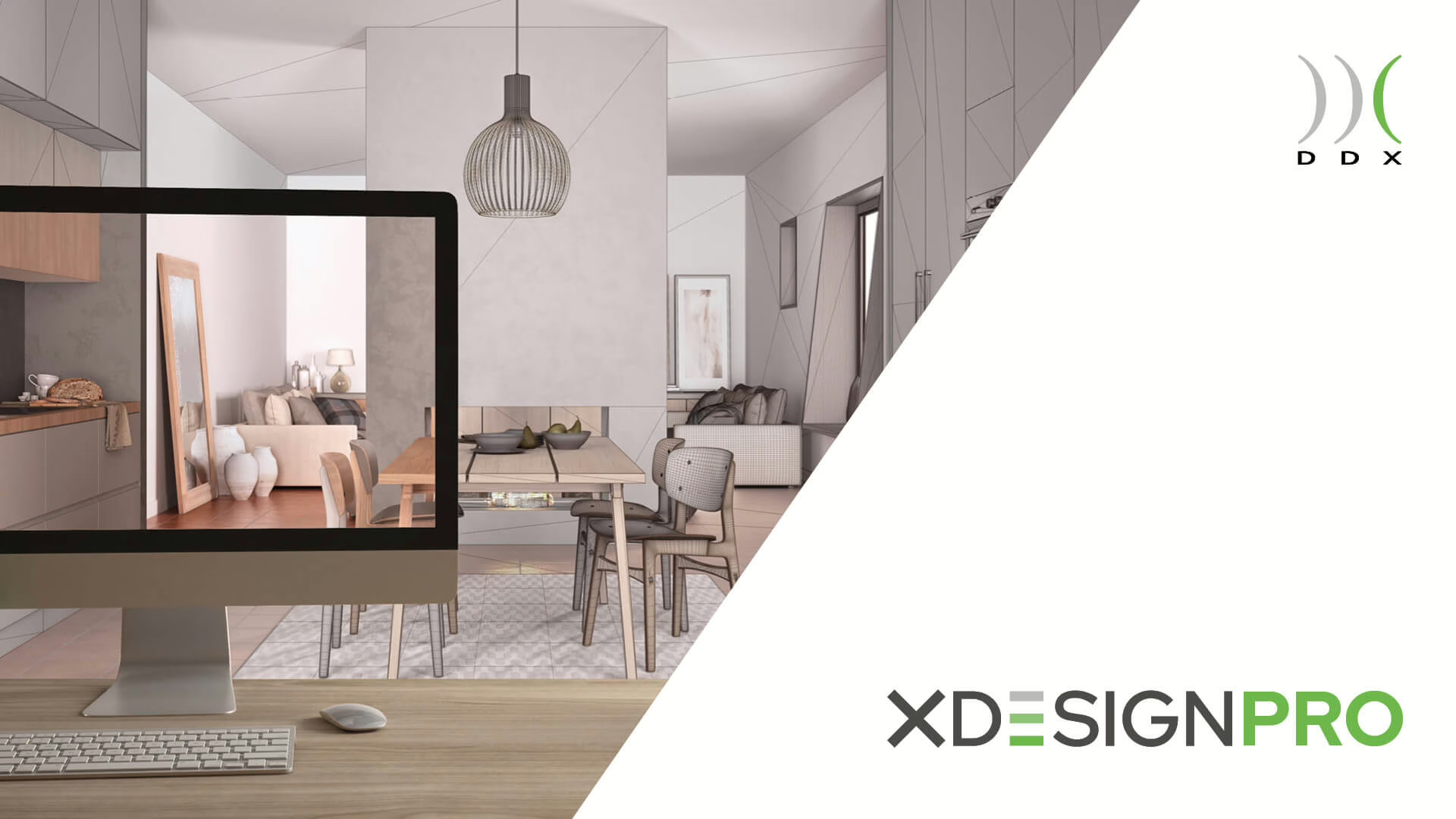
Much More Than a Furniture Configurator

XDesignPRO is DDX interior design software to craft cabinets and different furnishings for all tastes. Thanks to the 3D CAD feature, you can configure more linear, structural elements and also succeed in the creation of complex, multi-material projects.

ddx-software-solutions-xdesignpro-home-screen

Made With XDesignPRO

DDX Learning Area

What can our CAD/CAM software do for interior design?In the Customer Area, you'll find the DDX Learning Area: a space with video tutorials and real-world use cases dedicated to XDesignPRO. Explore all the features of our software and never stop learning with our interactive resources.

From Furniture Design to Production
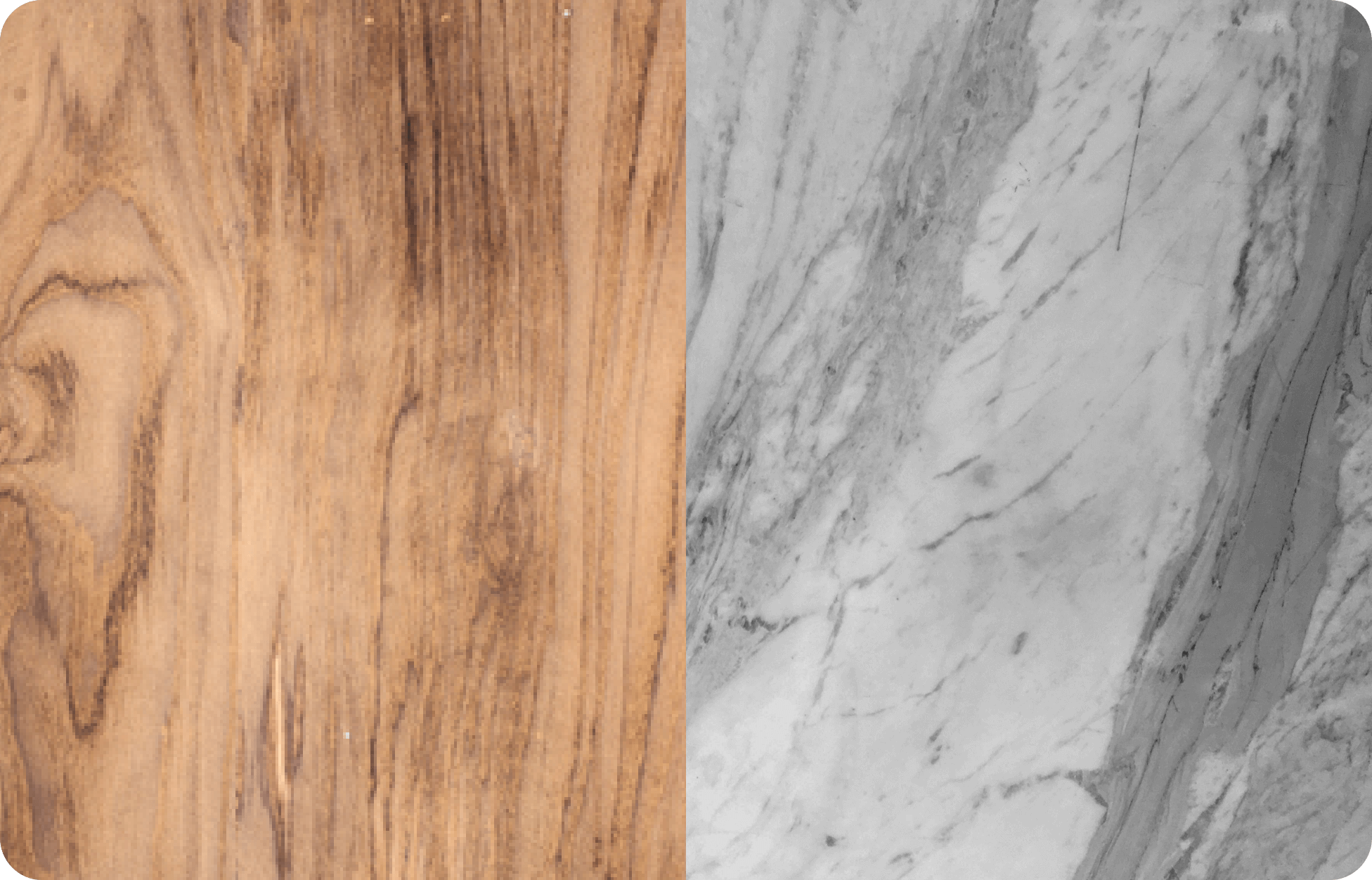
Multi-material Management

Our interior design software optimizes every stage of furniture creation. You can seamlessly pass from design to managing multiple materials during processing, all the way to exporting the print file.
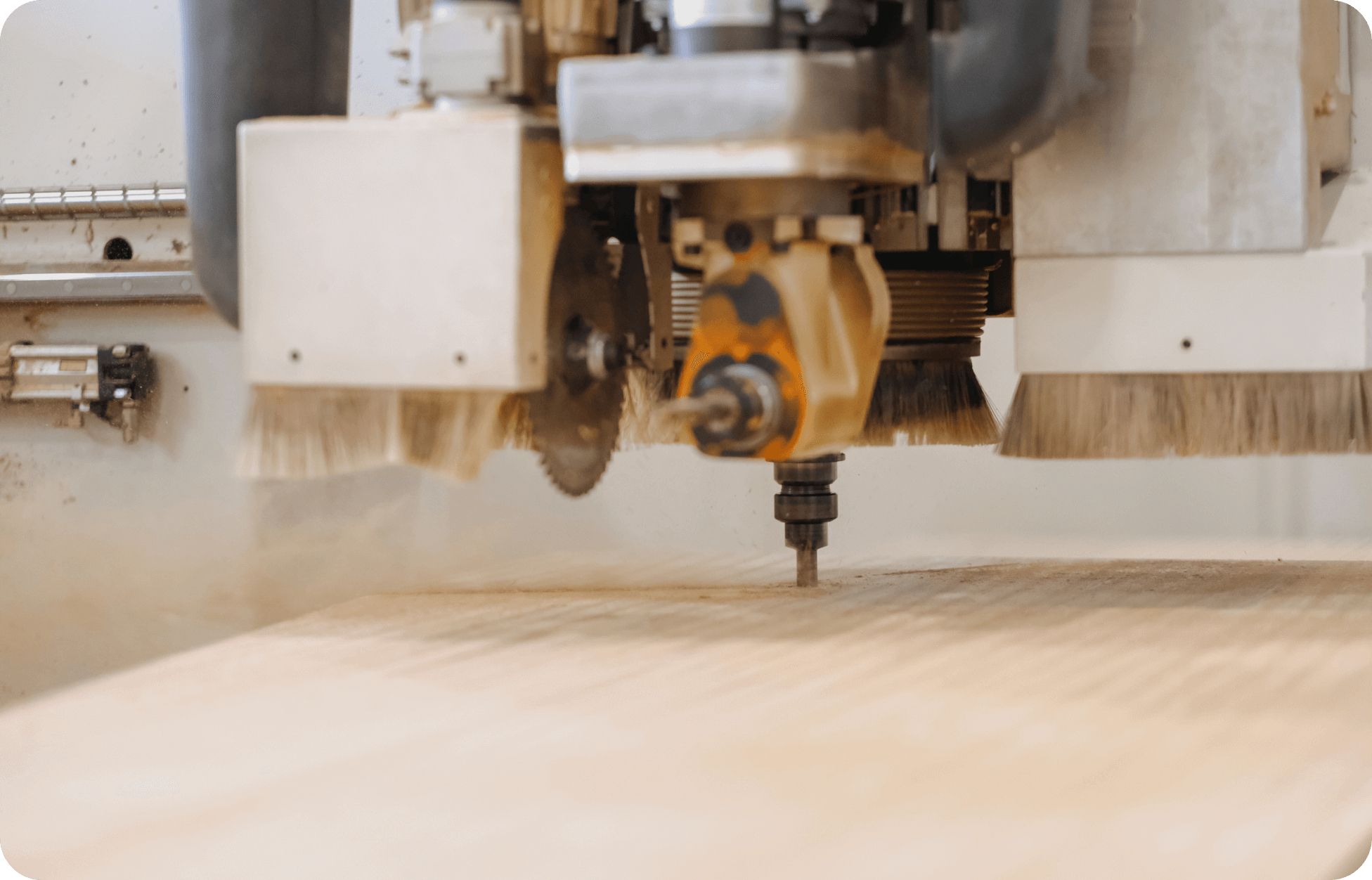
CAM Integration

XDesignPRO is compatible with other DDX software. It can be easily integrated with EasyWOOD to visualize and control the production cycle on one or more CNC machines.
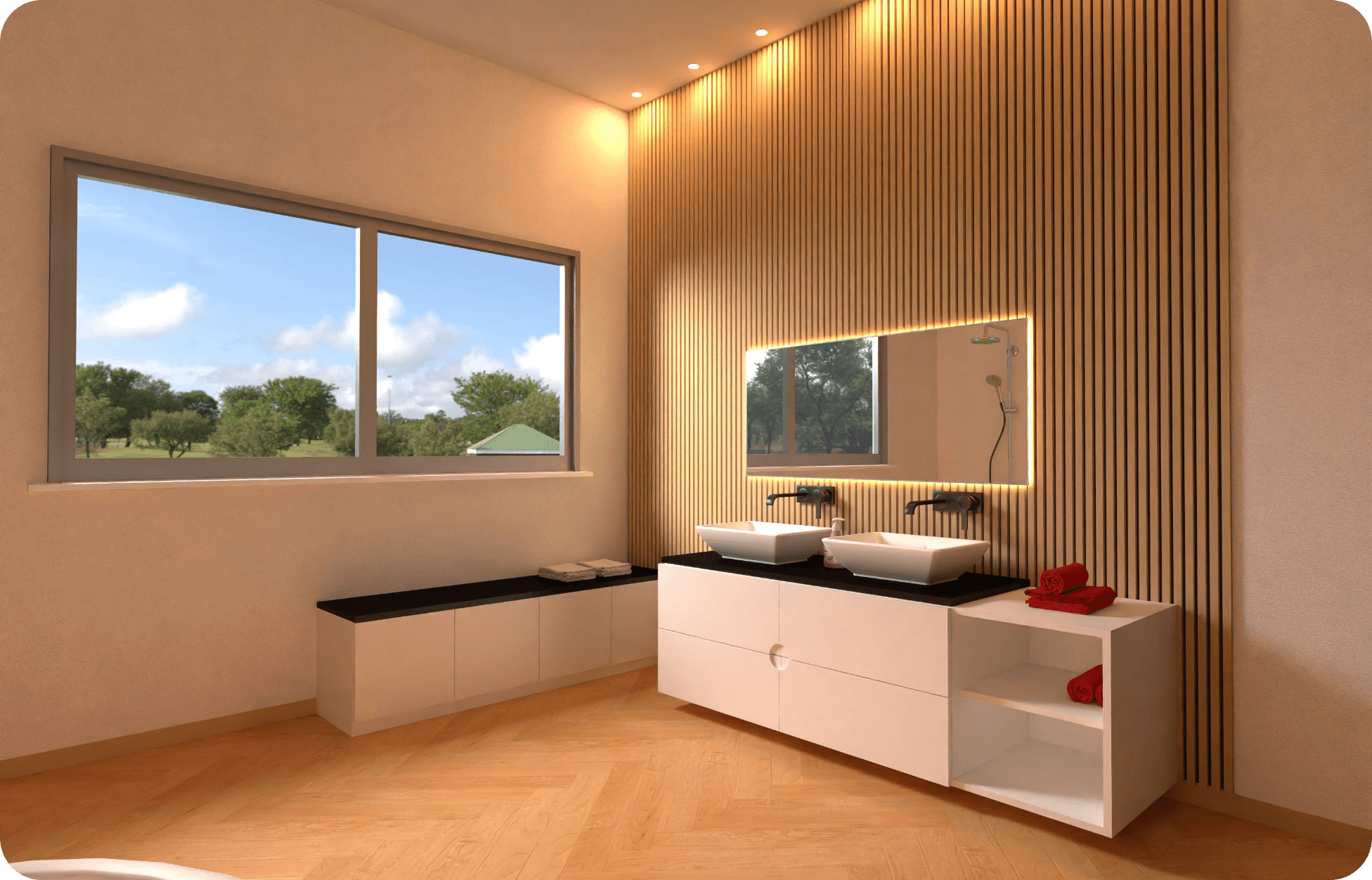
Single Workspace

Our interior design software has been developed to provide a single workspace for individual furniture elements or complete projects.
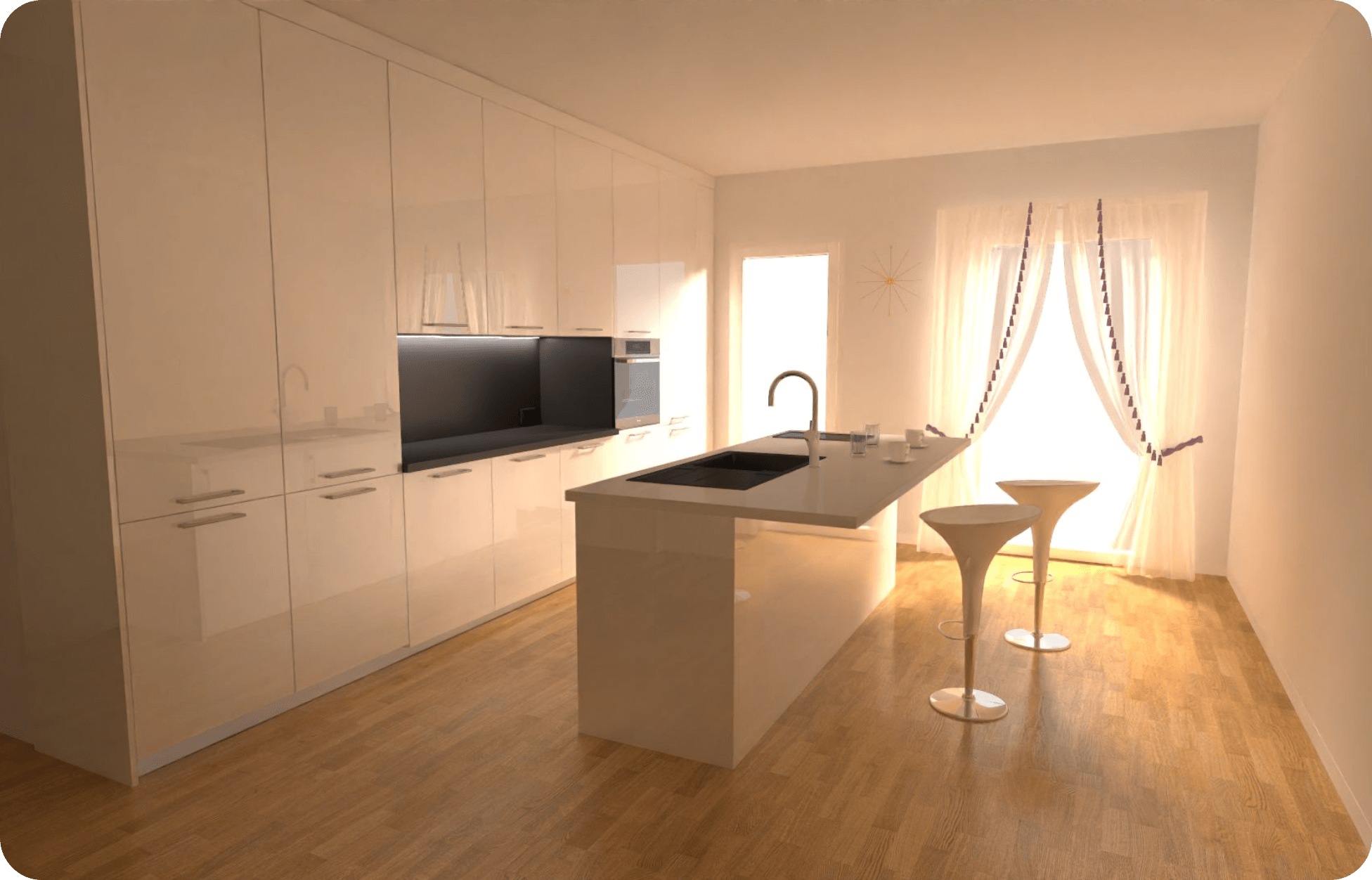
CAD Integration

The XDesignPRO CAD enables the detailed creation of lines and solid shapes. Drawing flexibility is a top feature both for experienced designers and beginners.
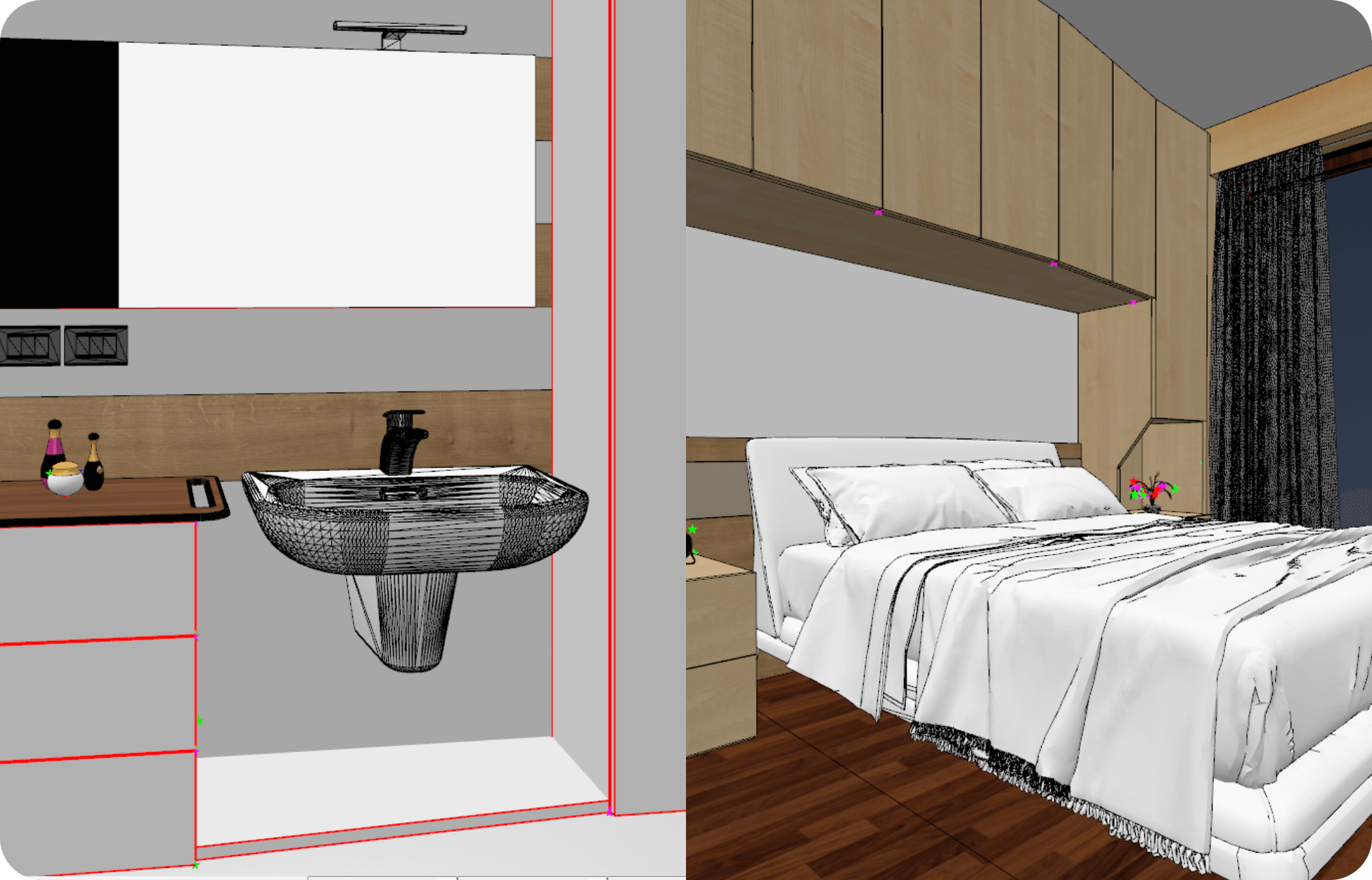
File Compatibility

XDesignPRO combines harmoniously with other tools and platforms. You can import DWG, DXF, 3DS, OBJ, SKP, and STL formats and export them in DWG, STEP, and OBJ.
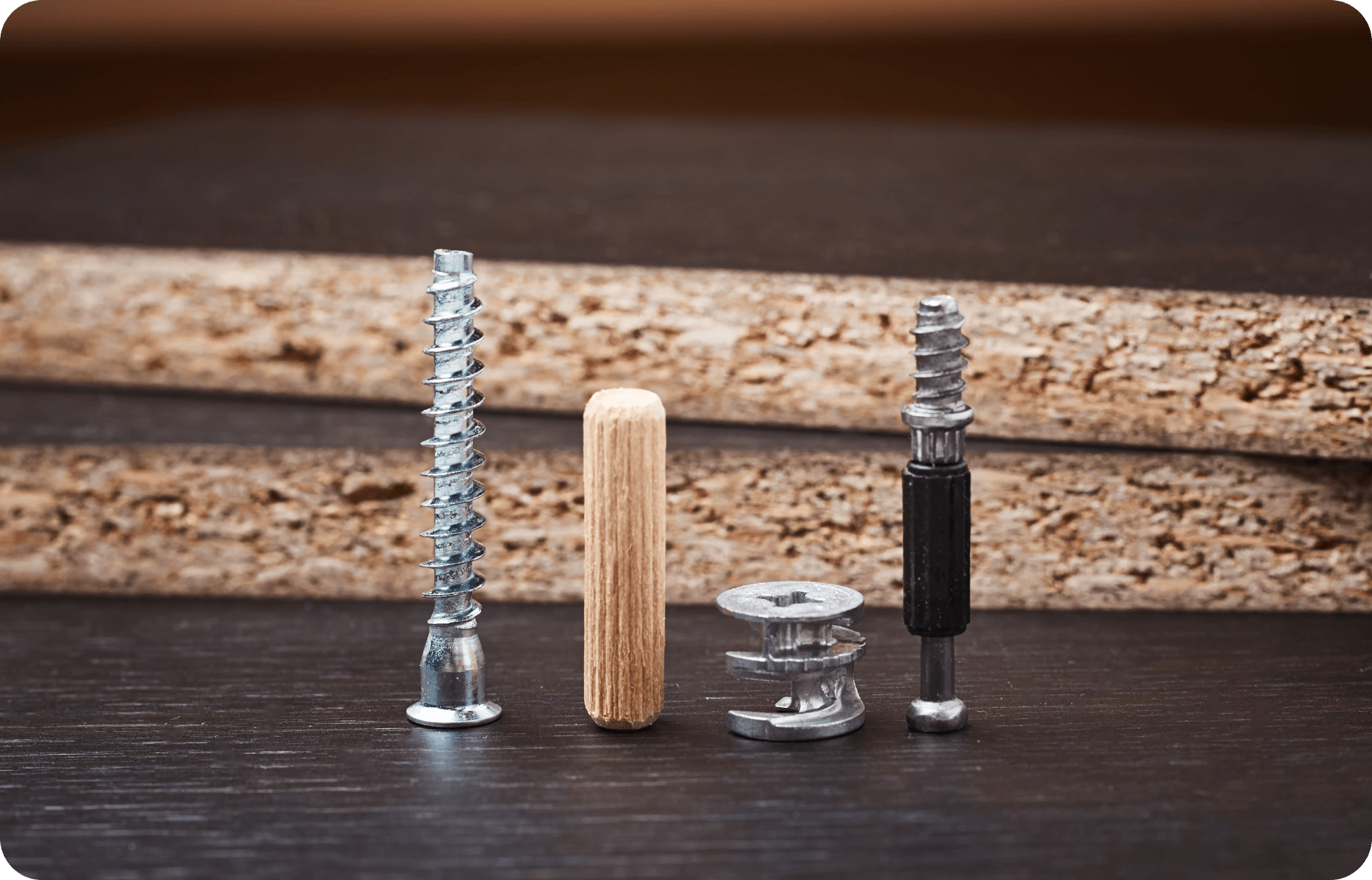
Hardware Management

The DDX interior design software features an extensive hardware inventory which adapts to any type of project and is highly customizable.

Want to know how our woodworking CAD/CAM software can support your production?

Screenshots from XDesignPRO

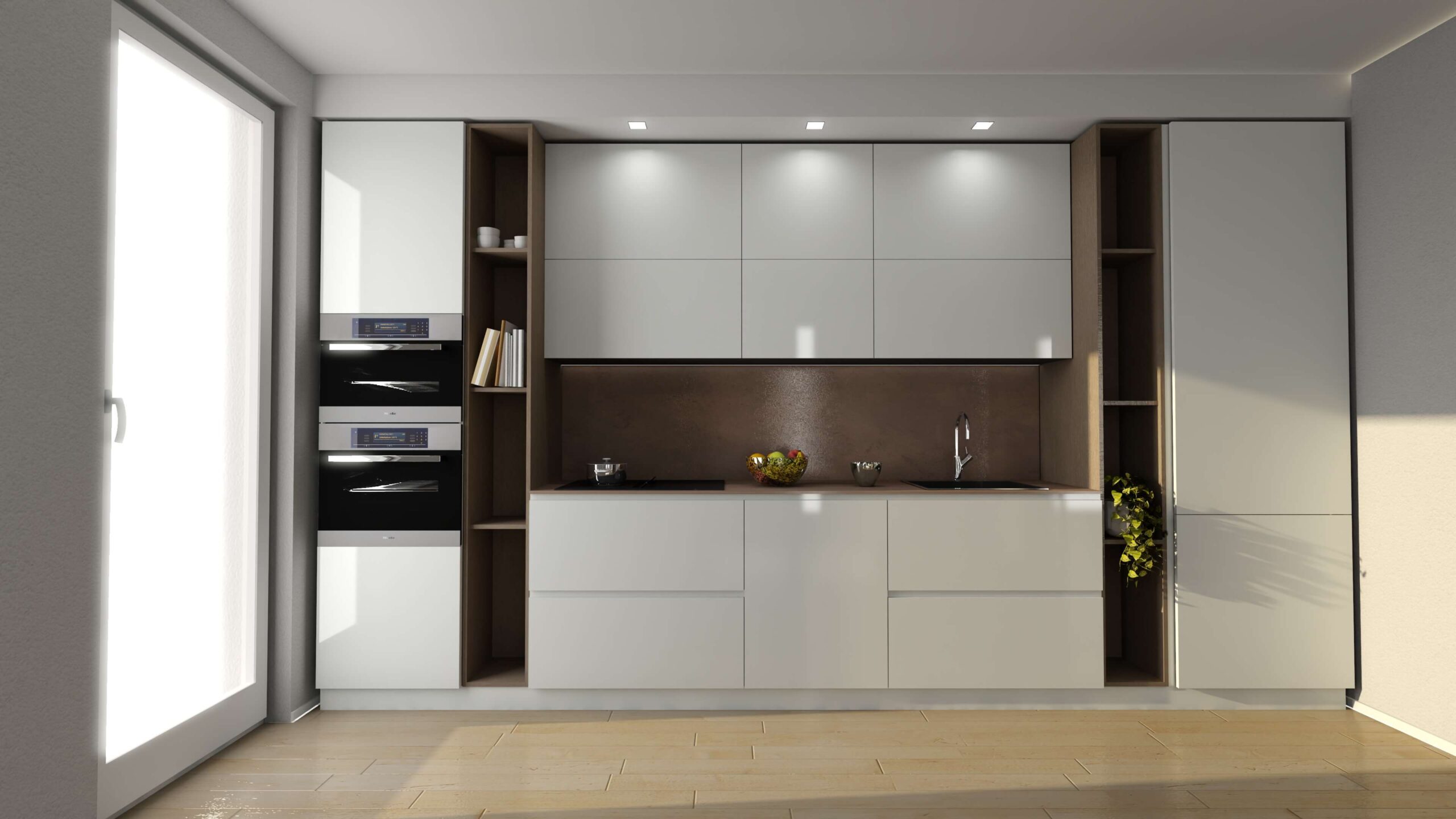
ddx-xdesignpro-modern-kitchen-design
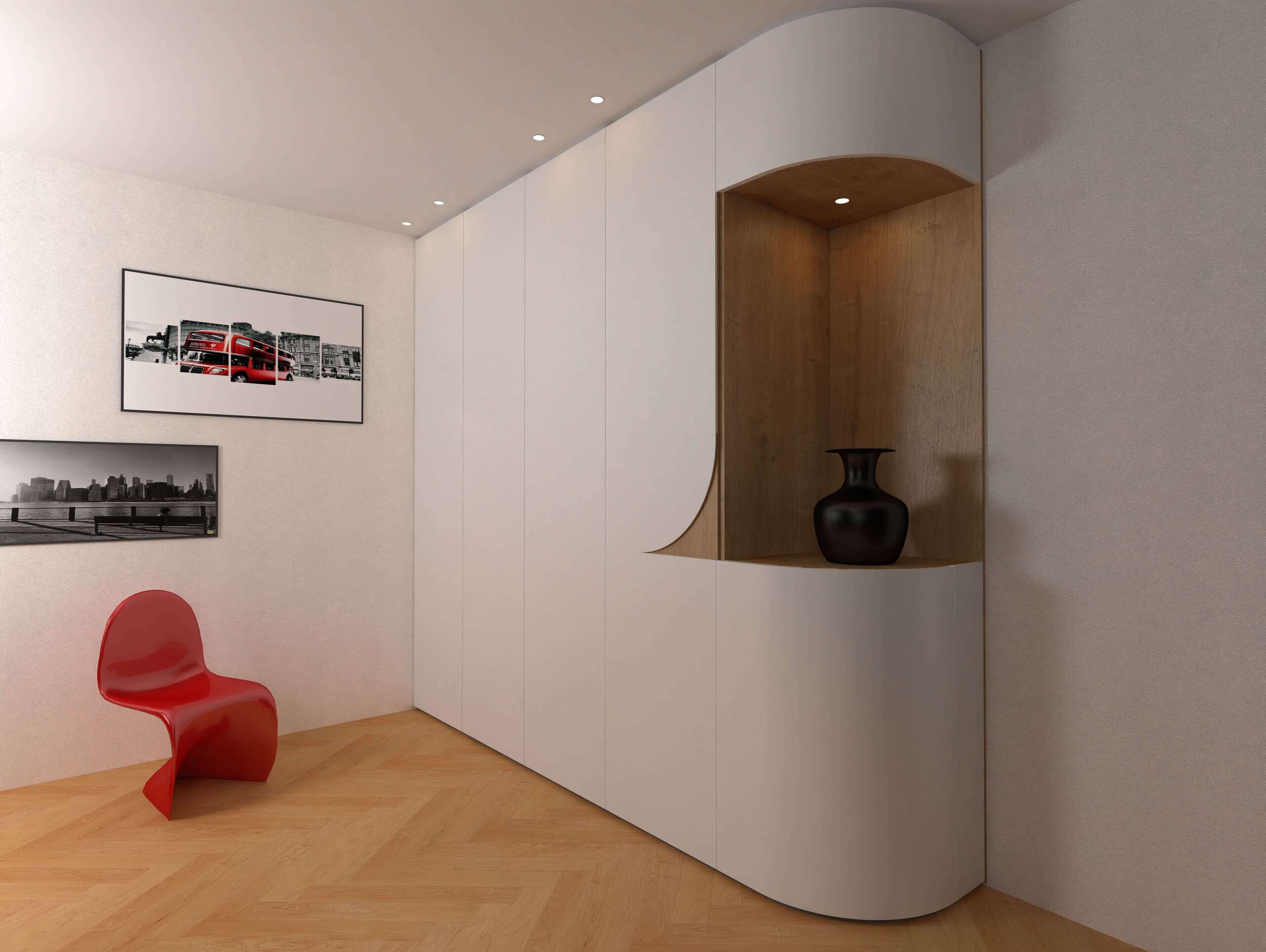
ddx-xdesignpro-curved-cabinet-design
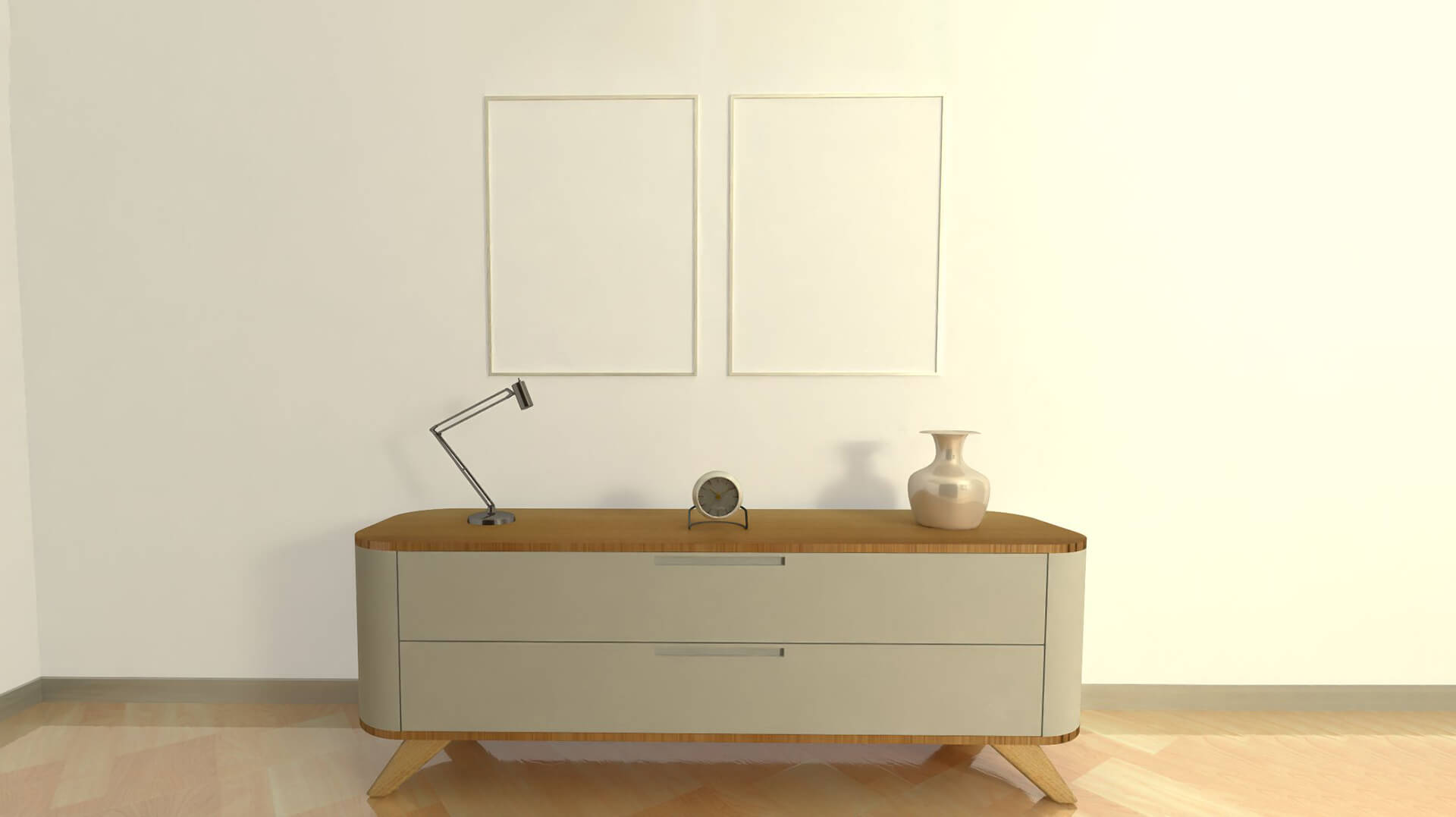
ddx-xdesignpro-realizzazione-cabinet-curvo-e-moderno-in-legno

Add DDX Plugins to XDesignPRO

icon-nesting

Nesting

Reduce production time and cut costs with Nesting. Optimize the layout of parts on the workspace sheet and save material.

icon-easywood icon-easywall icon-easystone icon-easybeam icon-xdesignpro icon-xcam icon-easyglass icon-powerstairs icon-easystone-nc
icon-xfactory-plugin

XFactory

Monitor, track, document, and control the production process of your products with XFactory. Increase your plant's profitability with a dynamic and comprehensive MES.

icon-easywood icon-xcam icon-xdesignpro icon-easystone icon-easybeam icon-easywall icon-easyglass icon-powerstairs icon-easyjet icon-easystone-nc
icon-automatic-execution

Automatic execution

Create a custom processing workflow for your designs: from applying operations to generating machine code.

icon-easywood icon-easystone icon-xdesignpro icon-xcam icon-easyglass icon-easyjet icon-easystone-nc
icon-automatic-cam

Automatic CAM

Automatically apply operations to your project based on specific rules and automate the data processing (DXF files).

icon-easywood icon-xcam icon-xdesignpro icon-easystone icon-easybeam icon-easywall icon-powerwin icon-powerstairs icon-easyjet icon-easystone-nc
icon-automatica-disposition

Automatic Disposition

Automate tool setup calculation and improve the workpiece holding on the machine by optimizing the size and positioning of the suction cups, while avoiding through operations.

icon-easywood icon-easywall icon-easystone icon-easybeam icon-xdesignpro icon-xcam icon-easyglass icon-easystone-nc
icon-xlabel

XLabel

Customize and create your labels with XLabel. Print them directly from a tablet or from your CNC machine PC to ensure precise tracking of all your parts.

icon-easywood icon-easywall icon-easystone icon-easybeam icon-xdesignpro icon-xcam icon-easyglass icon-powerstairs icon-easyjet icon-easystone-nc

Related CAD/CAM Software

Loading...
Loading...
Loading...
Loading...
Loading...
Loading...

INTERIOR DESIGN FAQS

What you need to know about furniture design

The materials most favored by interior designers are:

  • Solid wood: a premium wood with warm tones and exceptional durability. Ideal for high-end furniture.
  • Glulam and plywood: they offer excellent stability and strength. They are often used for load-bearing structures or designer furniture.
  • Sustainable materials: reclaimed wood, cork, cotton, linen, and wool are used to create eco-friendly furnishings.
  • MDF: made from compressed wood fibers, it is ideal for laquered and smooth finishes.
  • Metal: steel, aluminum, and wrought iron are used to create furniture with a minimalist or industrial design.
  • Plastics and innovative materials: polypropylene and polyethylene are lightweight, durable materials, ideal for outdoor furniture.
  • Glass and stone: commonly used for countertops, tables, or decorative accents.
The software should cover the entire creative process, from the initial concept to the shop drawings. Key features include:

  • Integrated 2D and 3D modeling to draw precise technical floor plans and create volumetric models, where any change in one view automatically updates all the others
  • Visualization of the design concept through advanced renderings
  • BIM model integration and compatibility with standard formats to import and export data with other software
  • Access to extensive parametric libraries of furniture, materials, and customizable components, often with built-in automation for calculating quantities, dimensions, and price lists
  • Automatic generation of technical documentation (elevations, sections, dimensioned floor plans, and quantity takeoffs with cost estimates) directly from the 3D model.
XDesignPRO is the ideal software for anyone looking for a comprehensive, user-friendly CAD/CAM solution.

With this interior design solution, you can:

  • configure custom furniture and create parametric drawings on a single platform
  • manage multiple materials
  • integrate it with other DDX software (such as EasyWOOD) to automate machining operations
  • customize the hardware library
  • generate renderings with direct lighting
  • use tools to model solids and structures


Peripherals Minumum Requirements Recommended Requirements
Mouse 3-button mouse with scroll wheel 3-button mouse with scroll wheel
Monitor Minimum resolution of 1920 × 1200 pixels Minimum resolution of 1920 × 1200 pixels
Processor INTEL® Core™ I7 or AMD Ryzen™ 7 INTEL® Core™ I9 or AMD Ryzen™ 9
Operating System Microsoft® Windows® 10 (limited support for Windows 7 SP1 and Windows 8) Microsoft® Windows® 11 (64 bit)
RAM 8 GB 16 GB
Graphics Card NVIDIA® GeForce® GTX 1050 or equivalent NVIDIA® GeForce® RTX 3080
Hard Drive Space 500 GB available mSATA-SSD-Hard disc, 512 GB, 2 TB (7.200 RPM)


Peripherals Minumum Requirements Recommended Requirements
Mouse 3-button mouse with scroll wheel 3-button mouse with scroll wheel
Monitor Minimum resolution of 1920 × 1200 pixels Minimum resolution of 1920 × 1200 pixels
Processor INTEL® Core™ I7 or AMD Ryzen™ 7 INTEL® Core™ I9 or AMD Ryzen™ 9
Operating System Microsoft® Windows® 10 (limited support for Windows 7 SP1 and Windows 8) Microsoft® Windows® 11 (64 bit)
RAM 8 GB 16 GB
Graphics Card NVIDIA® GeForce® GTX 1050 or equivalent NVIDIA® GeForce® RTX 3080
Hard Drive Space 500 GB available mSATA-SSD-Hard disc, 512 GB, 2 TB (7.200 RPM)

Do you want to learn more?

Loading...

DDX is an official PYTHA reseller in Italy!

Pytha develops software solutions for designer furniture. Compatible with EasyWOOD, it lets you produce both standard and custom furniture.

Tell us about your furniture production and find out how to optimize your workflow by integrating Pytha with our interior design software solutions.

Do you need more information?

Would you like to receive further details about our software solutions?

Do you need more information?

E-mail

Support request

Technical support ticket
Contact Form

Go to Top