
EasyGLASS2026-09-14T14:06:41+02:00

The CAD/CAM Software for Glass Production

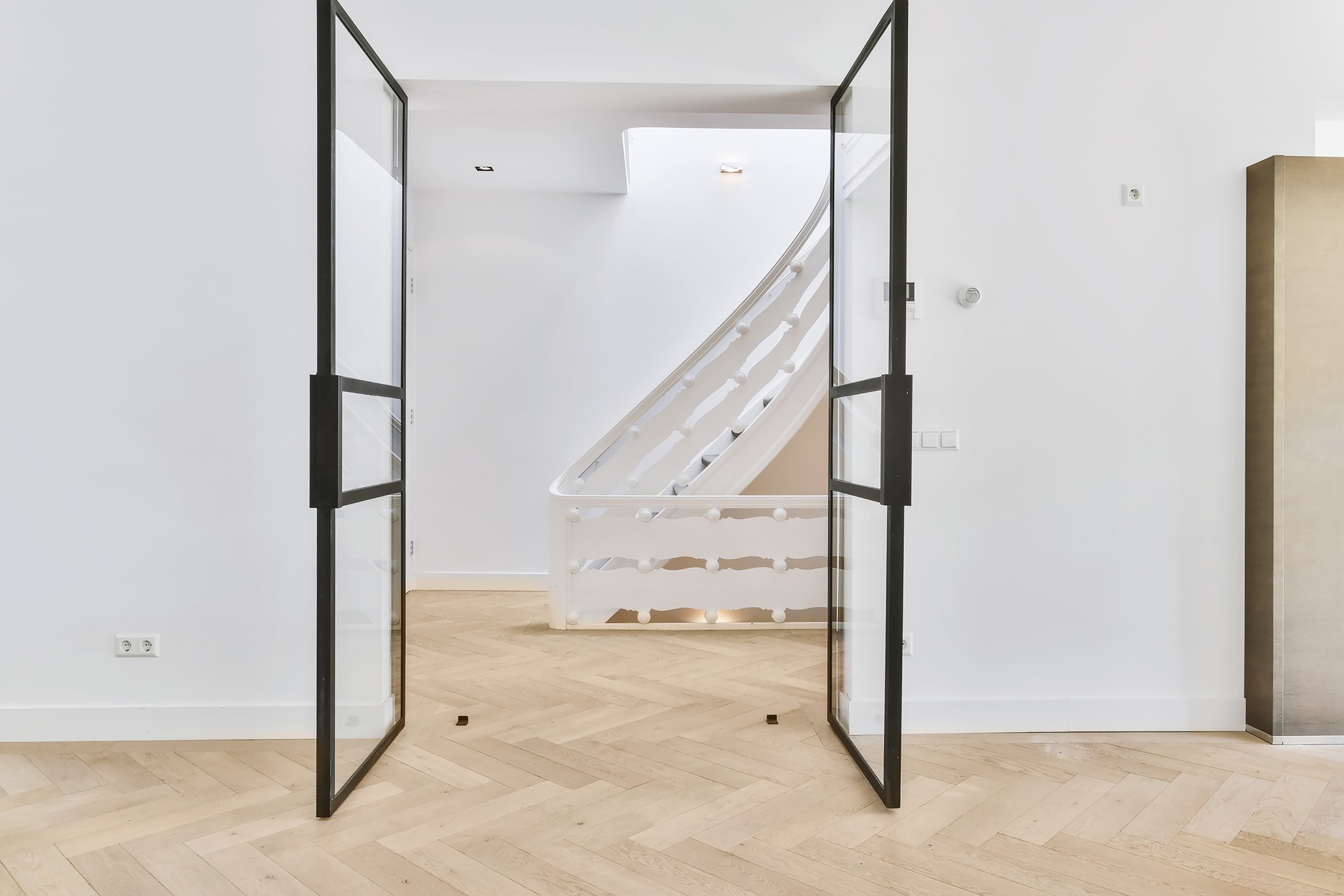
EasyGLASS is our all-in-one CAD/CAM software, specifically designed for glassworking. Create doors, windows, glass panels, railings, cutouts, tables, and mirrors with a unique design! With its features, you can manufacture high-quality glass components that meet customer needs.

The CAD/CAM Software for Glass Production

Optimize Your Glass Production with EasyGLASS

From Design to the Final Product

Glassworking Calculations

Toolpath Control

Suction Cups Positioning

Horizontal and Vertical CNC Management

Multi-machine Management
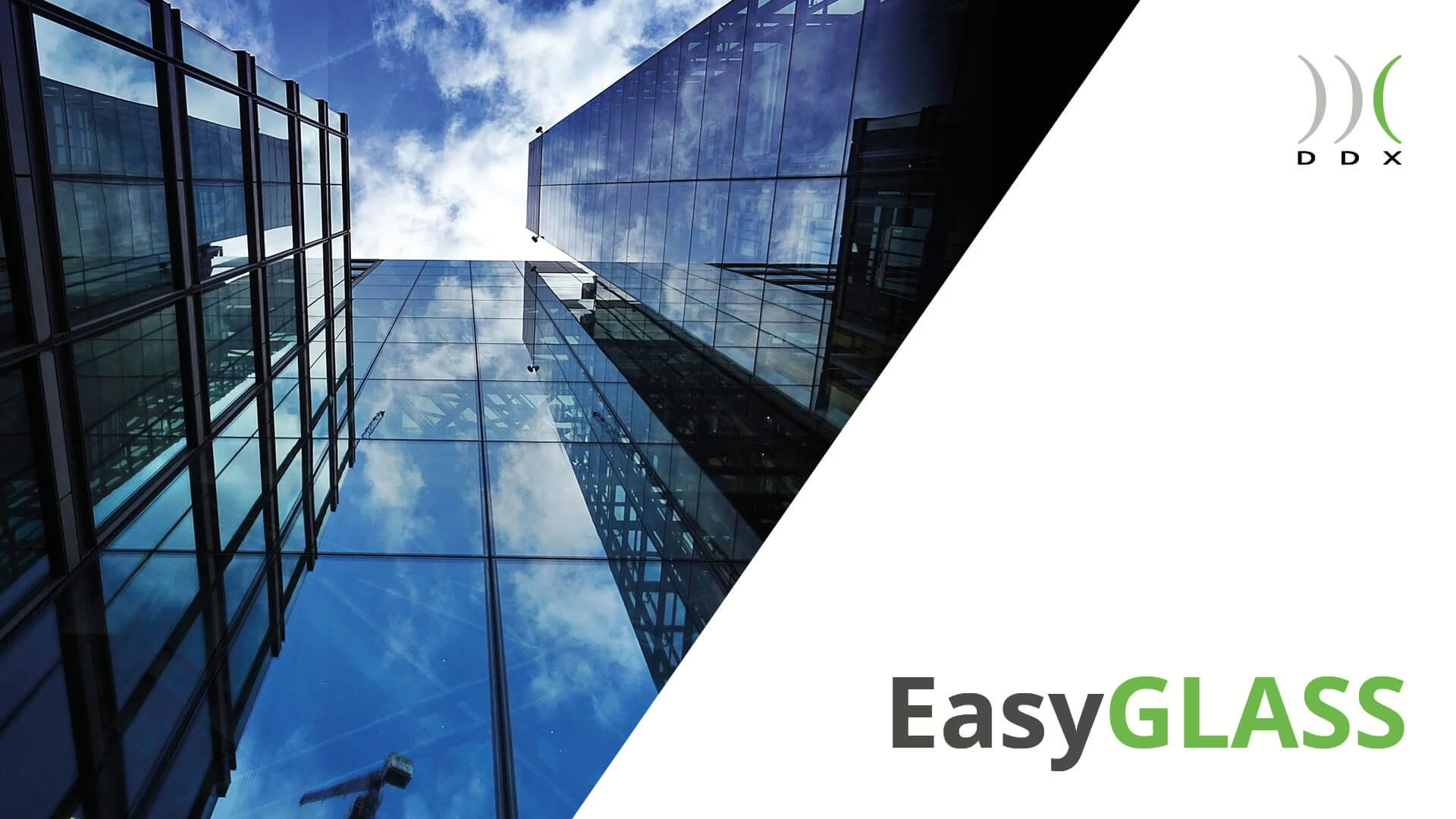
The Ideal Glass Design Software

Turn your ideas into real glass products effortlessly! With our advanced CAD/CAM glass software, you can manufacture all types of components while streamlining your entire production workflow.

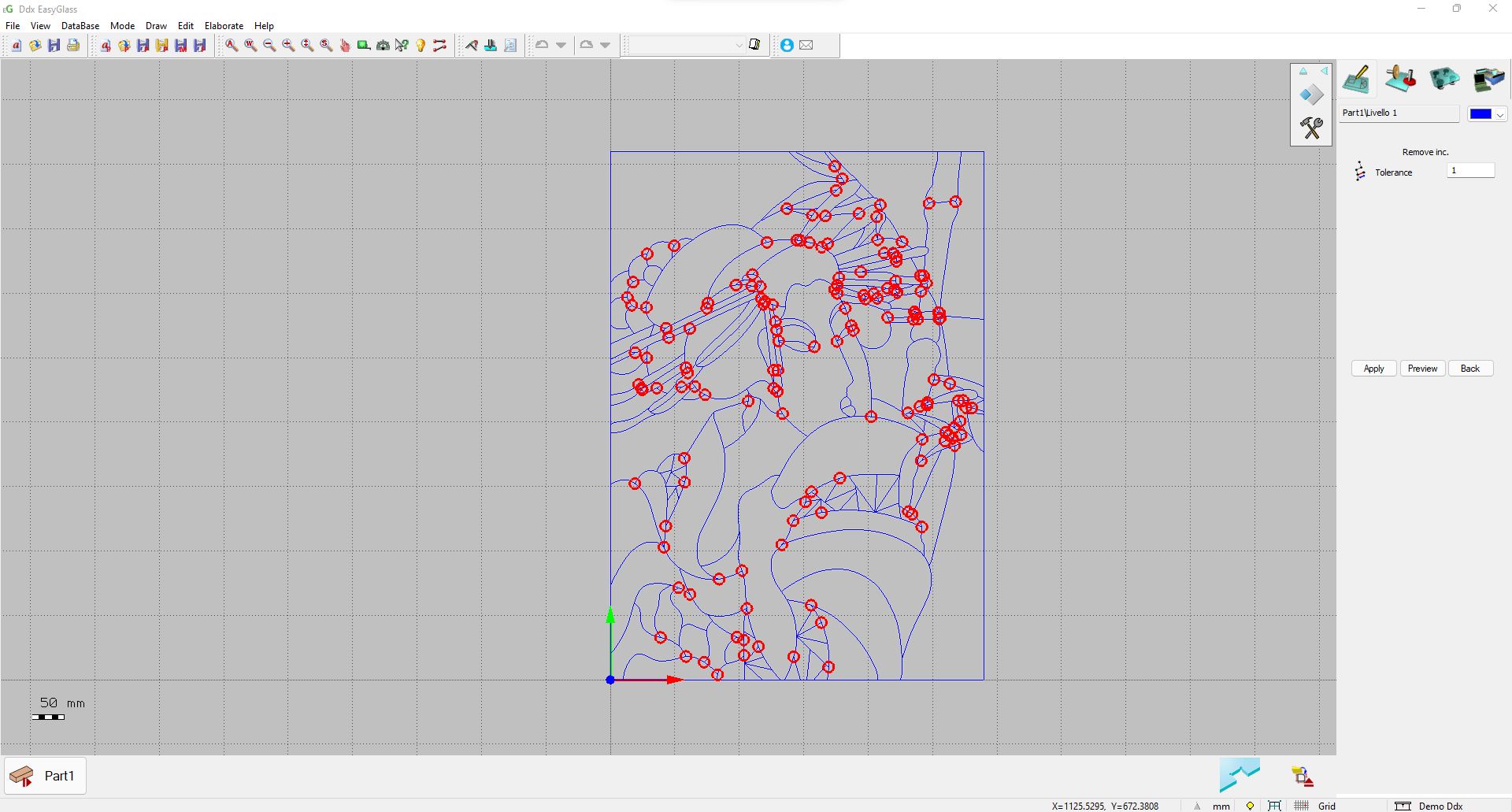
ddx-software-solutions-easyglass-initial-screen

The New EasyGLASS Course is Here

We've created a comprehensive course dedicated to EasyGLASS. From basic features to managing the most complex projects, you'll learn everything there is to know about our CAD/CAM software for glass processing on CNC machines.

Made With EasyGLASS

DDX Learning Area

Would you like to unfold all EasyGLASS secrets?
Access your Learning Area, watch video tutorials for concrete use cases, and discover the all the pontetial of our glass CAD/CAM software!

Glass Design and Production in Just a Few Clicks with EasyGLASS
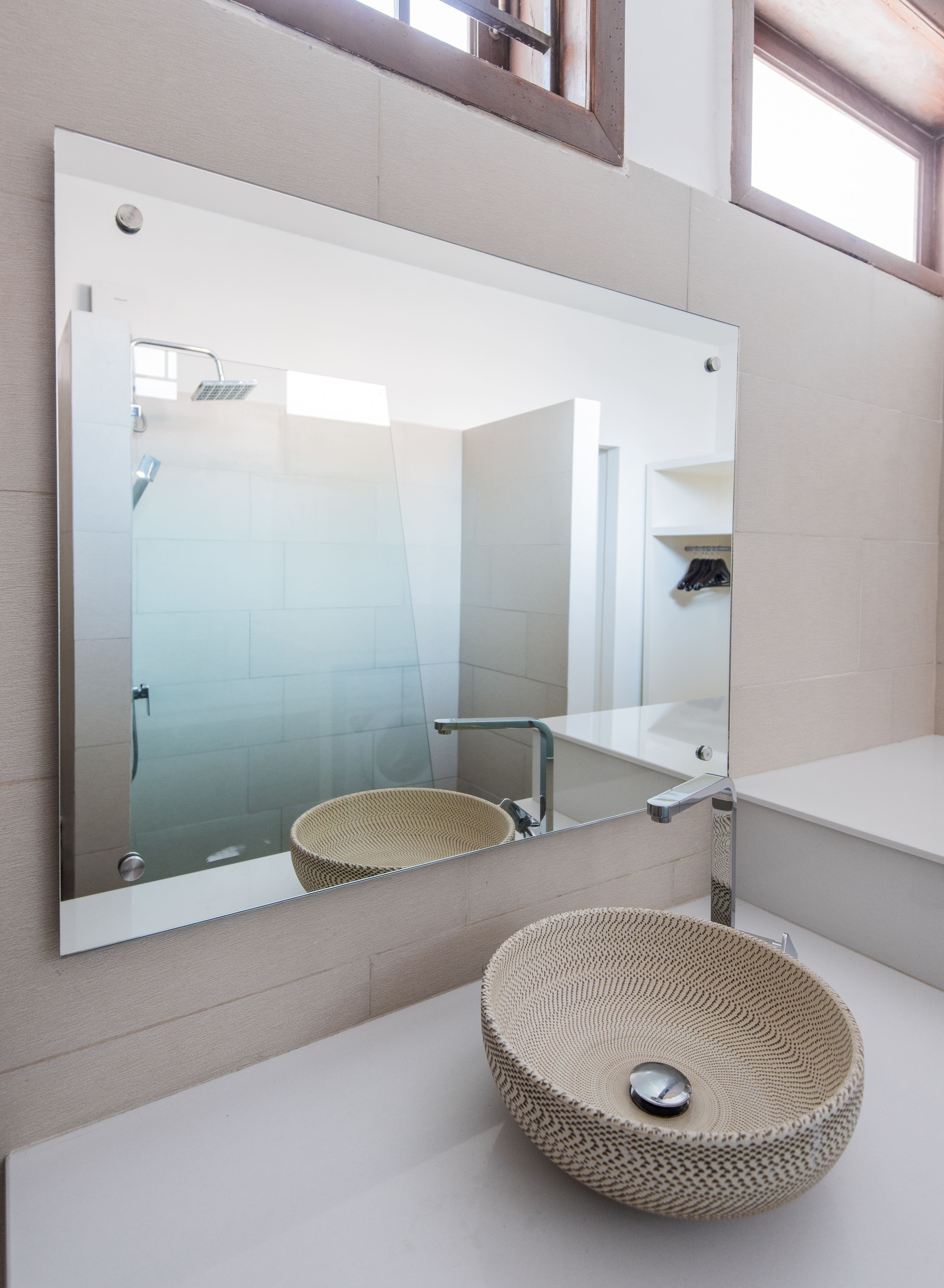
From Design to the Final Product

With EasyGLASS, you can go from glass design to finished product in just one click. Turn your digital projects into high-end glass pieces.
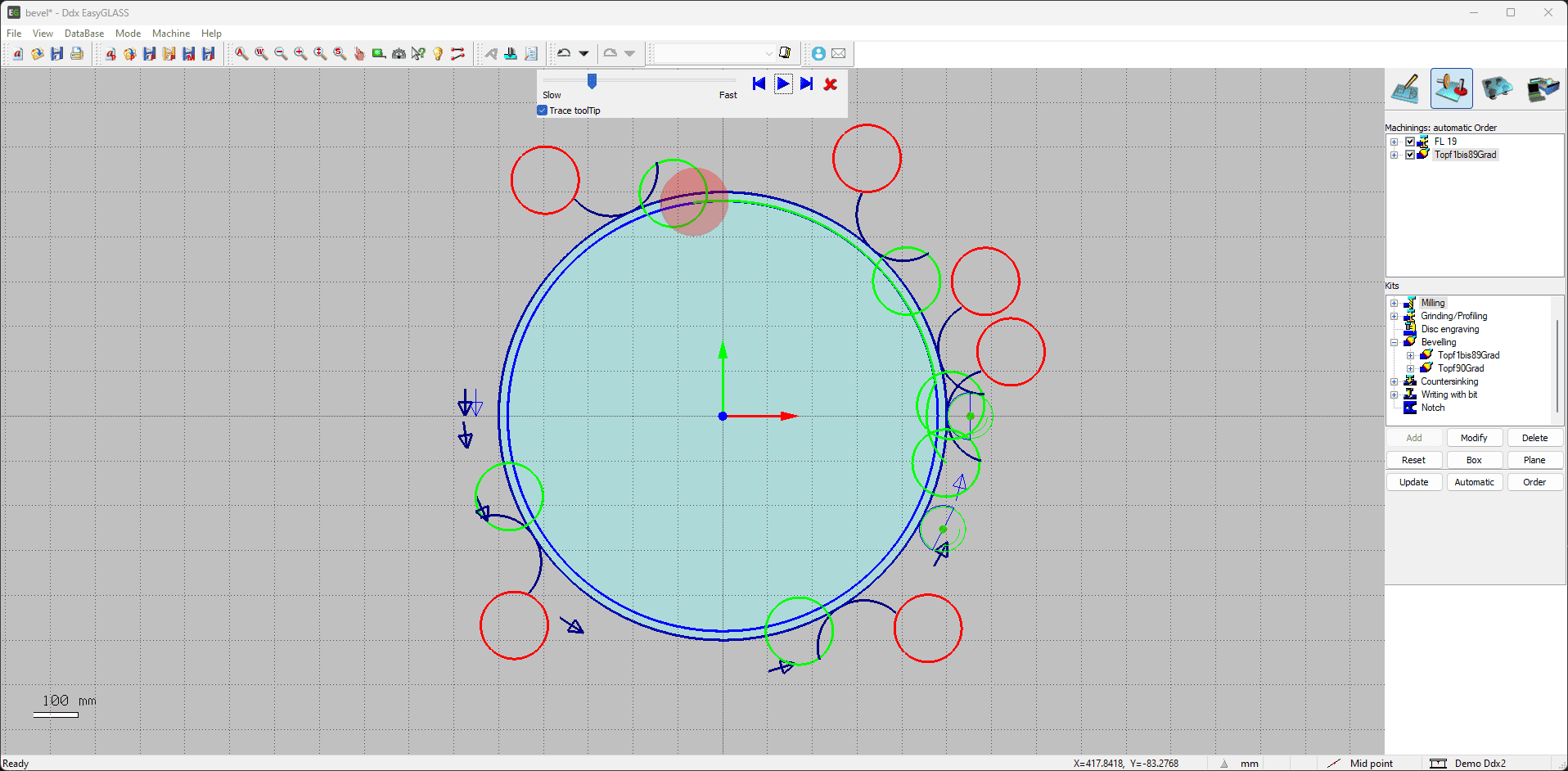
Process Order

Optimize the order of operations using automatic calculation. EasyGLASS understands your CNC machine’s processing logic and boosts your production efficiency.
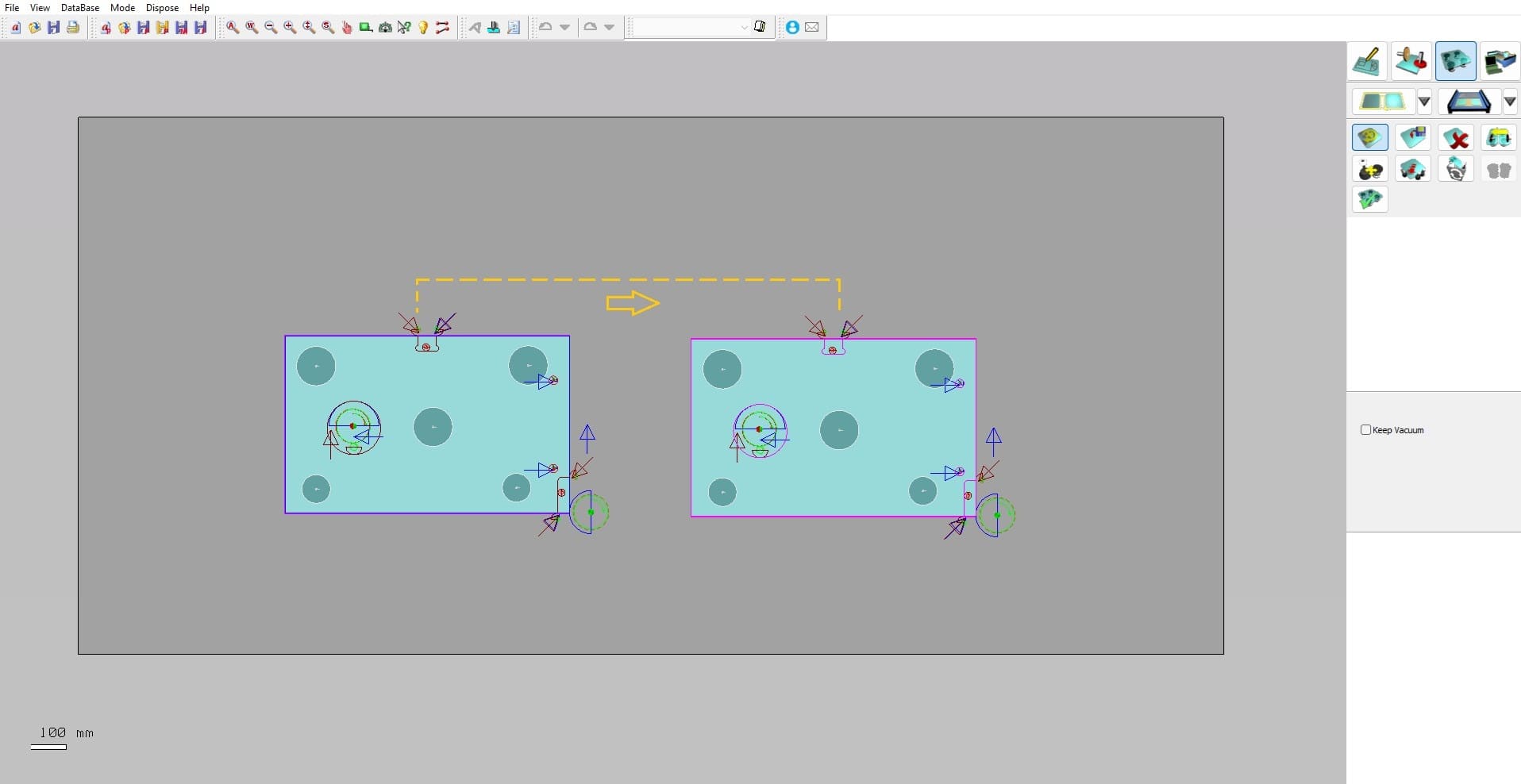
Toolpath Control

EasyGLASS includes an advanced toolpath control system. Reduction zones are defined based on parameters set by the CNC operator.
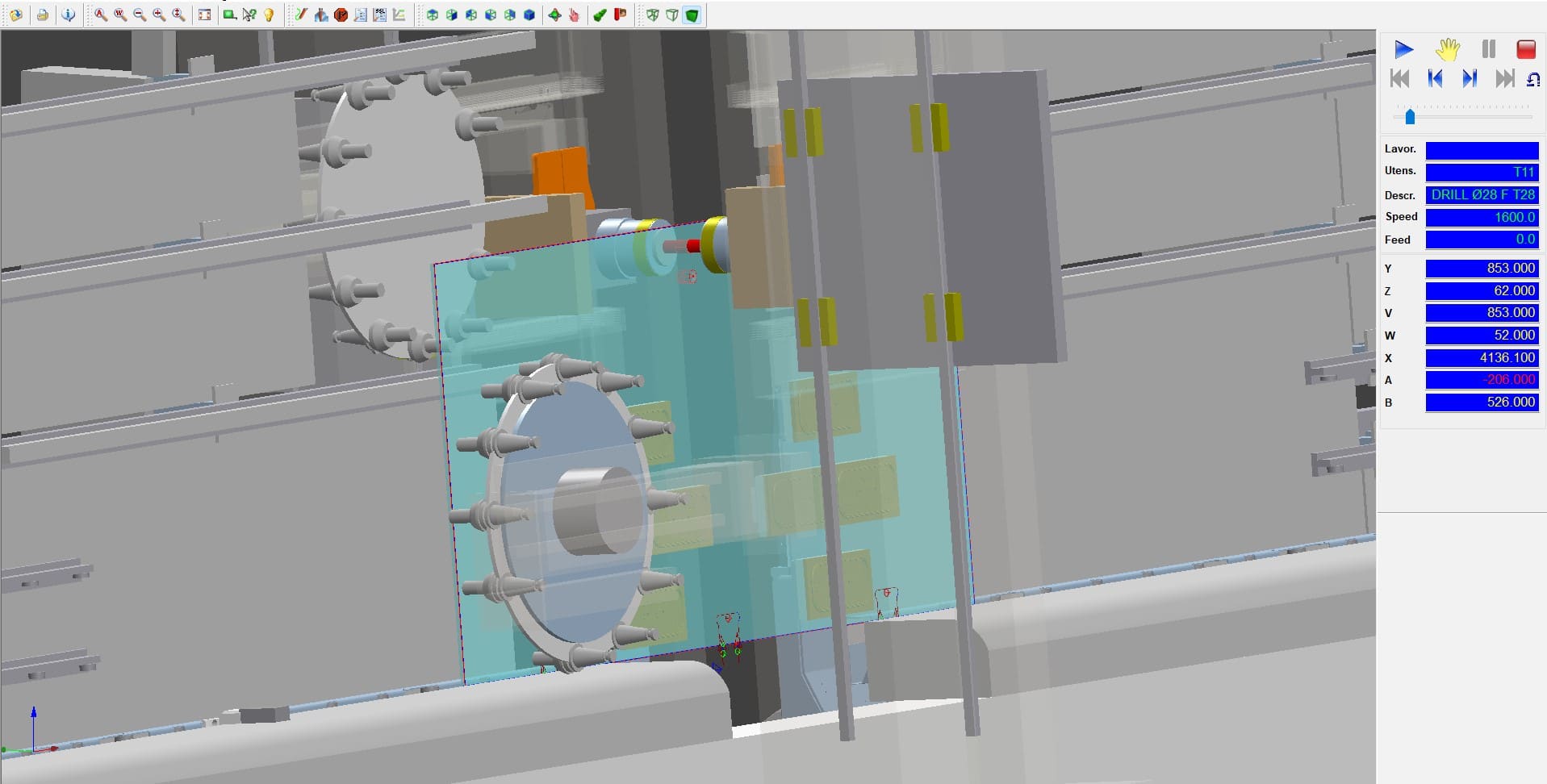
Horizontal and Vertical CNC

Our glass software fully supports both horizontal and vertical CNC machining.
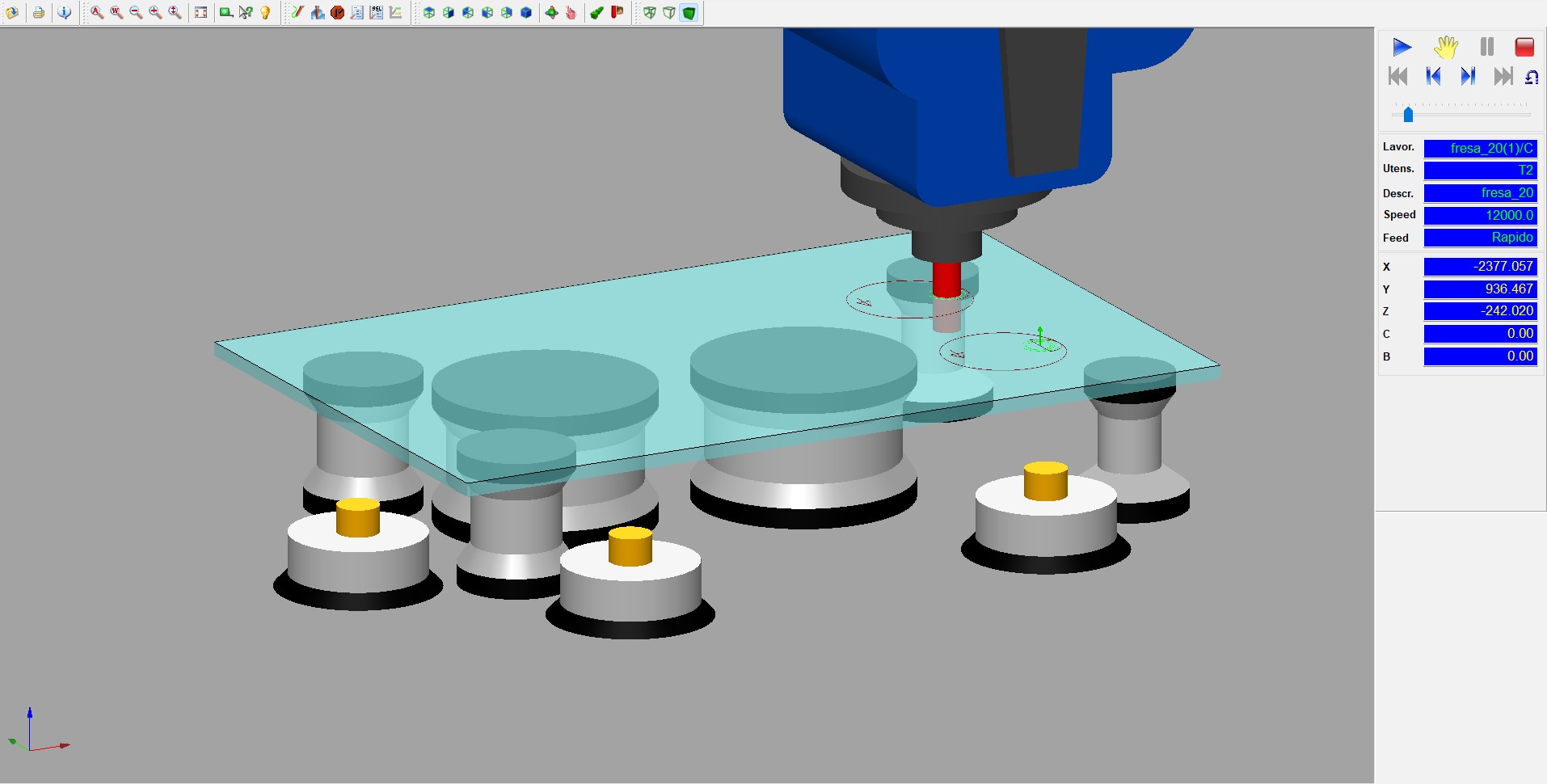
Suction Cups Positioning

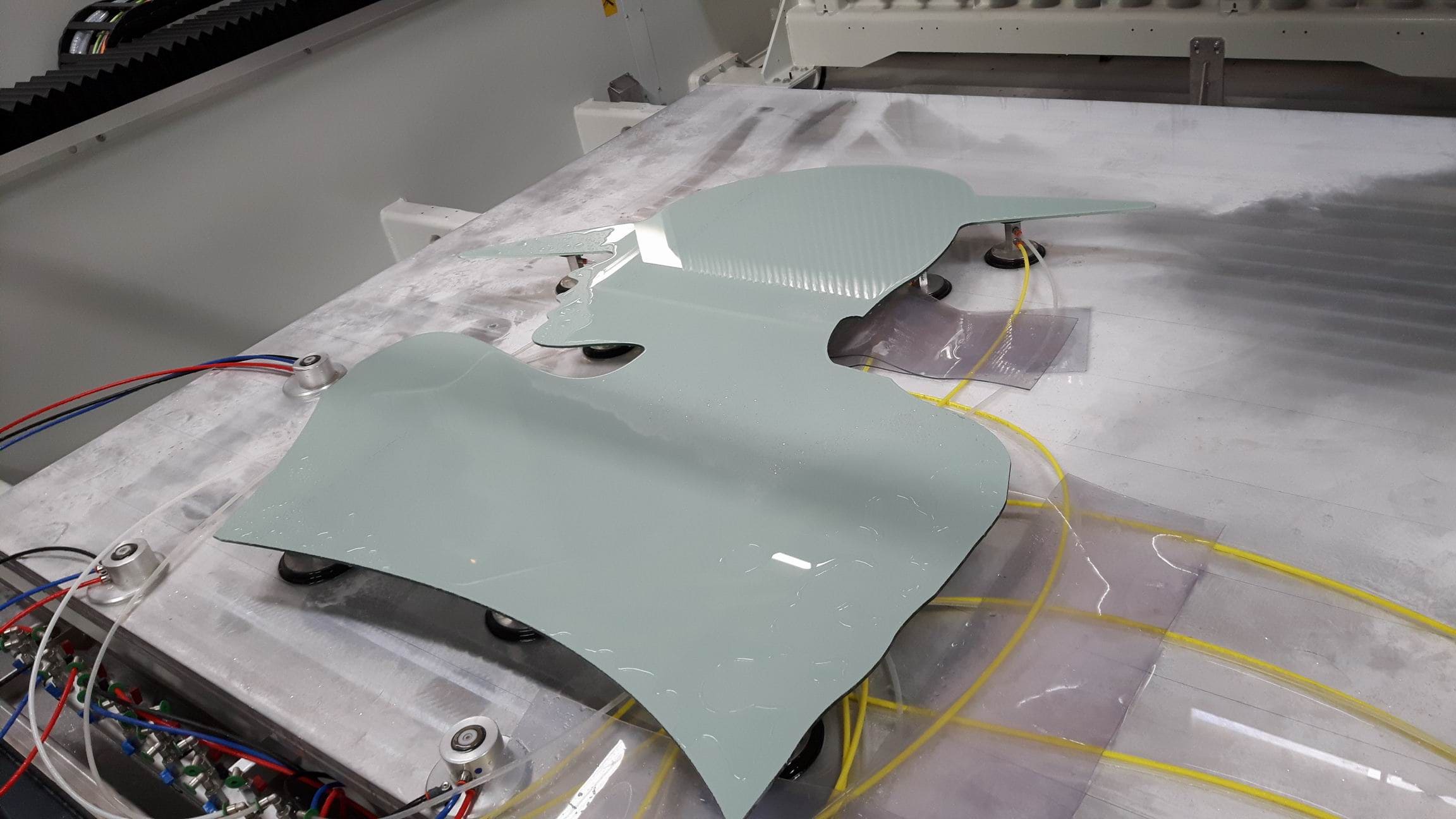
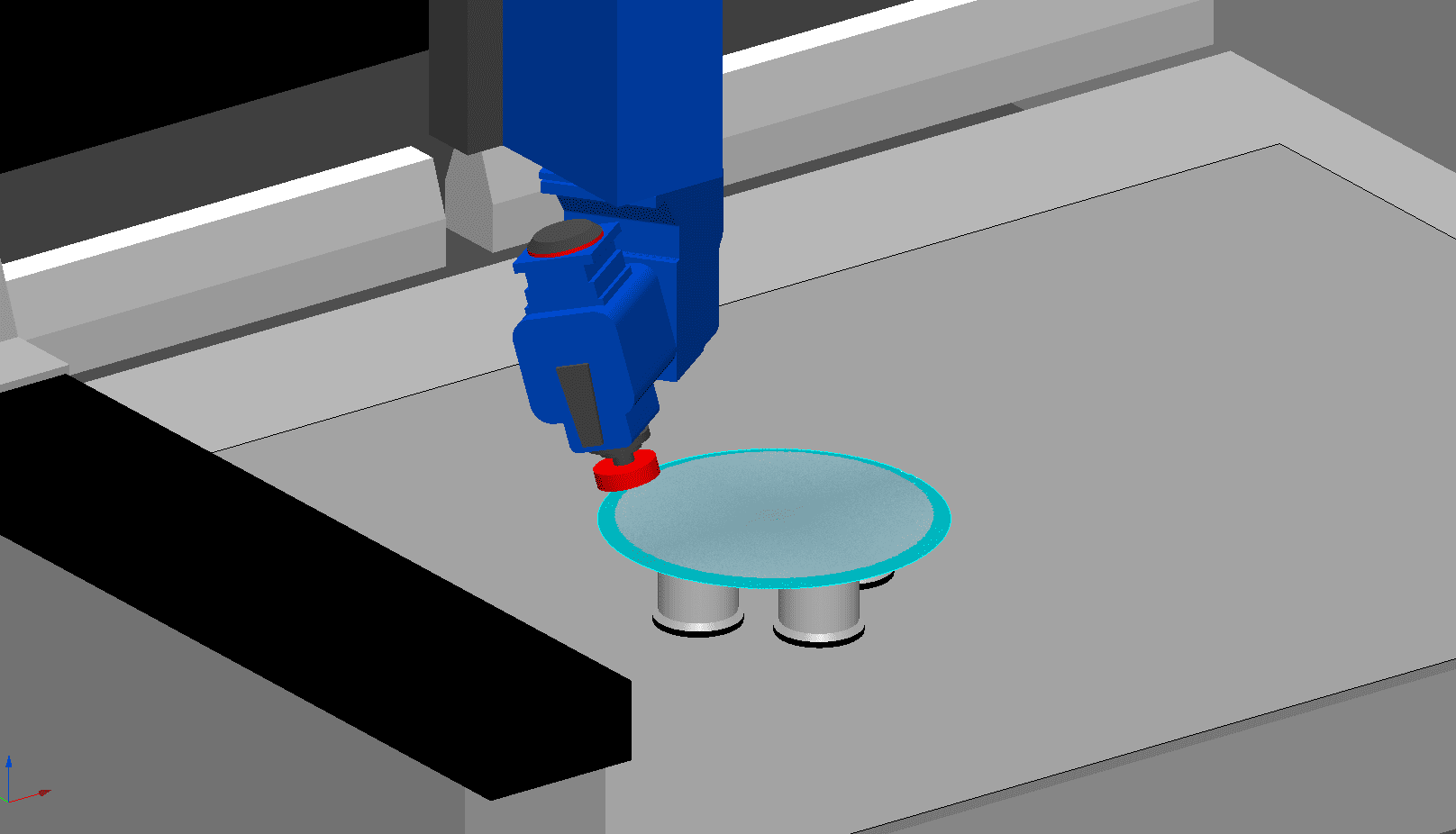
Suction cups are automatically positioned within the glass CNC machines
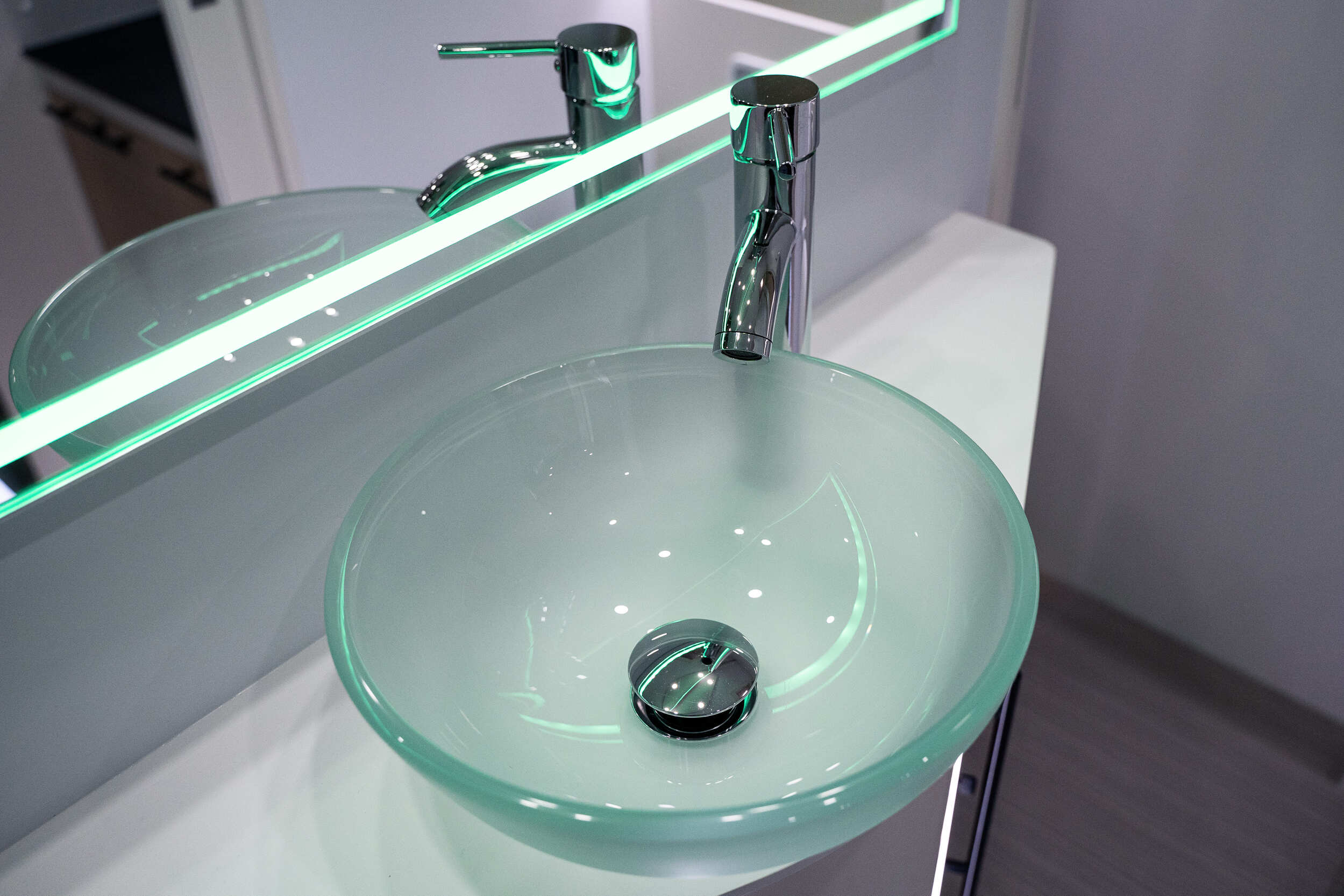
Multi-machine Management

EasyGLASS handles the production of a single CNC machine or an entire production line.

Would you like to find out how EasyGLASS can optimize your glass production?

What you can do with EasyGLASS

Screenshot from EasyGLASS
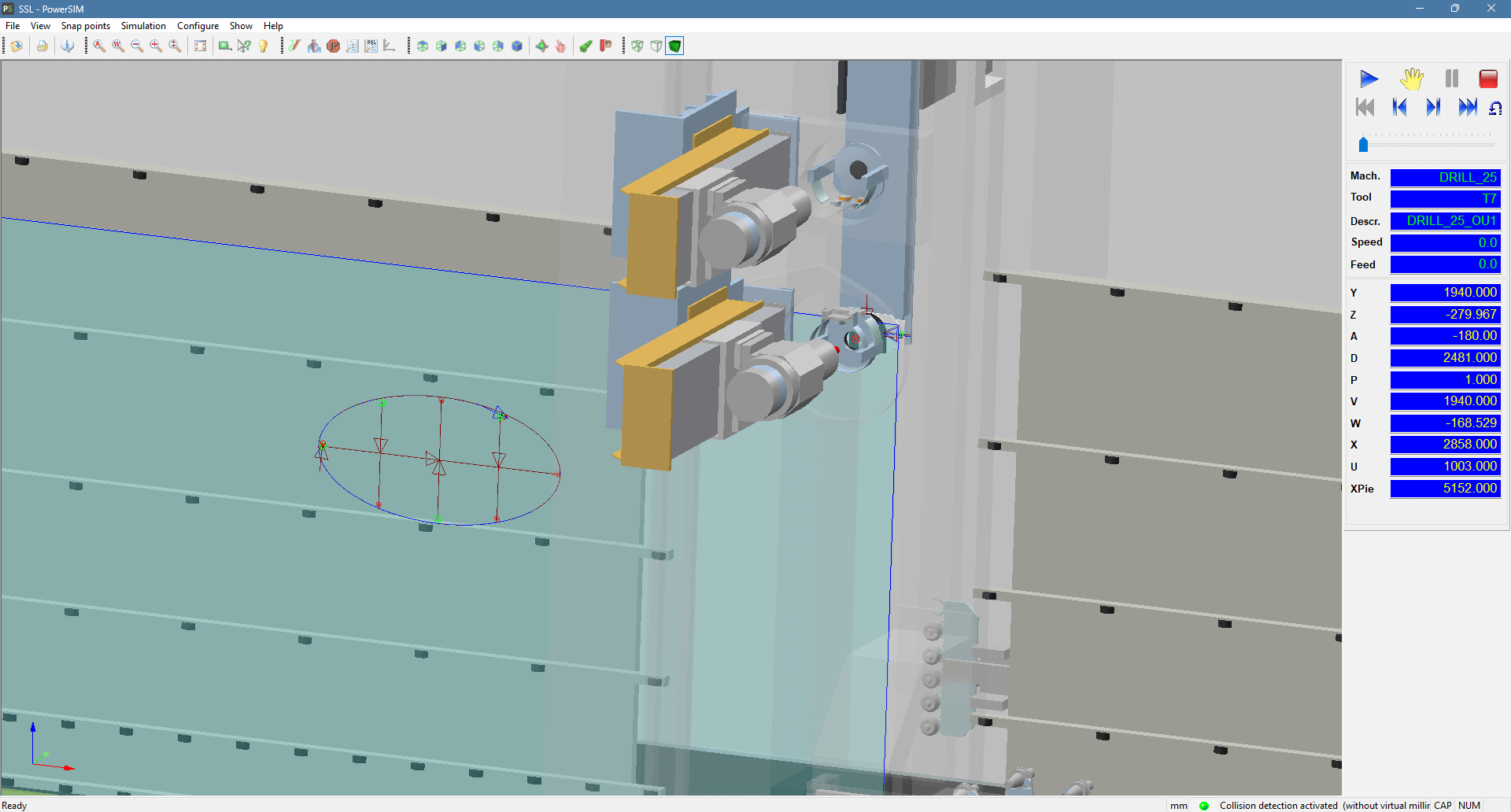
ddx-easyglass-design-and-processing-of-glass-parts
ddx-easyglass-glass-picture-project
ddx-easyglass-simulazione-lavorazione-in-macchina

Plugin

icon-powersim

PowerSIM

Simulate operations and visualize your CNC machine. With the "Collision Control" module, avoid potential collisions between tools or parts of your machine.

icon-easywood icon-easywall icon-easybeam icon-xcam icon-easyglass icon-powerstairs icon-easystone icon-powerwin icon-easystone-nc icon-easyjet
icon-xfactory-plugin

XFactory

Monitor, track, document, and control the production process of your products with XFactory. Increase your plant's profitability with a dynamic and comprehensive MES.

icon-easywood icon-xcam icon-xdesignpro icon-easystone icon-easybeam icon-easywall icon-easyglass icon-powerstairs icon-easyjet icon-easystone-nc
icon-automatica-disposition

Automatic Disposition

Automate tool setup calculation and improve the workpiece holding on the machine by optimizing the size and positioning of the suction cups, while avoiding through operations.

icon-easywood icon-easywall icon-easystone icon-easybeam icon-xdesignpro icon-xcam icon-easyglass icon-easystone-nc
icon-automatic-execution

Automatic execution

Create a custom processing workflow for your designs: from applying operations to generating machine code.

icon-easywood icon-easystone icon-xdesignpro icon-xcam icon-easyglass icon-easyjet icon-easystone-nc
icon-xlabel

XLabel

Customize and create your labels with XFactory Node. Print them directly from a tablet or from your CNC machine PC to ensure precise tracking of all your parts.

icon-easywood icon-easywall icon-easystone icon-easybeam icon-xdesignpro icon-xcam icon-easyglass icon-powerstairs icon-easyjet icon-easystone-nc

Supported CNC Machines

Related Stone CAD/CAM Software

Loading...
Loading...
Loading...
Loading...
Loading...
Loading...

WHAT DO YOU NEED TO KNOW ABOUT GLASS?

Glass is classified according to how it is produced and processed. The most common types include:

  • Float glass: the most widespread type of flat glass, obtained by floating the molten glass on a bath of tin.
  • Tempered glass: five times stronger than ordinary glass and therefore far safer.
  • Laminated glass: made of two or more sheets bonded together by a plastic interlayer, providing a high level of security against break-ins.
  • Insulating glass: a structure of one or more panes separated by a cavity filled with air or gas (such as argon). Ideal for thermal and acoustic insulation.
  • Frosted glass: with its matte surface, it lets light through but blocks direct view.
Glass is an extremely versatile material, which is why it is used across many sectors. Here is what can be made with it:

  • doors and windows, to bring natural light into buildings
  • bottles and jars in food packaging, because it does not alter flavors
  • windshields and windows in the automotive sector
  • lenses for eyeglasses, microscopes and telescopes
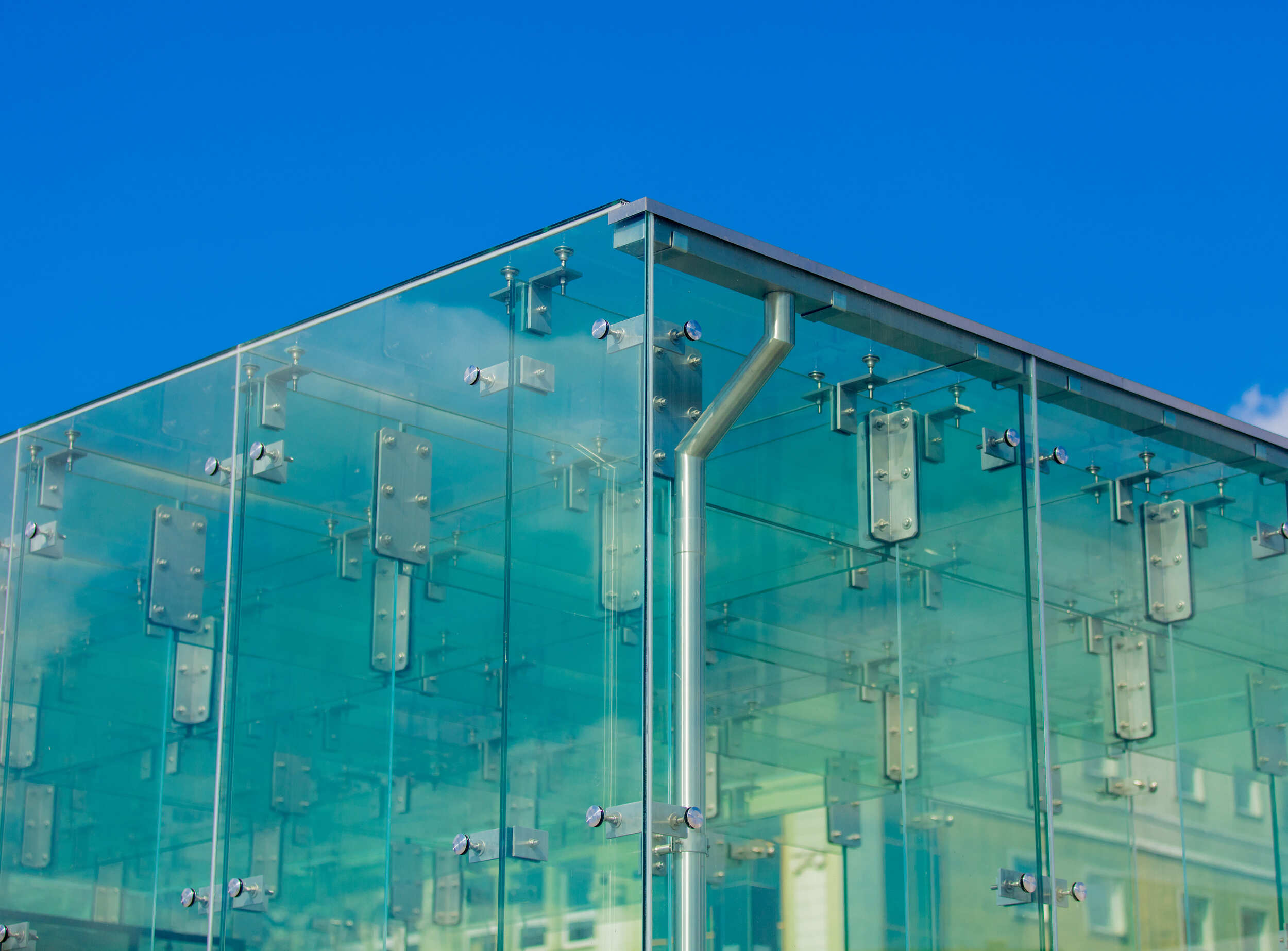
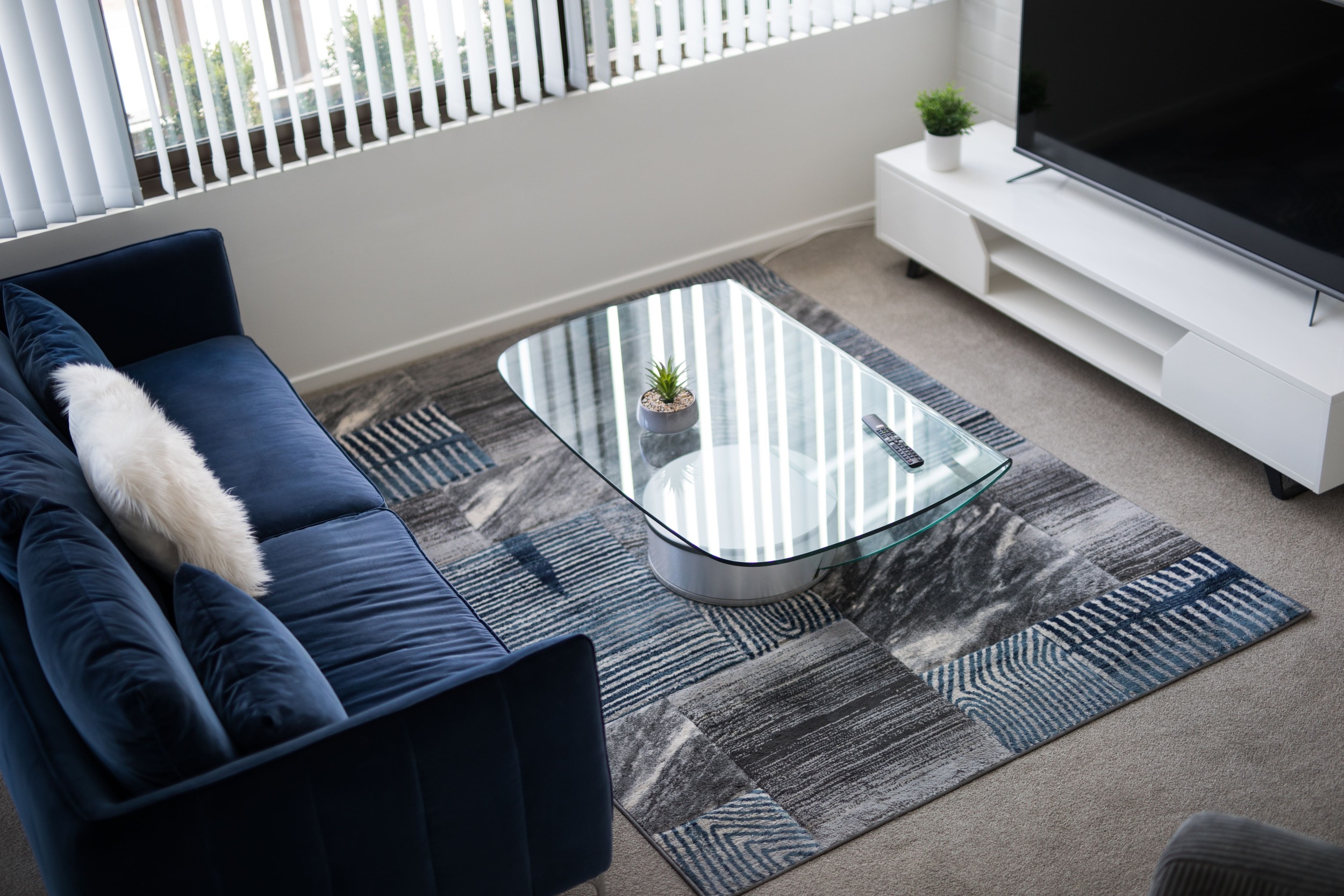
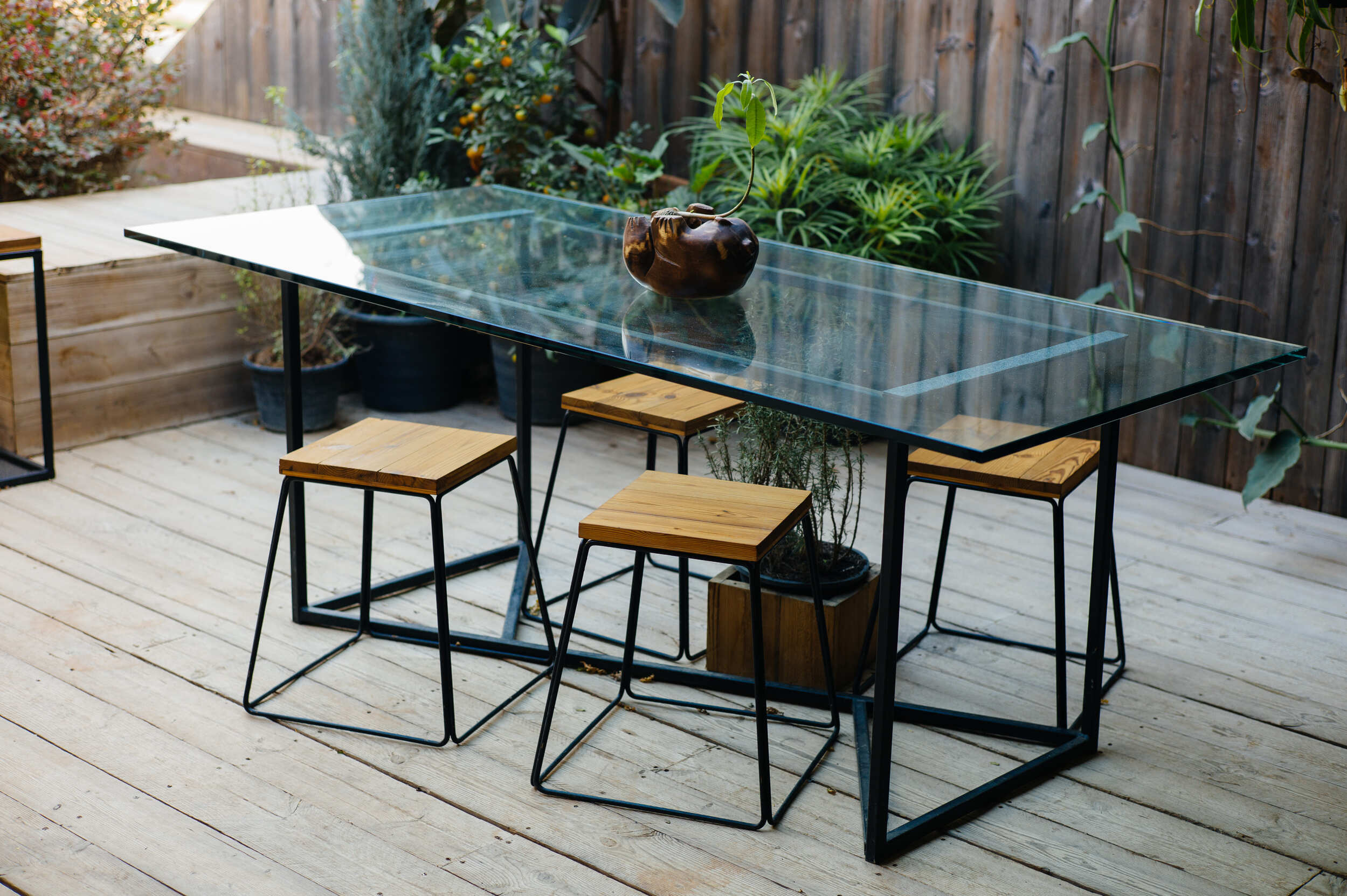
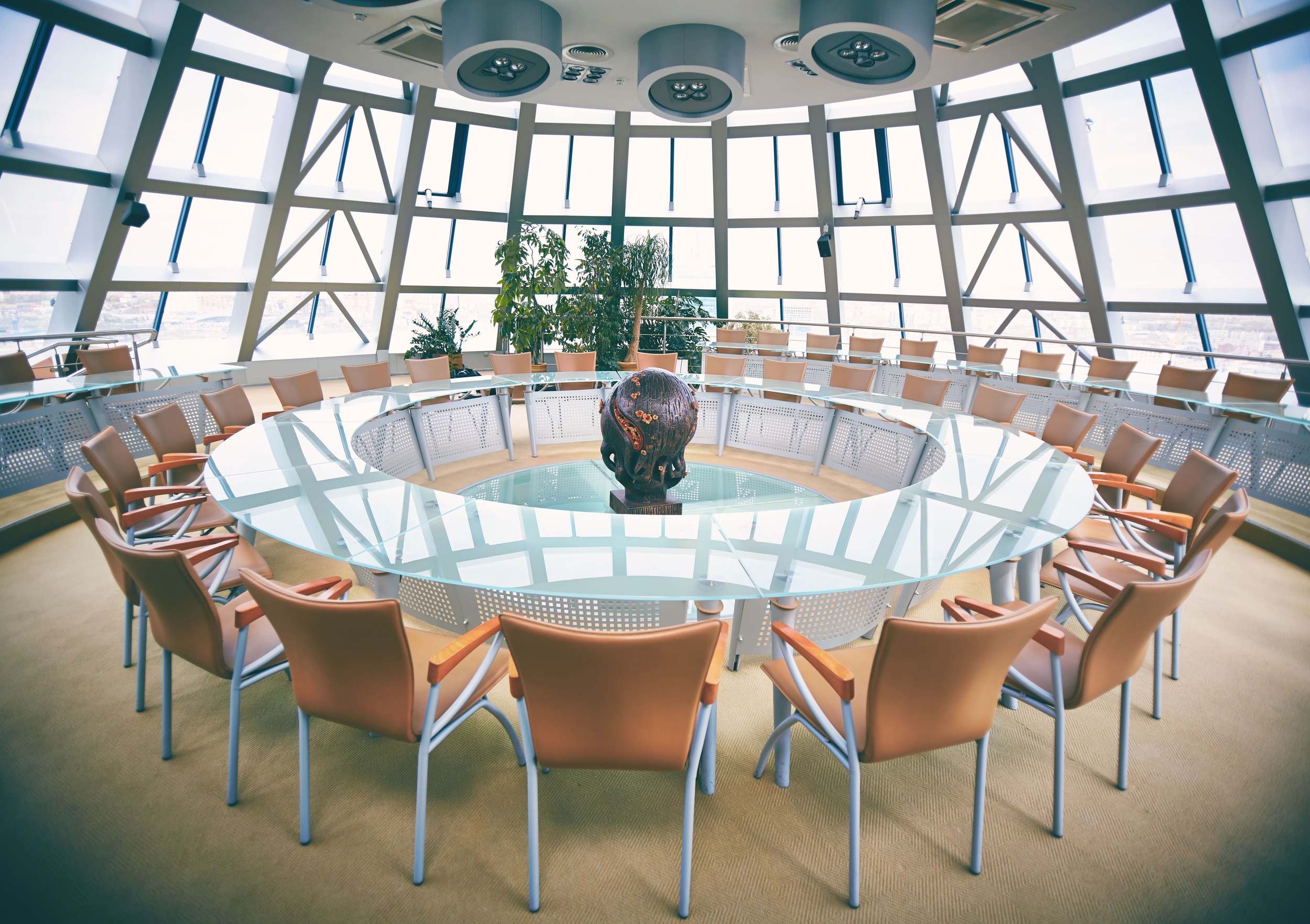
  • mirrors, shower enclosures, tables and worktops for interior design
CNC glass machining means using horizontal and vertical machining centers for cutting, engraving, drilling and shaping glass sheets. It is an automated process that makes even the most complex projects possible, with a high degree of precision and faster than traditional manual work.

CNC vs. Traditional Glass Cutting

We wrote an article comparing CNC glass cutting to the manual process.

Peripherals Minumum Requirements Recommended Requirements
Mouse Required Required
Monitor 17" with 1280x1024resolution 17" with 1920x1080 Full HD resolution
Processor INTEL® Core™ I3 (or equivalent) 32 bit or 64 bit INTEL® Core™ I7
Operating System Microsoft® Windows® 10 (limited support for Windows 7 SP1 and Windows 8) Microsoft® Windows® 11 (64 bit)
RAM 2 GB 8 GB or superior
Graphics Card OpenGl® compatible ( Intel®, NVIDIA® GeForce®, AMD Radeon™) NVIDIA® GeForce® serie GTX or AMD Radeon™ serie RX
Hard Disk Space 40 GB available - 7200 RPM 40 GB available on SSD
Internet Connection Required for Cloud-based license management Required for Cloud-based license management
Peripherals Minumum Requirements Recommended Requirements
Mouse Required Required
Monitor 17" with 1280x1024resolution 17" with 1920x1080 Full HD resolution
Processor INTEL® Core™ I3 (or equivalent) 32 bit or 64 bit INTEL® Core™ I7
Operating System Microsoft® Windows® 10 (limited support for Windows 7 SP1 and Windows 8) Microsoft® Windows® 11 (64 bit)
RAM 2 GB 8 GB or superior
Graphics Card OpenGl® compatible ( Intel®, NVIDIA® GeForce®, AMD Radeon™) NVIDIA® GeForce® serie GTX or AMD Radeon™ serie RX
Hard Disk Space 40 GB available - 7200 RPM 40 GB available on SSD
Internet Connection Required for Cloud-based license management Required for Cloud-based license management

Do you need more information?

Would you like to receive further details about our software solutions?

Do you need more information?

E-mail

Support request

Technical support ticket
Contact Form

Go to Top