

XCAM2026-09-24T12:30:58+02:00

The CAD/CAM Software for Composite Materials

XCAM is DDX’s CAD/CAM software for composite materials, developed for shops that machine composites, plastics, light alloys, and aluminum. It’s a precise, intuitive solution designed to turn even your most complex projects into a smooth workflow: less wasted time, more real-world results.

The CAD/CAM Software for Composite Materials

From 3D Modeling to Cost Estimation, All in One CAD/CAM Software

Composite Materials

3-, 4-, and 5-axis Machining

3D Modeling

Working Table Disposition

Toolpath optimization

Time and cost estimation

Design And Process Plastic, Aluminum, Light Alloys And Composite Materials

Whether you're building prototypes or running large-scale production, XCAM gives you the right tools for every stage of your work. Improve the efficiency and quality of your projects and bring them to life with innovative, intuitive software built to keep pace with your needs.

Made With XCAM

XCAM: One Software Solution for Composites, Plastics, and Aluminum
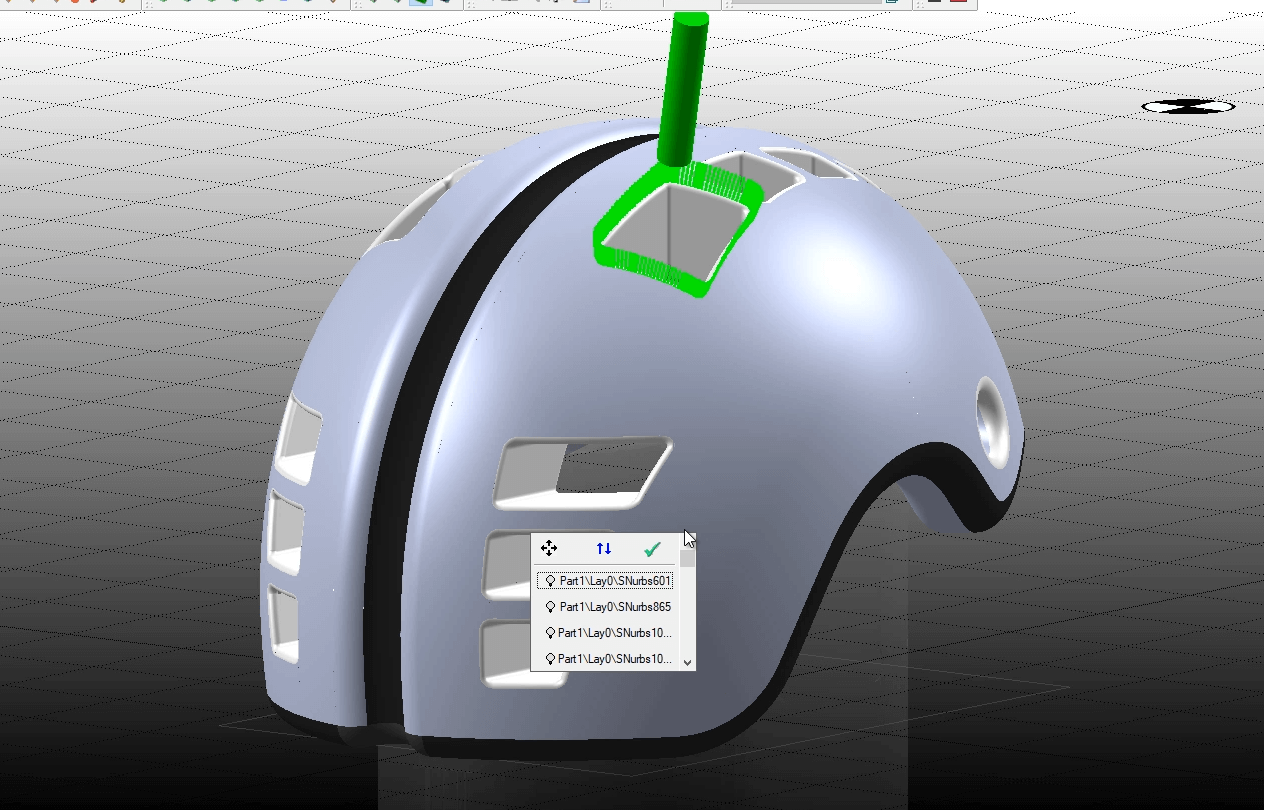
ddx-xcam-helmet-project

Advanced Modification

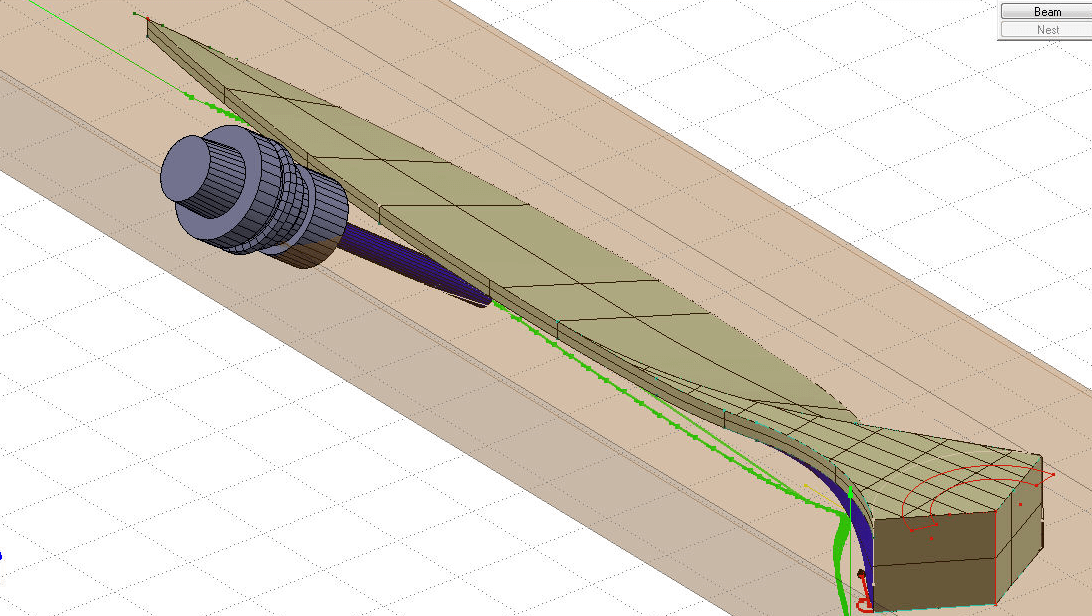
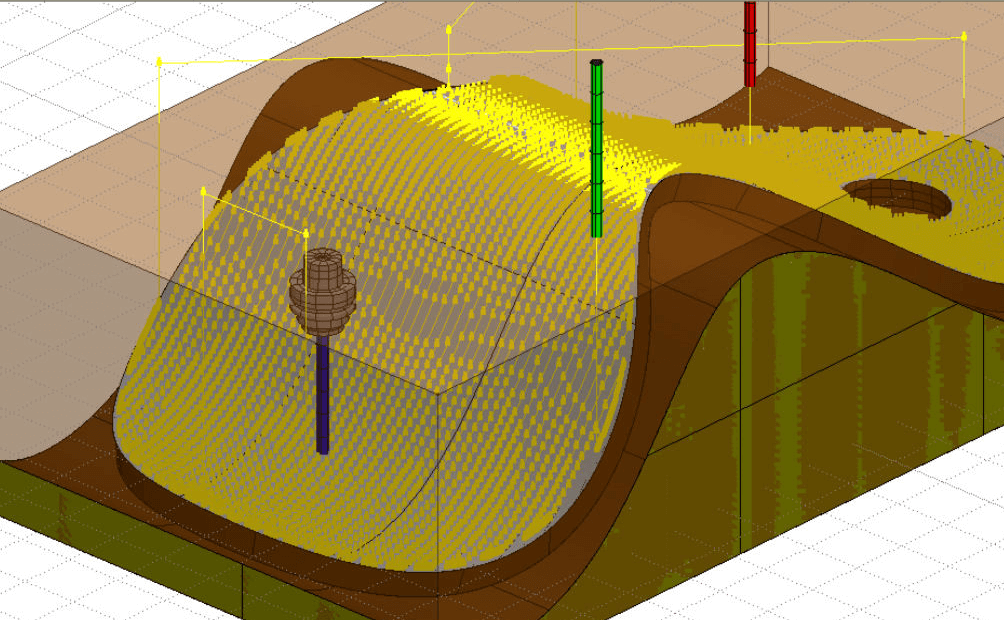
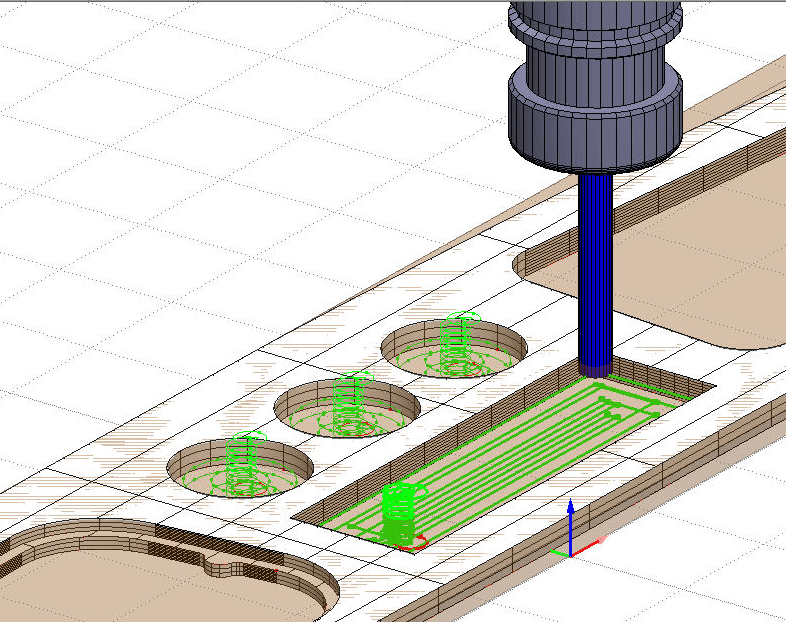
XCAM offers advanced 3-, 4-, and 5-axis toolpath modification both on-machine and in the office.
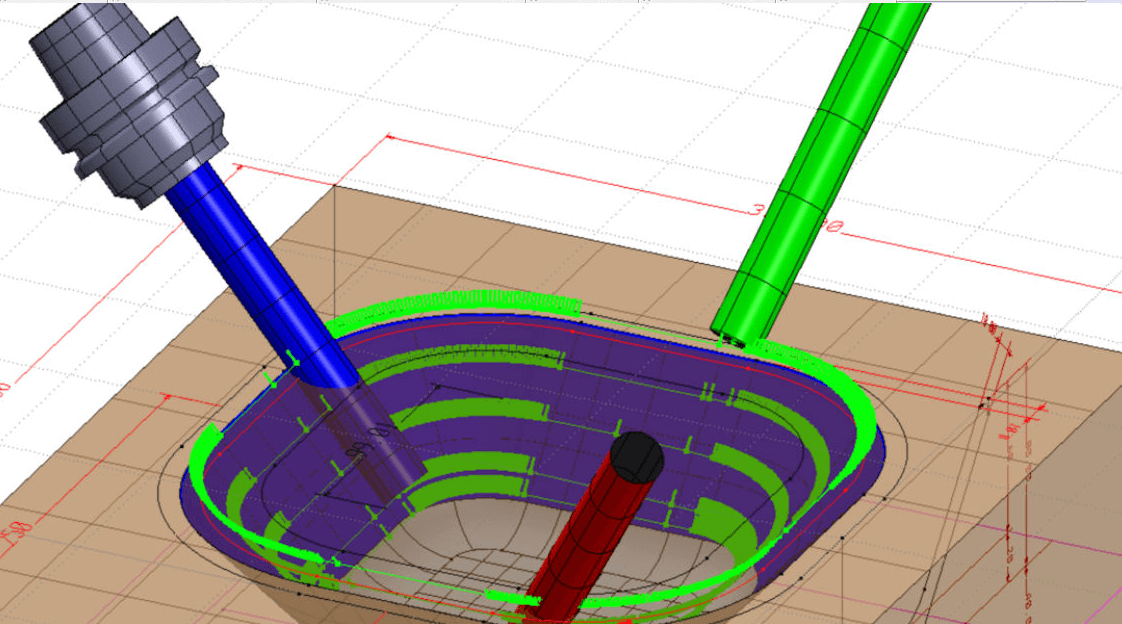
ddx-xcam-management-template

Template Management

You can import the template as a special sub-piece and an anti-collision element.
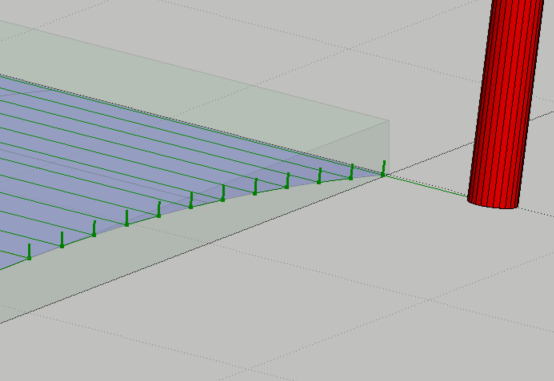
ddx-xcam-import-points-into-machine

Machine Point Import

You can import the points taken from the template and use them in advanced mode to align the 3D model. The result is a more precise finished product.
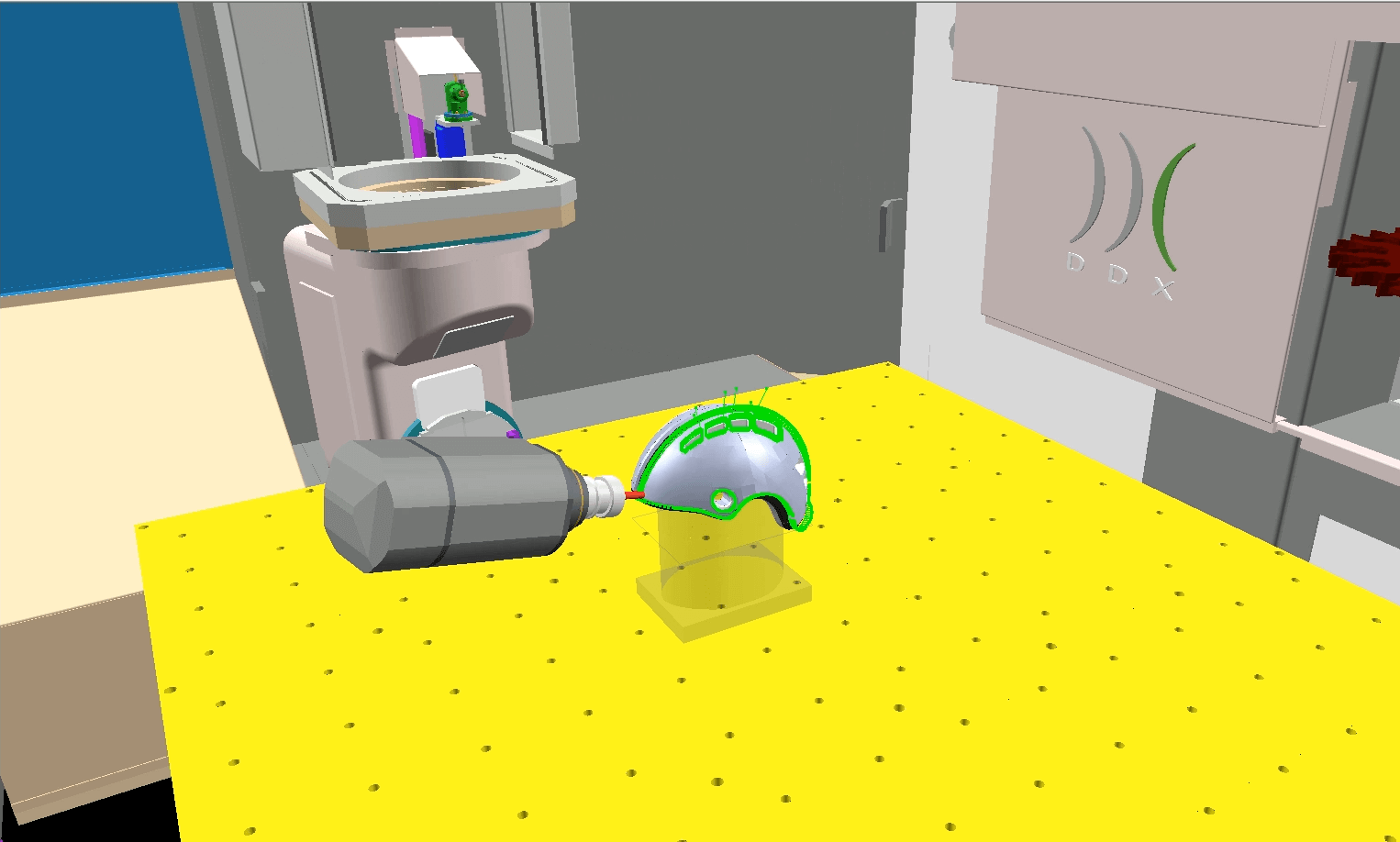
ddx-xcam-automatic-arrangement

Automatic Disposition

With our composite materials’ software you can execute automatic disposition on the working table. This ensures seamless detection of interference between sub-parts and machining paths.
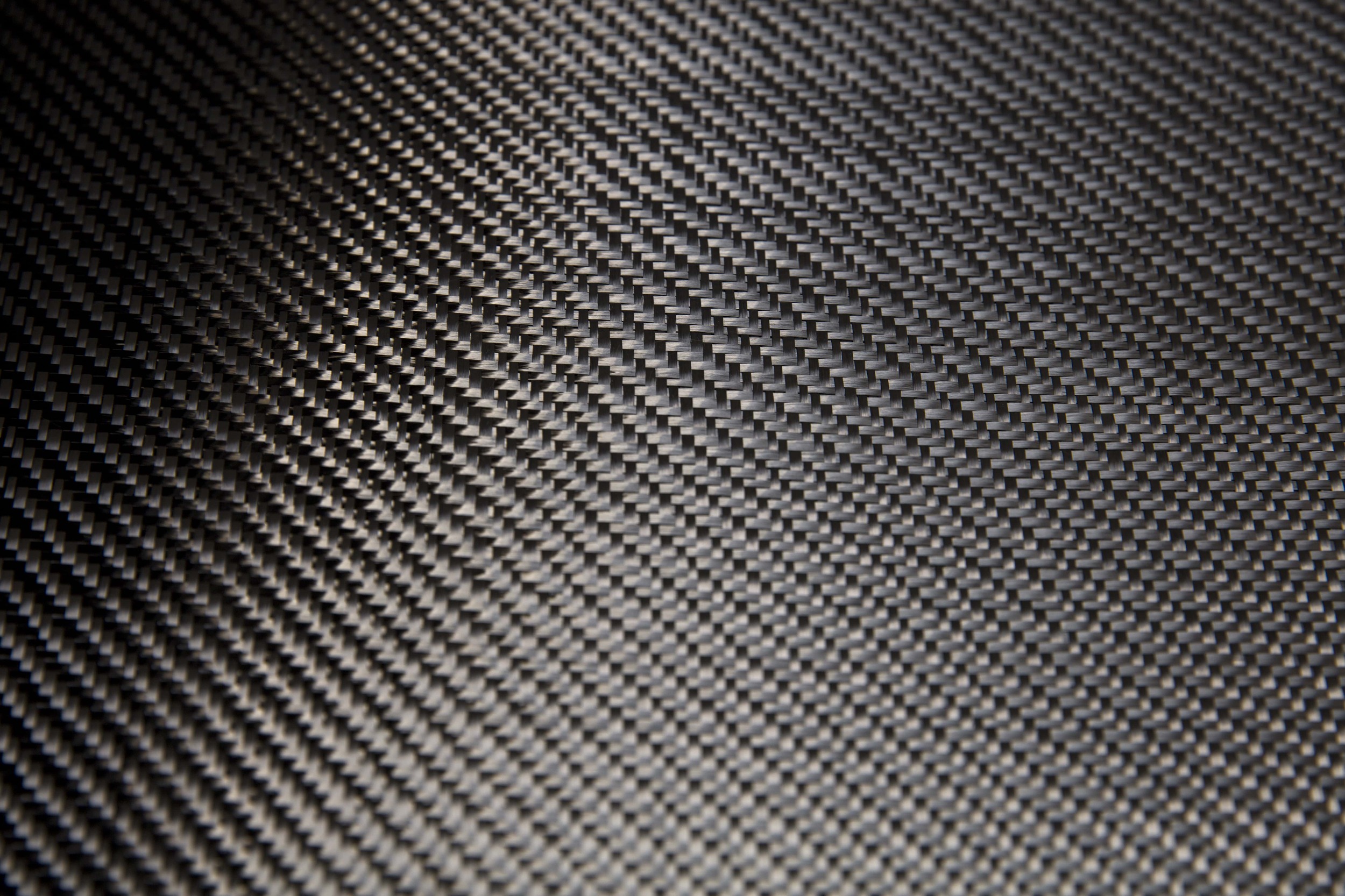
ddx-xcam-metal-aluminum

Metal and Aluminum

With XCAM you minimize material waste. Optimize the production of your pieces in metal and aluminum bars. Unlock the potential of the DDX software by features’ recognition.
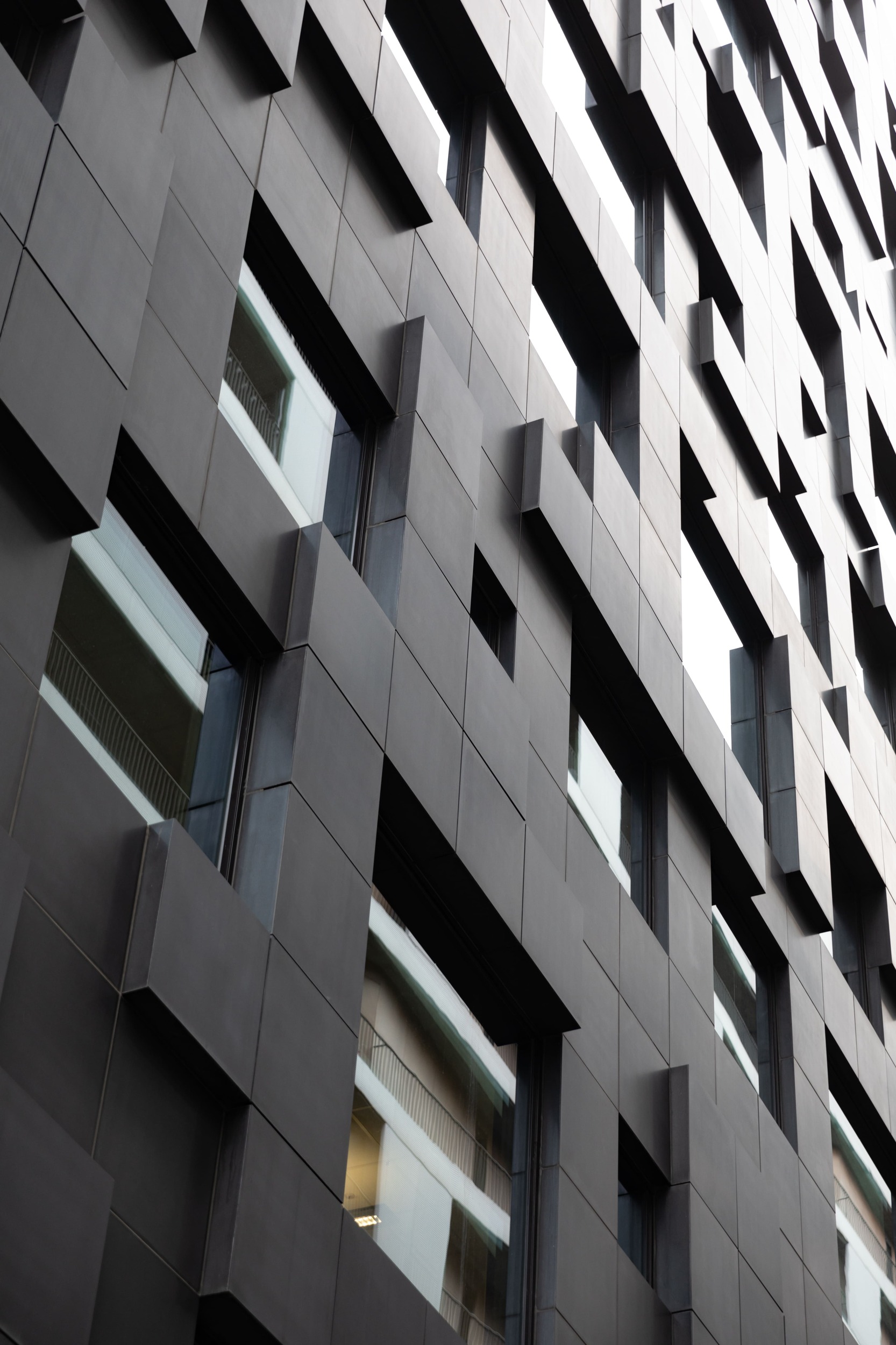
ddx-xcam-facade-cladding

Façade Cladding

Our solution is suitable for the production of outdoor façade cladding elements in the architectural field.

Want to see how our CAD/CAM software for composite materials can support your production?

Screenshot from XCAM

ddx-xcam-elica
ddx-xcam-machining-simulation
ddx-xcam-lavorazioni

Add DDX Plugins to XCAM

icon-nesting

Nesting

Reduce production time and cut costs with Nesting. Optimize the layout of parts on the workspace sheet and save material.

icon-easywood icon-easywall icon-easystone icon-easybeam icon-xdesignpro icon-xcam icon-easyglass icon-powerstairs icon-easystone-nc
icon-powersim

PowerSIM

Simulate operations and visualize your CNC machine. With the "Collision Control" module, avoid potential collisions between tools or parts of your machine.

icon-easywood icon-easywall icon-easybeam icon-xcam icon-easyglass icon-powerstairs icon-easystone icon-powerwin icon-easystone-nc icon-easyjet
icon-xfactory-plugin

XFactory

Monitor, track, document, and control the production process of your products with XFactory. Increase your plant's profitability with a dynamic and comprehensive MES.

icon-easywood icon-xcam icon-xdesignpro icon-easystone icon-easybeam icon-easywall icon-easyglass icon-powerstairs icon-easyjet icon-easystone-nc
icon-automatic-cam

Automatic CAM

Automatically apply operations to your project based on specific rules and automate the data processing (DXF files).

icon-easywood icon-xcam icon-xdesignpro icon-easystone icon-easybeam icon-easywall icon-powerwin icon-powerstairs icon-easyjet icon-easystone-nc
icon-automatica-disposition

Automatic Disposition

Automate tool setup calculation and improve the workpiece holding on the machine by optimizing the size and positioning of the suction cups, while avoiding through operations.

icon-easywood icon-easywall icon-easystone icon-easybeam icon-xdesignpro icon-xcam icon-easyglass icon-easystone-nc
icon-automatic-execution

Automatic execution

Create a custom processing workflow for your designs: from applying operations to generating machine code.

icon-easywood icon-easystone icon-xdesignpro icon-xcam icon-easyglass icon-easyjet icon-easystone-nc

Machining Centers Compatible with XCAM

COMPOSITE MATERIALS FAQ

What you need to know about composite materials

Composite materials are materials made up of one or more distinct elements, identified respectively as the matrix and the reinforcement. The aim is to combine the characteristics of the individual elements to create a final product with better mechanical, physical, and thermal properties than the original materials.
Composite materials include carbon fiber, widely used in automotive and aerospace applications, reinforced concrete, fiberglass, aramid fibers, and glued laminated timber.
Composite materials can be used to make:

  • racing bodywork and chassis
  • motorcycle components and safety helmets
  • structural reinforcement for historic buildings
  • tables, chairs, lamps, and home accessories
Peripherals Minumum Requirements Recommended Requirements
Mouse Required Required
Monitor 17" with 1280x1024resolution 17" with 1920x1080 Full HD resolution
Processor INTEL® Core™ I3 (or equivalent) 32 bit or 64 bit INTEL® Core™ I7
Operating System Microsoft® Windows® 10 (limited support for Windows 7 SP1 and Windows 8) Microsoft® Windows® 11 (64 bit)
RAM 2 GB 8 GB or superior
Graphics Card OpenGl® compatible ( Intel®, NVIDIA® GeForce®, AMD Radeon™) NVIDIA® GeForce® serie GTX or AMD Radeon™ serie RX
Hard Disk Space 40 GB available - 7200 RPM 40 GB available on SSD
Internet Connection Required for Cloud-based license management Required for Cloud-based license management
Peripherals Minumum Requirements Recommended Requirements
Mouse Required Required
Monitor 17" with 1280x1024resolution 17" with 1920x1080 Full HD resolution
Processor INTEL® Core™ I3 (or equivalent) 32 bit or 64 bit INTEL® Core™ I7
Operating System Microsoft® Windows® 10 (limited support for Windows 7 SP1 and Windows 8) Microsoft® Windows® 11 (64 bit)
RAM 2 GB 8 GB or superior
Graphics Card OpenGl® compatible ( Intel®, NVIDIA® GeForce®, AMD Radeon™) NVIDIA® GeForce® serie GTX or AMD Radeon™ serie RX
Hard Disk Space 40 GB available - 7200 RPM 40 GB available on SSD
Internet Connection Required for Cloud-based license management Required for Cloud-based license management

Tell us about your production plant and find out how to optimize your your workflow with XCAM

Related Stone CAD/CAM Software

Loading...
Loading...
Loading...
Loading...
Loading...
Loading...

Do you need more information?

Would you like to receive further details about our software solutions?

Do you need more information?

E-mail

Support request

Technical support ticket
Contact Form

Go to Top