

EasyWOOD NC2026-09-25T11:26:49+02:00

The CAD/CAM for Shop Floor Wood Production

Are you looking for a solution that helps manage your workflow? EasyWOOD NC is our touch-based CAD/CAM software for woodworking CNC. Improve the efficiency of your facility and the precision of every operation.

The CAD/CAM for Shop Floor Wood Production

EasyWOODNC: Onboard Woodworking Software with Touch Interface

On-machine Installation

Order creation

Dedicated support

One-click macros

Advanced tool management

3D simulation and barcode
Optimize your woodworking production right at the machine.

With EasyWOOD NC, CNC machines become the beating heart of your production. Choose our CAD/CAM software for CNC to meet the demands of the woodworking market.

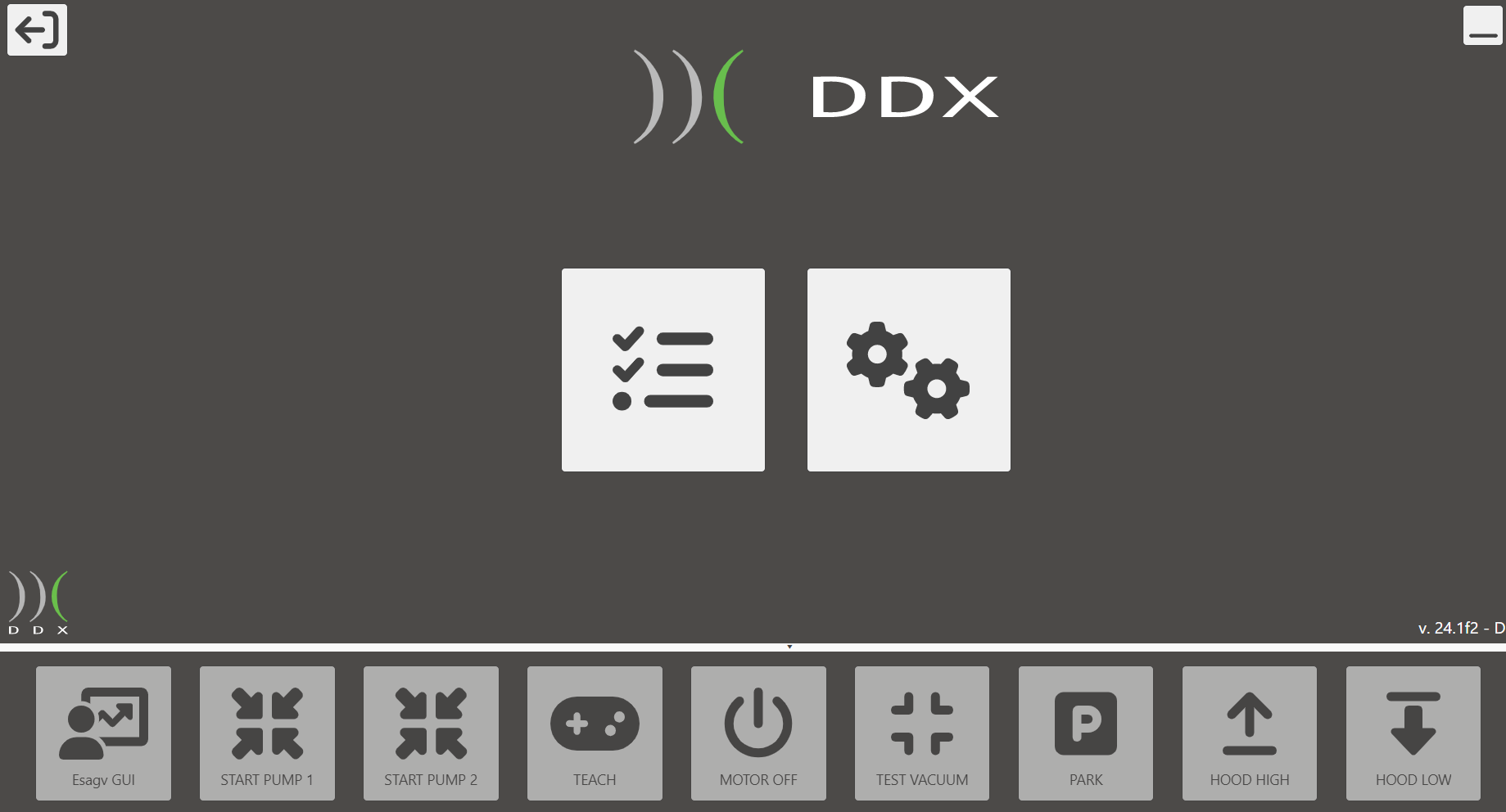
ddx-software-solutions-cad-cam-easywood-nc-home-screen

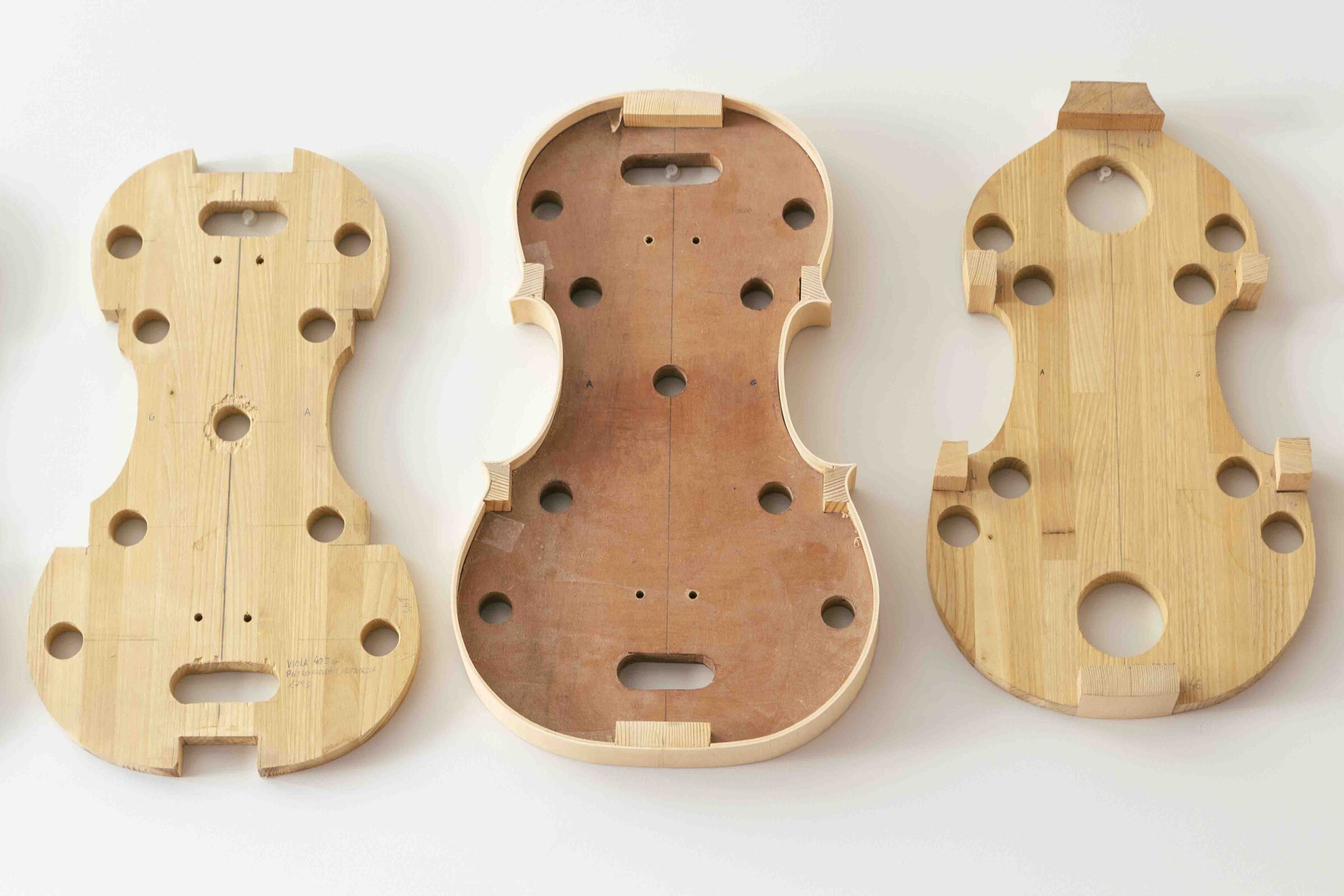
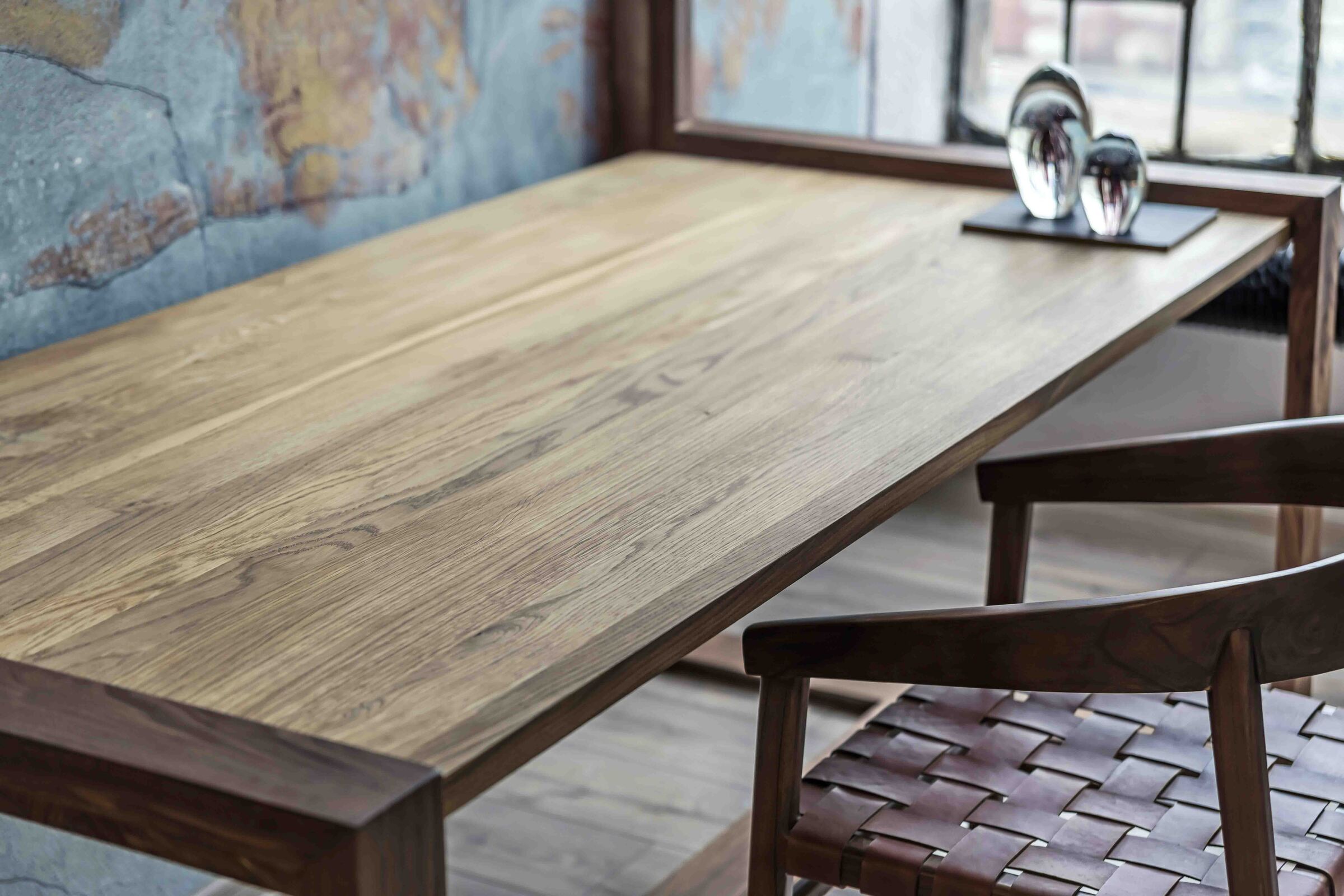
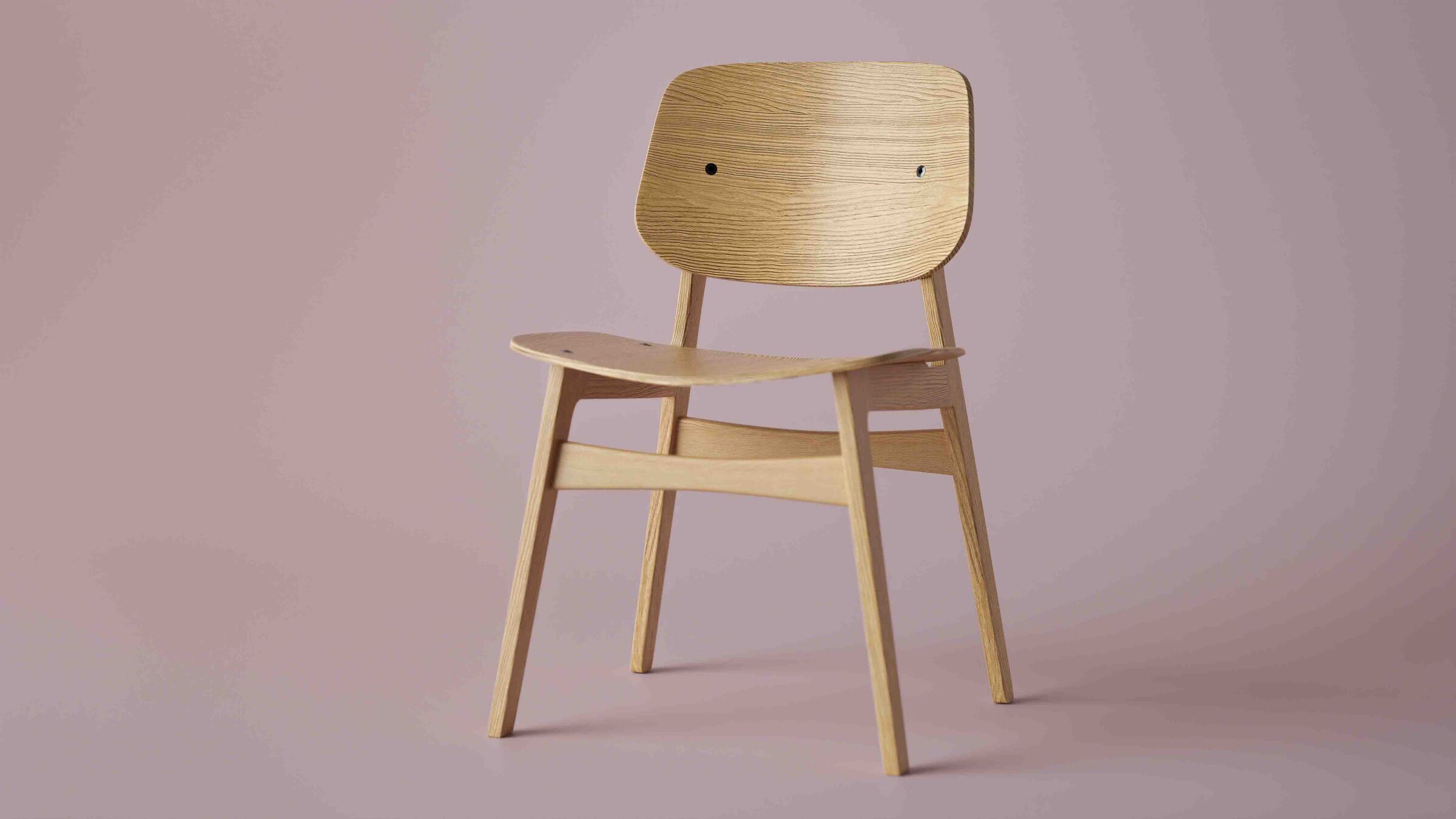
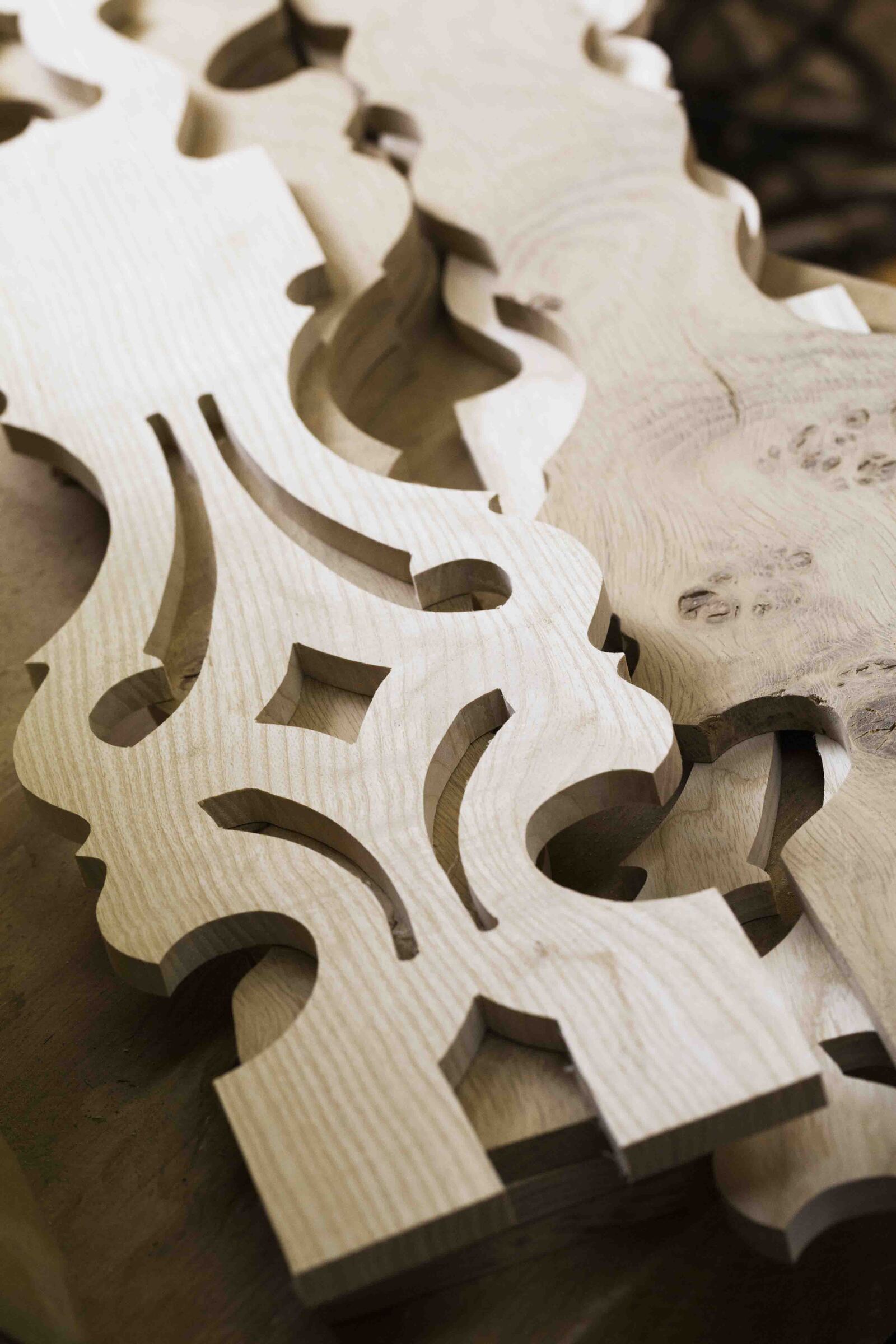
Products Made with EasyWOODNC

With EasyWOODNC, you control every stage of your woodworking production

Production Lists

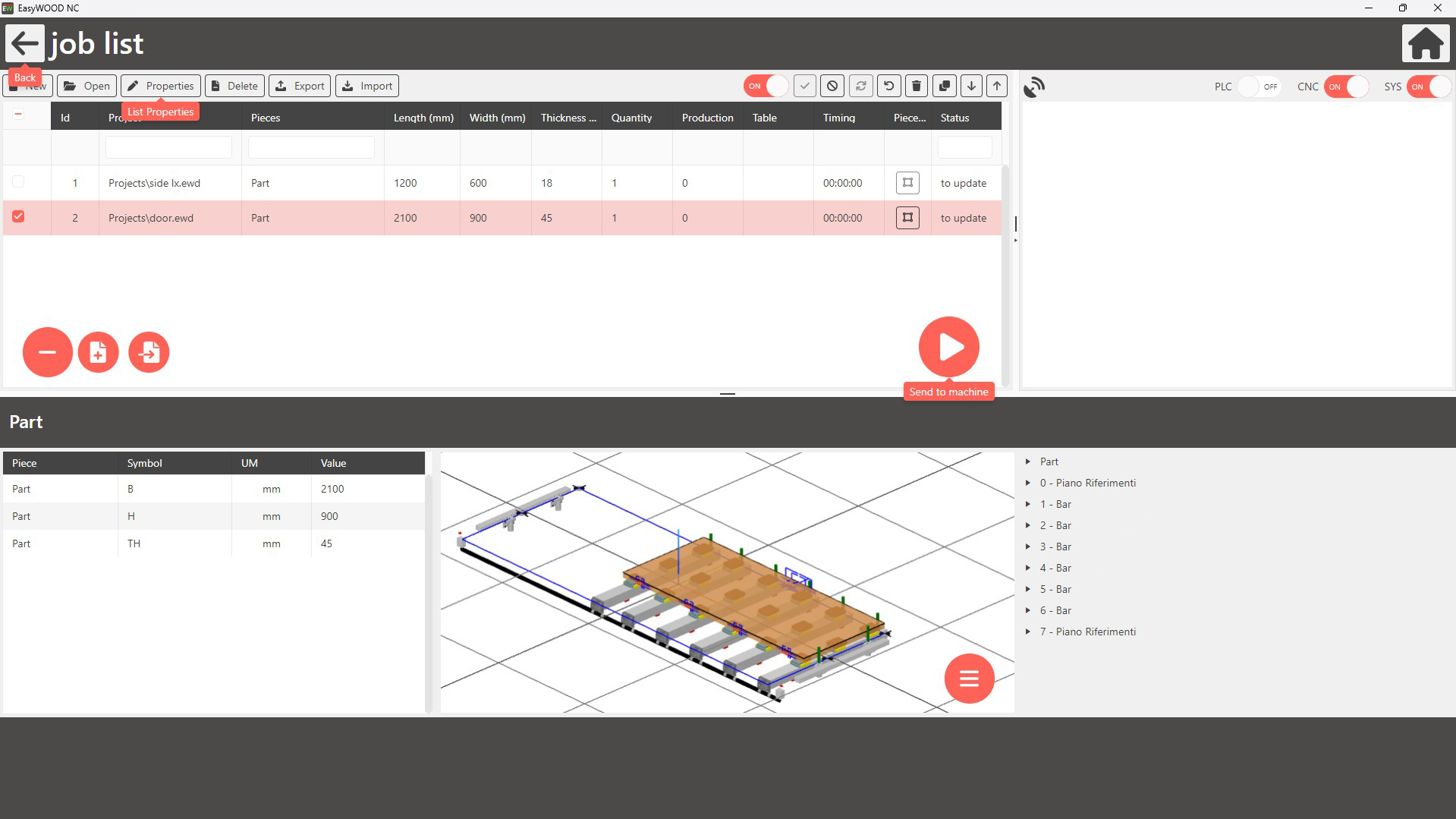
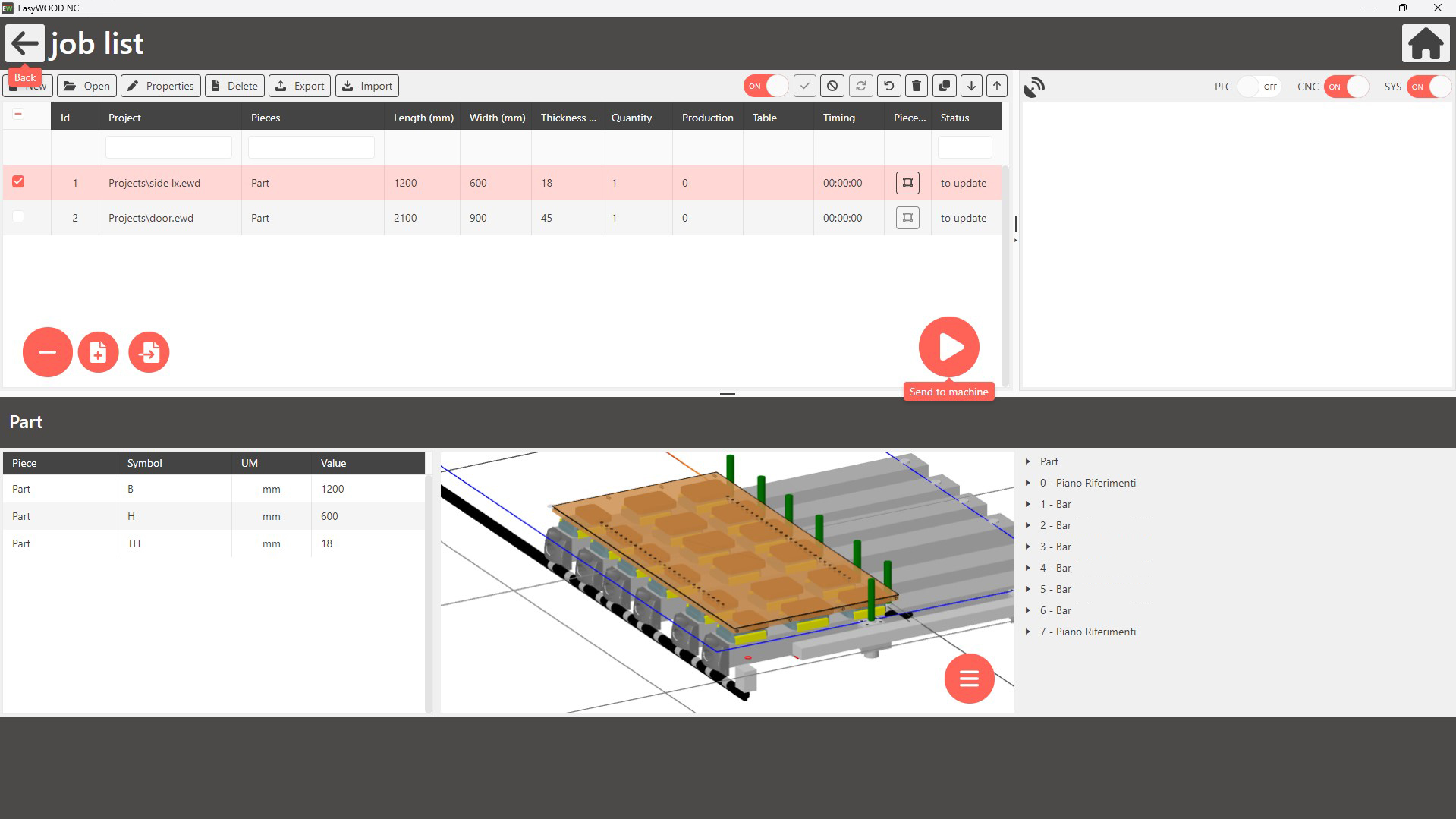
Create and manage production lists with parametric projects. Change dimensions and other variables with a simple click.

Technical Support

With EasyWOOD NC, you can access technical support. Quickly resolve any issues from the integrated operator interface.
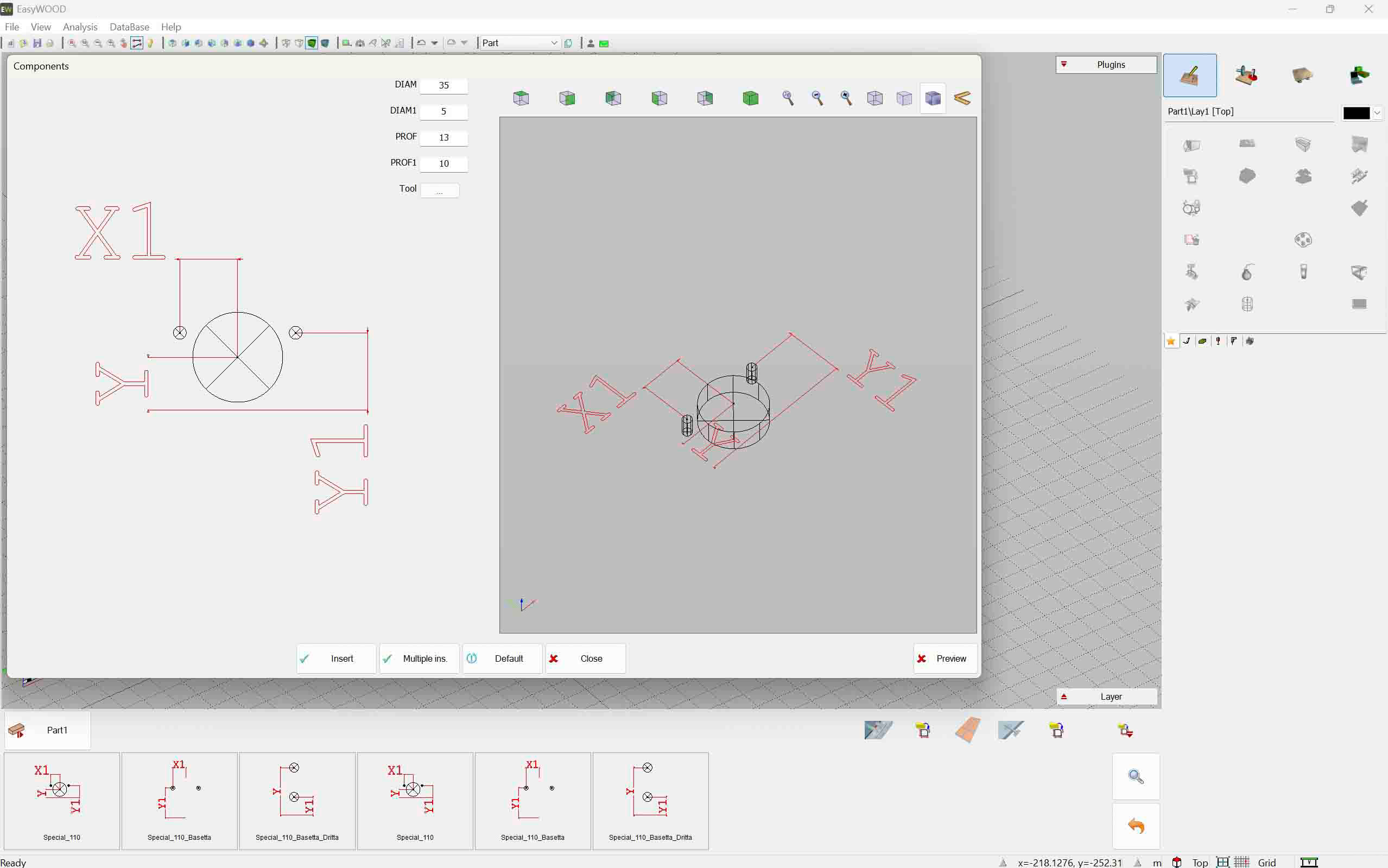
CNC Macros

Simplify your daily operations with CNC macros. Execute commands easily to optimize workflow.

Tool Management

Insert and organize all your tools for high precision. Your CNC will perform better with our on-machine software.
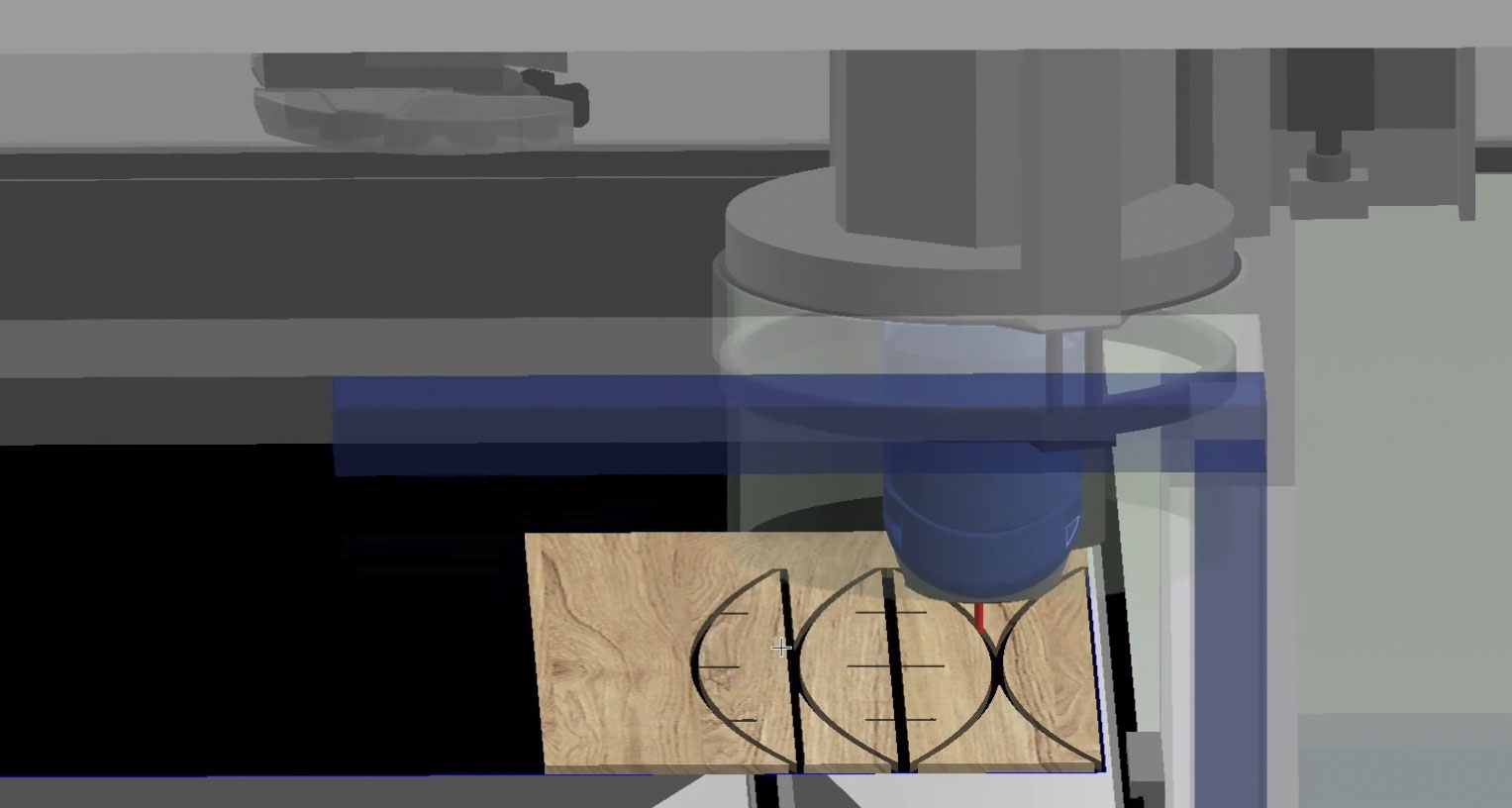
Machining Simulation

Before sending your project into production, visualize the simulation of CNC operations. Save time using barcode management for greater accuracy.
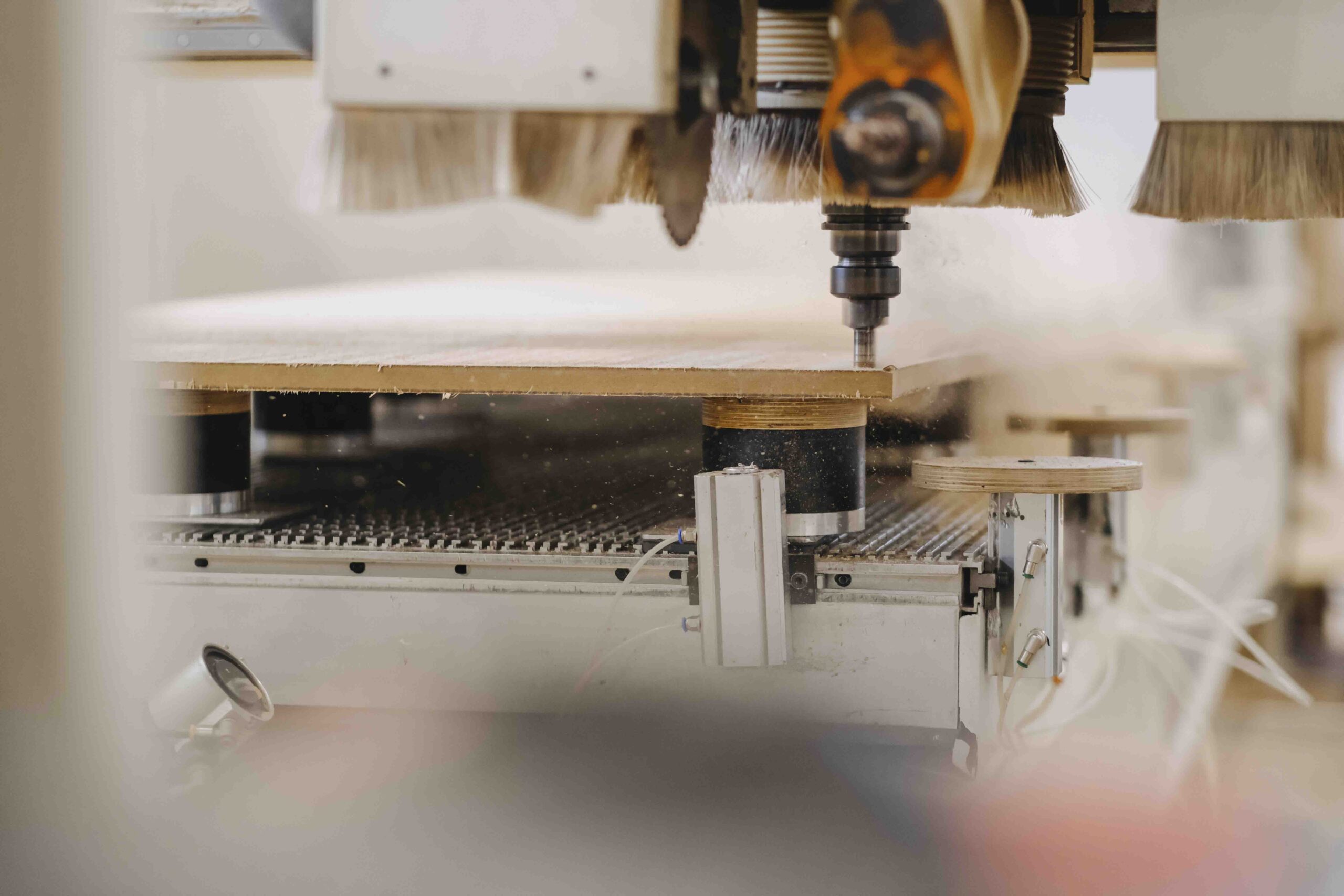
5-Axis Machines

With EasyWOOD NC, you can manage even interpolated 5-axis machines. This feature makes complex operations easy and fast to execute.

Want to know how our onboard CAD/CAM software can support your woodworking production?

Screenshots from EasyWOODNC

ddx-easywood-nc-door-positioning-in-cnc-machine
ddx-easywood-nc-advantages-icons
ddx-easywood-nc-positioning-side-panel-in-machine

Machining Centers Compatible with EasyWOODNC

Related Stone CAD/CAM Software

Loading...
Loading...
Loading...
Loading...
Loading...
Loading...

WOOD FAQs

What You Need to Know About CNC Woodworking Machines

Not all CNC machines use the same language. The most common is G-code, which controls axis movements, spindle speed, and cutting operations. It is complemented by M-code, which handles auxiliary functions such as tool changes, dust extraction, and program stops. In addition to the standard language, there may be proprietary variants that build on G-code and extend its core functionality for specific machining needs.
The main difference lies in the number of degrees of freedom and in how the tool or the workpiece can move. On a 3-axis machine, the tool moves only along the linear X, Y, and Z axes. A 4-axis CNC adds the A rotary axis, which rotates the workpiece around one of the linear axes. Finally, a 5-axis machine combines two rotary axes with the three linear ones, allowing the tool to approach the material from almost any angle.
EasyWOOD NC is our touch-based, on-machine CAD/CAM software for woodworking. With EasyWOOD NC, you get:
  • better workflow management, with shorter setup times and higher productivity;
  • real-time technical support right from your CNC machine's interface;
  • direct tool setup at the machine, to keep tools well organized and extend their service life;
  • custom CNC macros that automate repetitive operations, streamlining everyday processes and speeding up production;
  • parametric production lists that you can create and edit, complete with the required materials and hardware.
Peripherals Minumum Requirements Recommended Requirements
Mouse Required Required
Monitor 17" with 1280x1024resolution 17" with 1920x1080 Full HD resolution
Processor INTEL® Core™ I3 (or equivalent) 32 bit or 64 bit INTEL® Core™ I7
Operating System Microsoft® Windows® 10 (limited support for Windows 7 SP1 and Windows 8) Microsoft® Windows® 11 (64 bit)
RAM 2 GB 8 GB or superior
Graphics Card OpenGl® compatible ( Intel®, NVIDIA® GeForce®, AMD Radeon™) NVIDIA® GeForce® serie GTX or AMD Radeon™ serie RX
Hard Disk Space 40 GB available - 7200 RPM 40 GB available on SSD
Internet Connection Required for Cloud-based license management Required for Cloud-based license management
Peripherals Minumum Requirements Recommended Requirements
Mouse Required Required
Monitor 17" with 1280x1024resolution 17" with 1920x1080 Full HD resolution
Processor INTEL® Core™ I3 (or equivalent) 32 bit or 64 bit INTEL® Core™ I7
Operating System Microsoft® Windows® 10 (limited support for Windows 7 SP1 and Windows 8) Microsoft® Windows® 11 (64 bit)
RAM 2 GB 8 GB or superior
Graphics Card OpenGl® compatible ( Intel®, NVIDIA® GeForce®, AMD Radeon™) NVIDIA® GeForce® serie GTX or AMD Radeon™ serie RX
Hard Disk Space 40 GB available - 7200 RPM 40 GB available on SSD
Internet Connection Required for Cloud-based license management Required for Cloud-based license management

Tell us about your production setup and discover how to optimize your workflow with EasyWOOD NC.

Do you need more information?

Would you like to receive further details about our software solutions?

Do you need more information?

E-mail

Support request

Technical support ticket

Contact Form

Go to Top