

EasyWOOD2026-09-24T15:15:53+02:00

The CAD/CAM Software for Wood

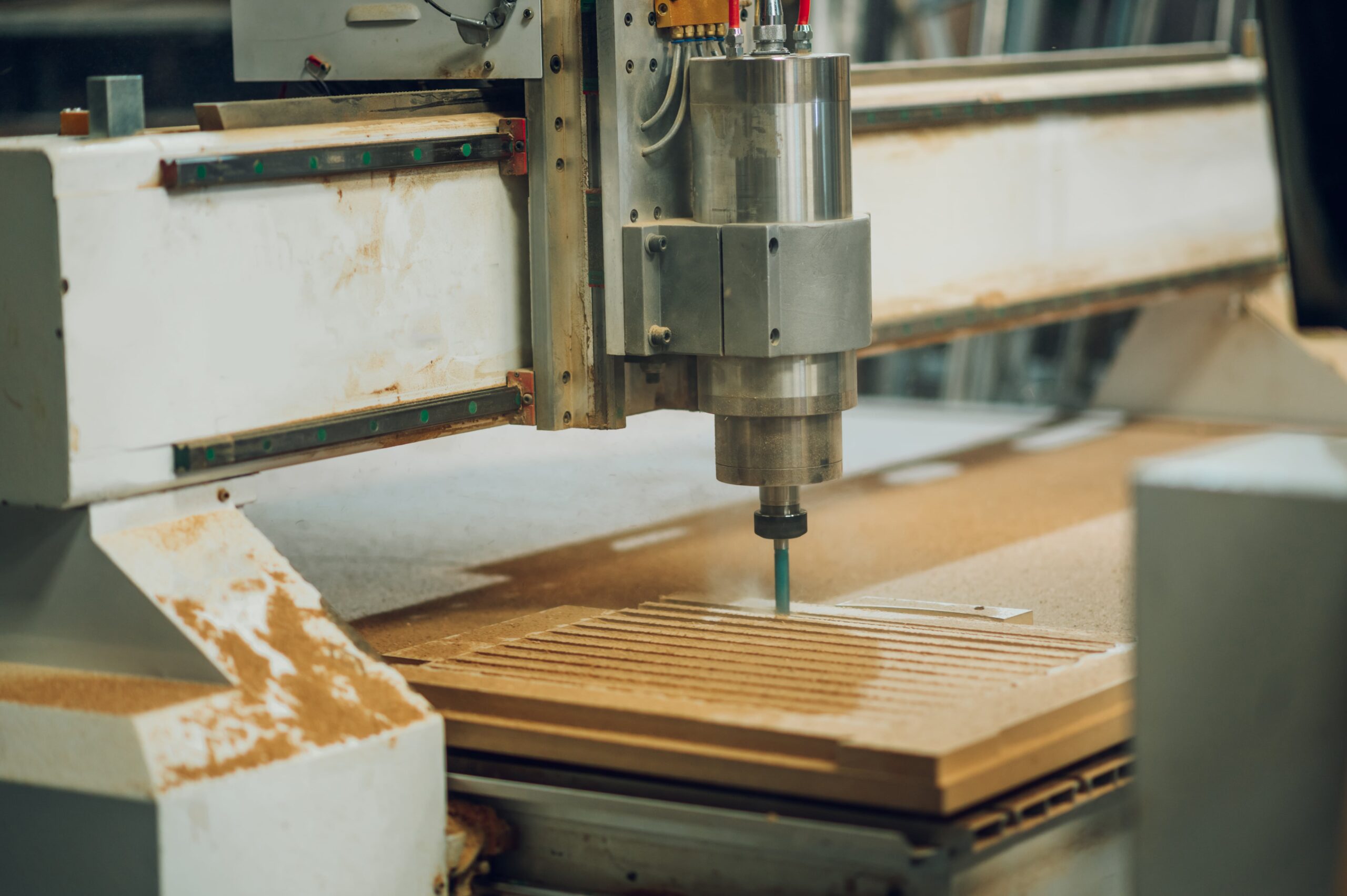
Are you ready to revolutionize your workflow? EasyWOOD is the CAD/CAM solution dedicated to the woodworking industry. From design to production, EasyWOOD ensures superior precision and quality.

The CAD/CAM Software for Wood

Woodworking CAD/CAM Software

Parametric CAD

Photo Engraving

File Import

Automatic Tool Selection

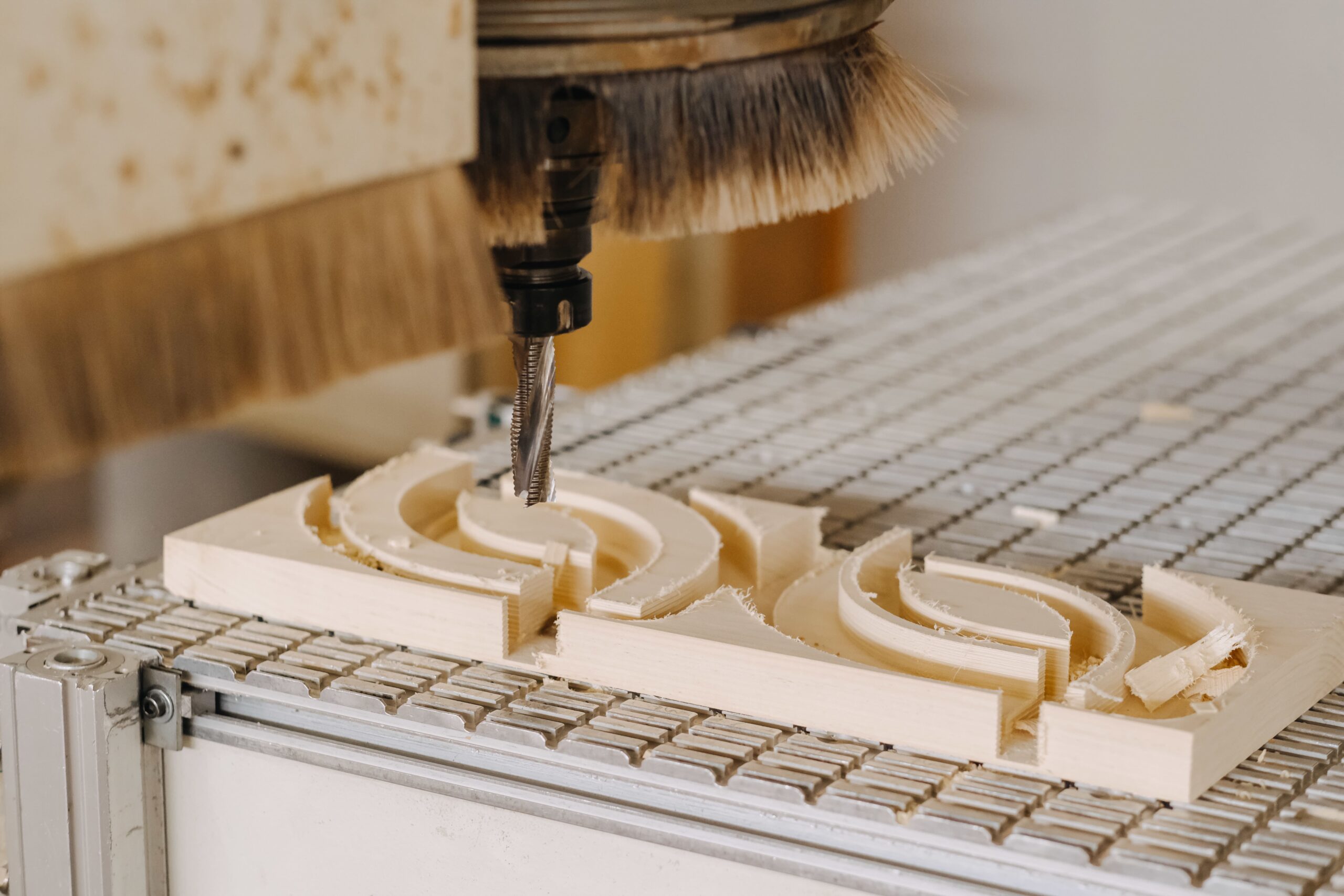
3, 4, and 5 Axis Interpolation

Simulation and Collision Control

EasyWOOD: The Woodworking CAD/CAM Solution You've Been Looking For

Design, program, and manage all your projects with a single woodworking CAD/CAM software. With EasyWOOD, you can harness the power of one tool to make your production simpler, more streamlined, and fully integrated. Discover all the features of EasyWOOD.
ddx-software-solutions-cad-cam-easywood-home-screen

EasyWOOD Customer Reviews

⭐⭐⭐⭐
icon-powertop

We use EasyWOOD as software. The introduction of CAD/CAM was important in order to simplify our production processes and shorten our delivery times.

Othmar Schärli, O.Schärli GmbH

⭐⭐⭐⭐⭐
icon-easybeam

We chose DDX to be more efficient with our machinery and to deliver better service to our customers.

Gian Mario Goldin, Falegnameria Goldin

⭐⭐⭐⭐⭐
icon-easystone

When we installed EasyWOOD, we were pleased to have one of the DDX technicians on-site with us.

Jonathan Ackle, werkholz

⭐⭐⭐⭐
icon-easyjet

I think that having a direct contact with a person is very important, especially in a sector we don't have any experience in.

Markus Schärli, O.Schärli GmbH

⭐⭐⭐⭐⭐
icon-easyglass

DDX allowed us to complete a major and demanding project on schedule: the construction of an amphitheater in an office on the outskirts of Milan.

Loretta Goldin, Falegnameria Goldin

⭐⭐⭐⭐
icon-easybeam

Since we have DDX, we are much faster and it has reduced our workload.

Ralph Weber, Weber Holzbau

Icon 1 Icon 2

DDX Case Study: Goldin

Founded in the 1970s, Falegnameria Goldin is a company that successfully combines innovation and craftsmanship. Their work is distinguished by meticulous attention to finishes and carefully selected materials. Discover their experience with our EasyWOOD, CABINET, and Nesting software.

Icon 1 Icon 2

DDX Case Study: Bressan

Menuiserie Bressan is a company specialized in the production of doors and windows, based in Antagnac (New Aquitaine – FR). Renowned for the quality of their work and a high level of artisanal customization. Discover the experience of brothers Patrice (Co-CEO) and Pascal Bressan (Co-CEO) with our PowerWIN and EasyWOOD software.

Icon 1 Icon 2

Case Study DDX: AMBC

Menuiserie AMBC initially produced a variety of wooden products. In 2012, it specialized in the production of wooden windows. Watch the video to discover the company’s history and how they successfully implemented PowerWIN and EasyWOOD in their production cycle.

Success Stories

Discover all the success stories of customers who chose our CAD/CAM woodworking solution.

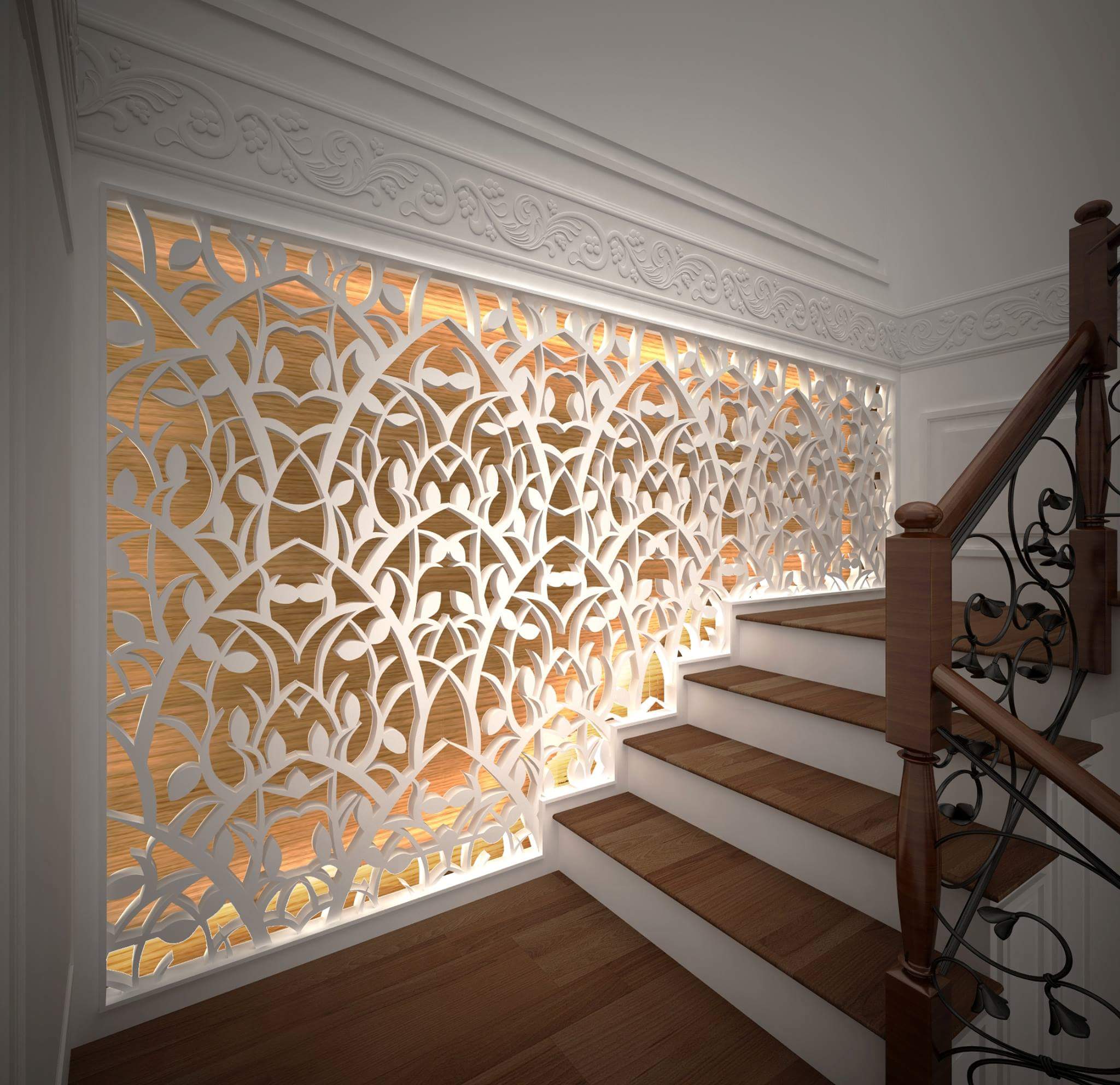
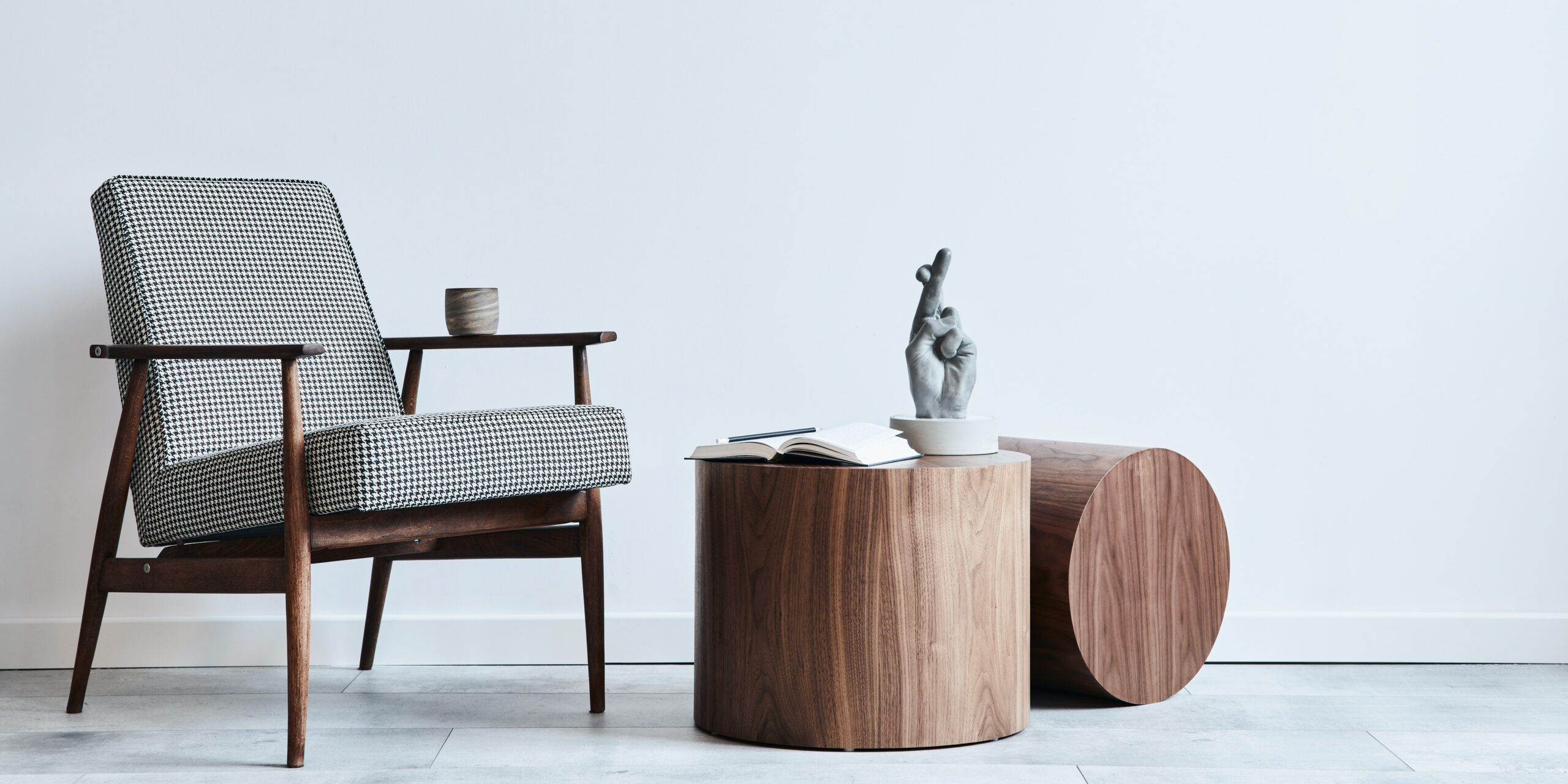
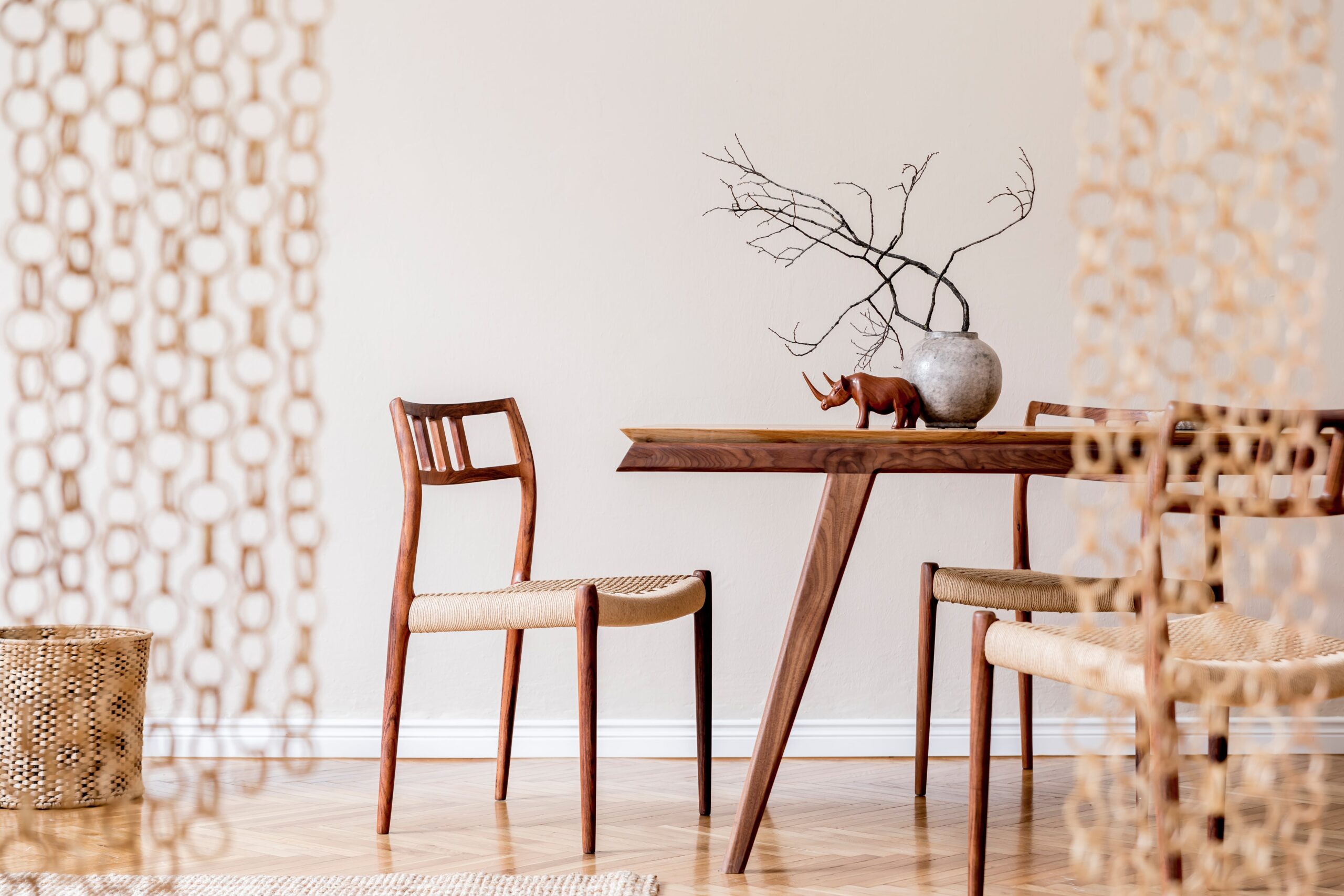
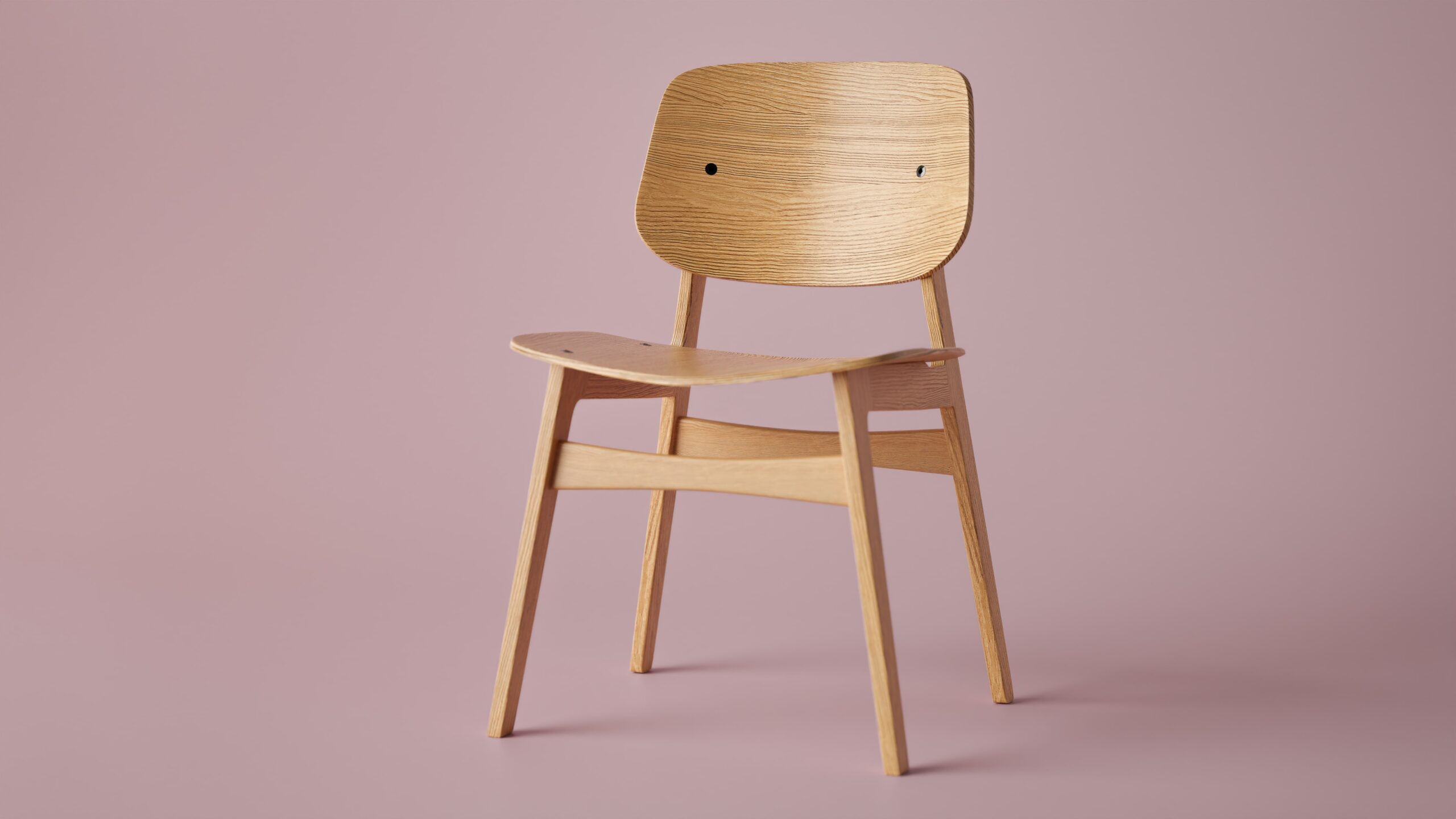
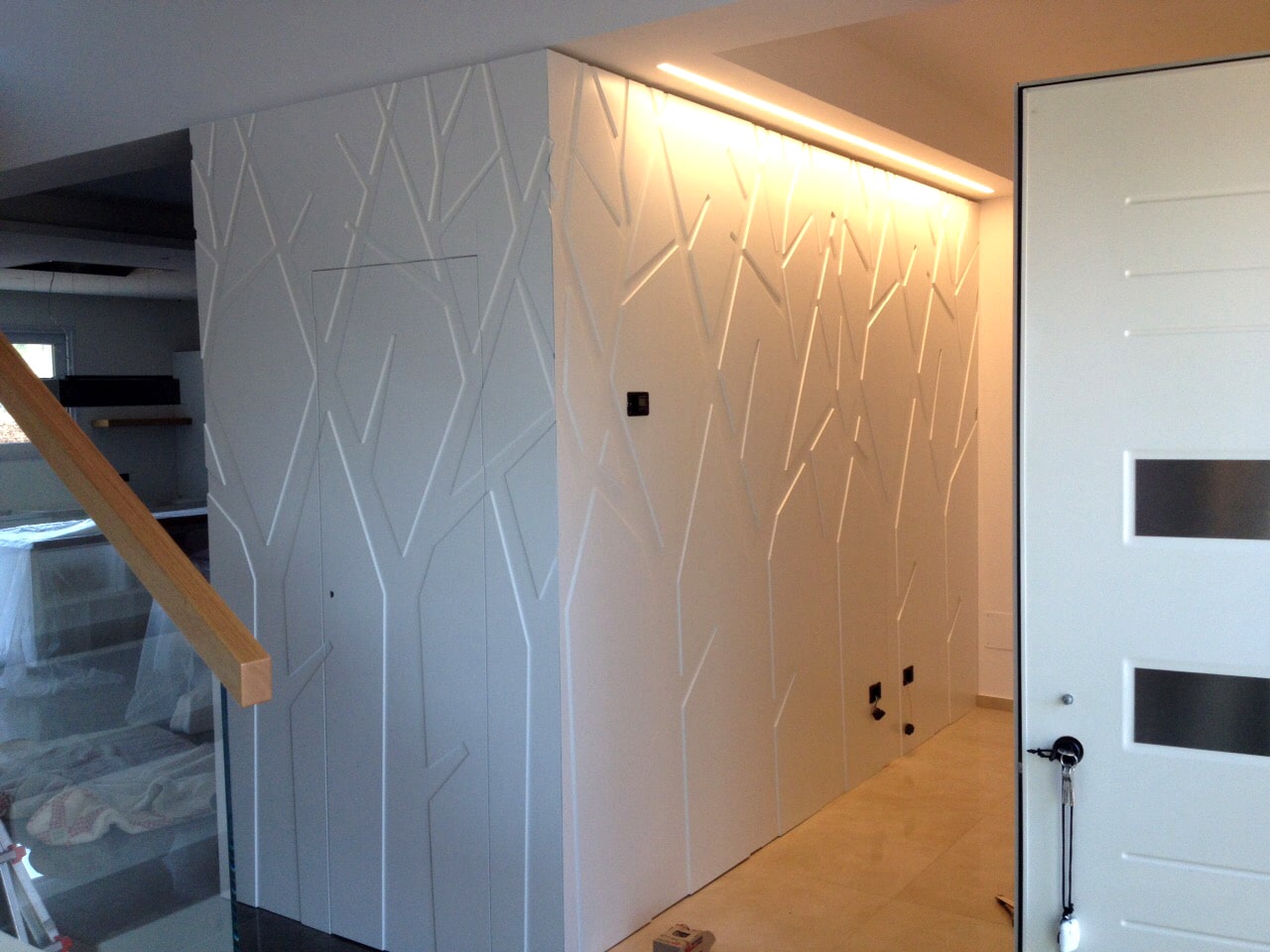
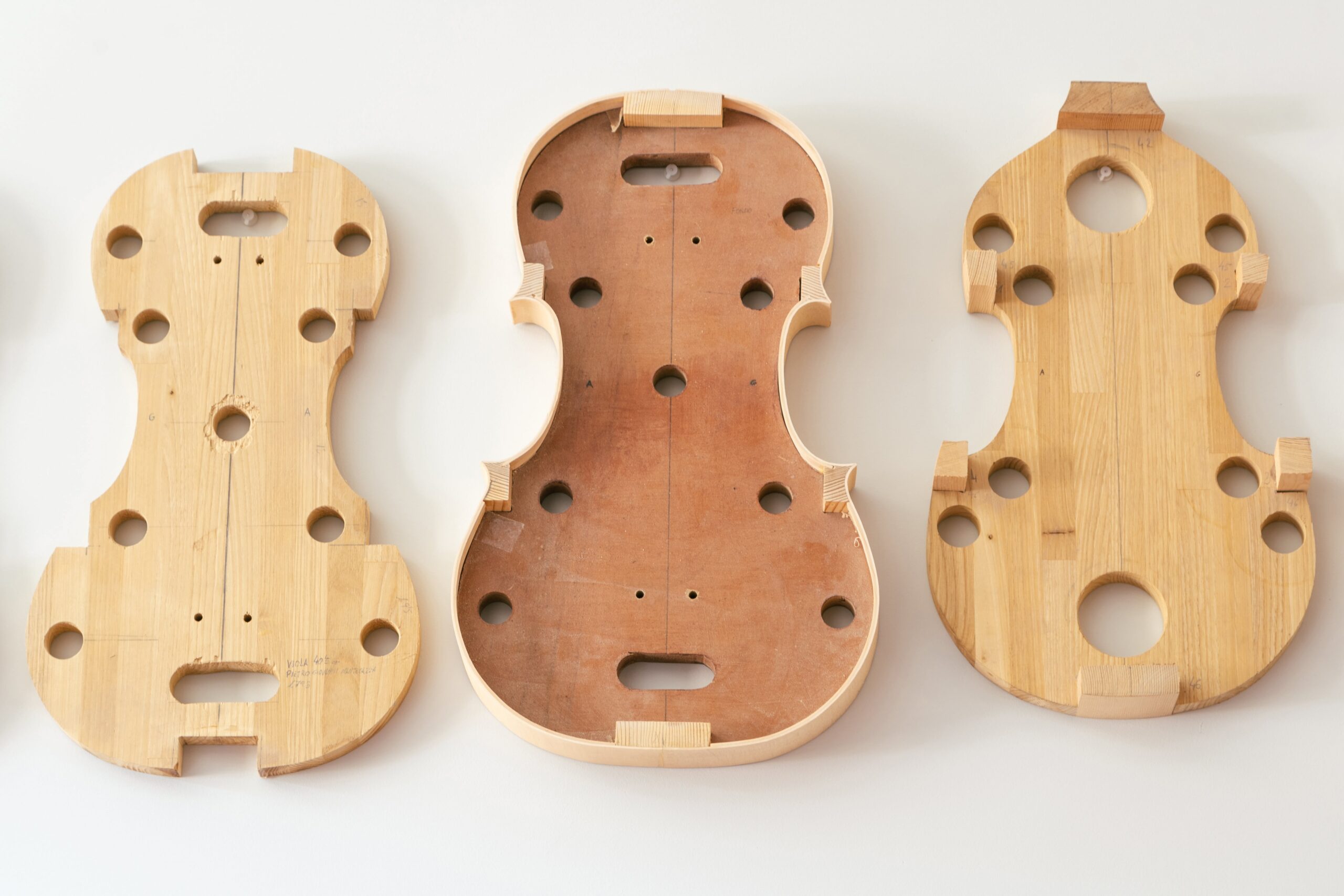
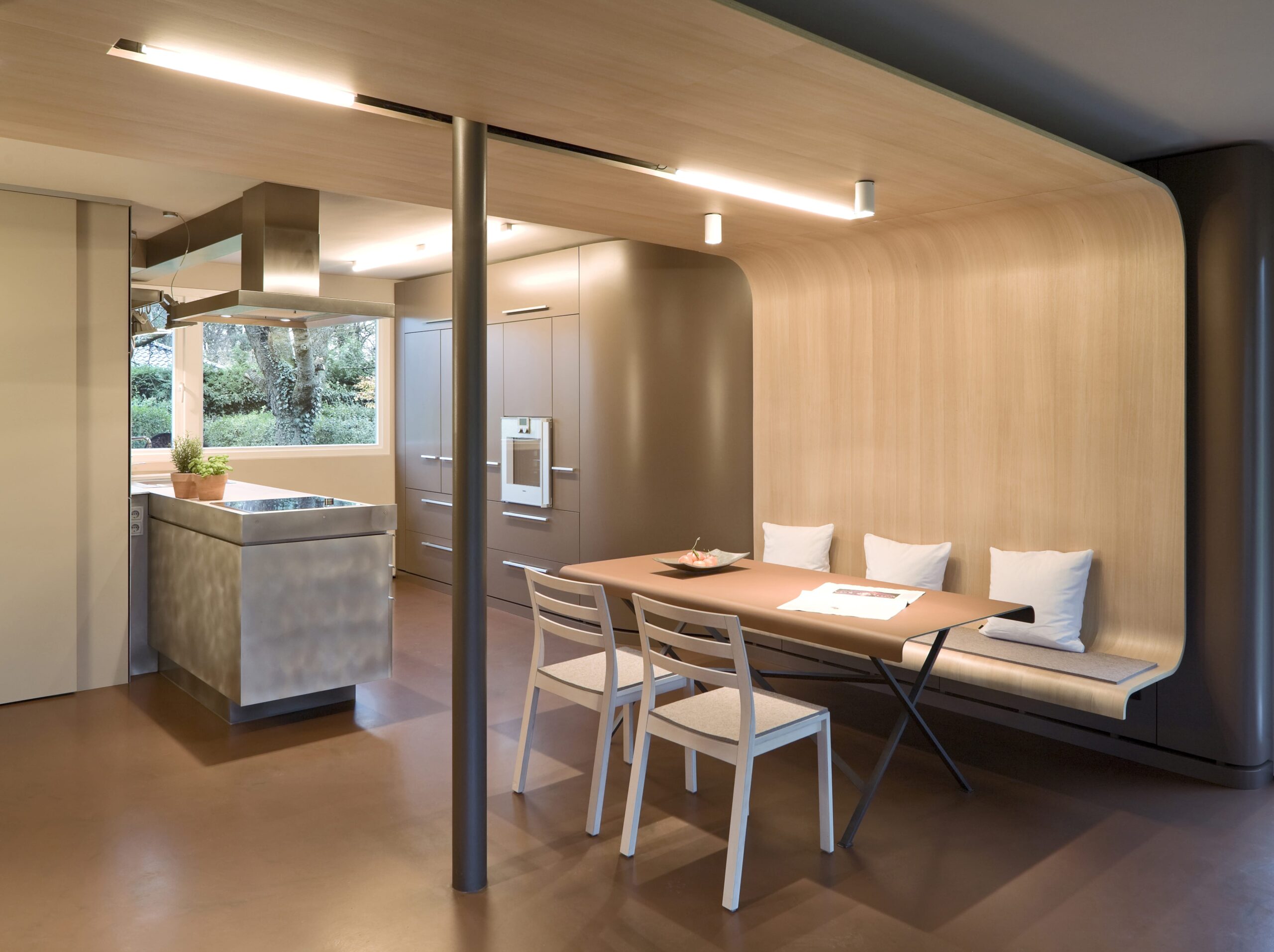
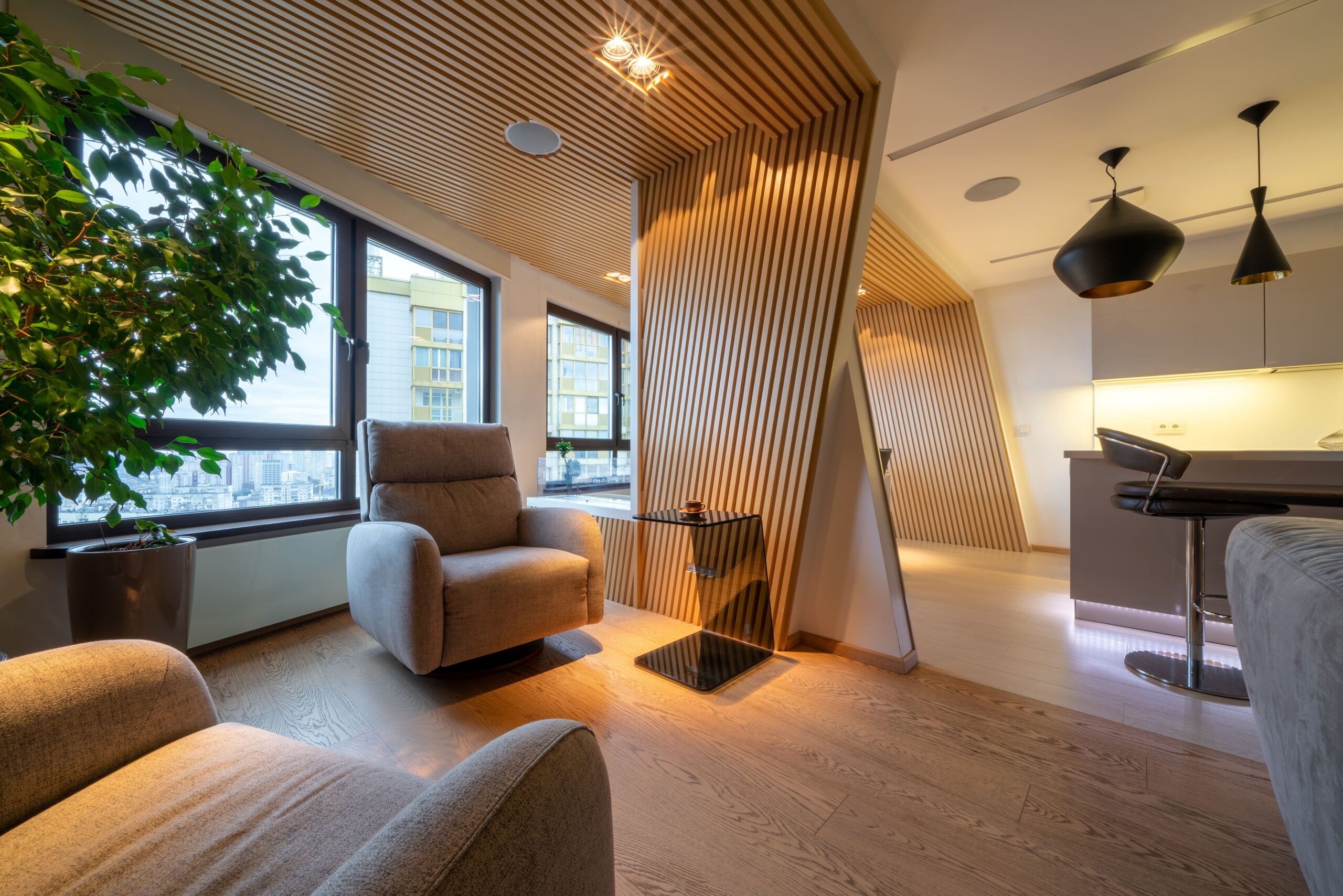
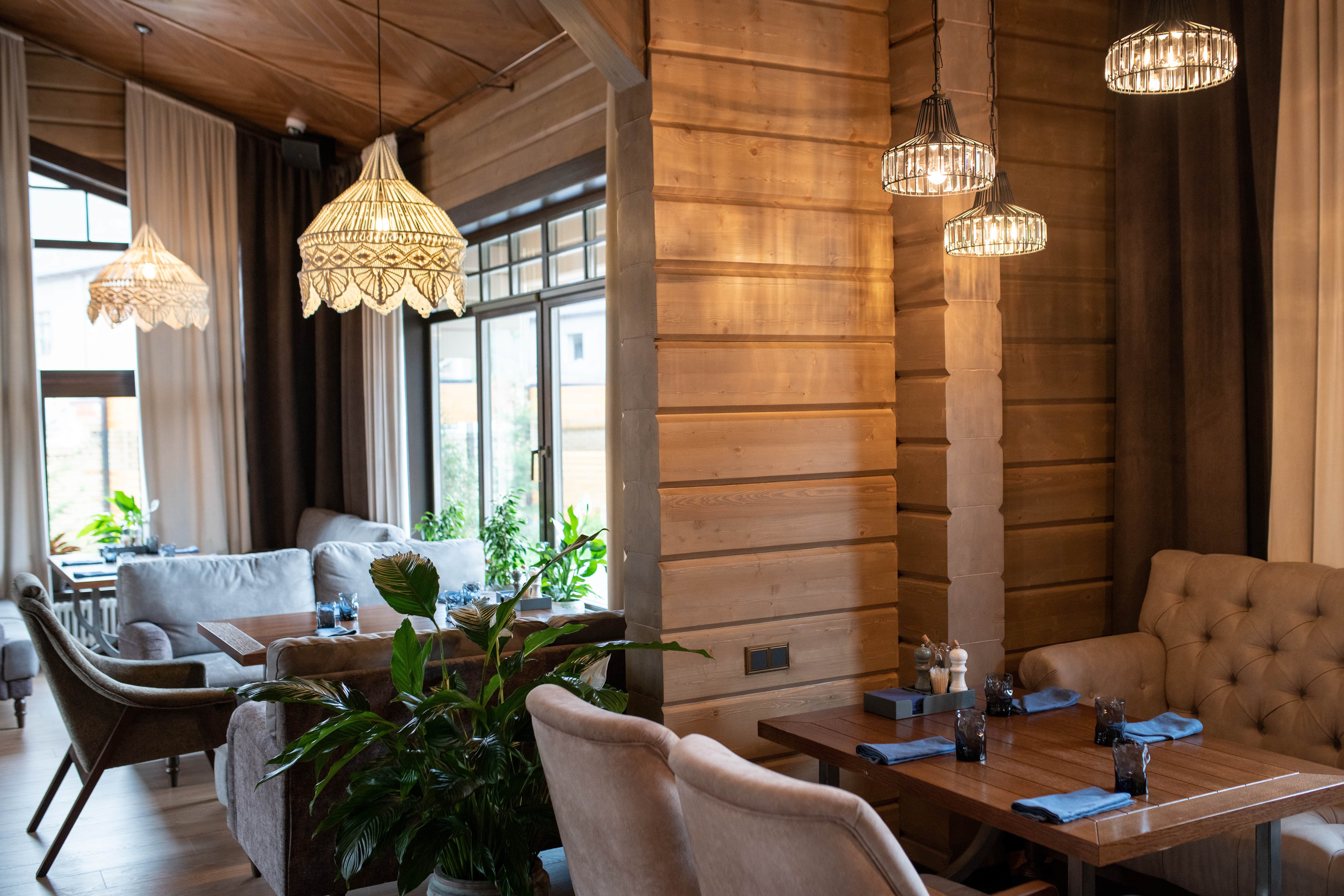
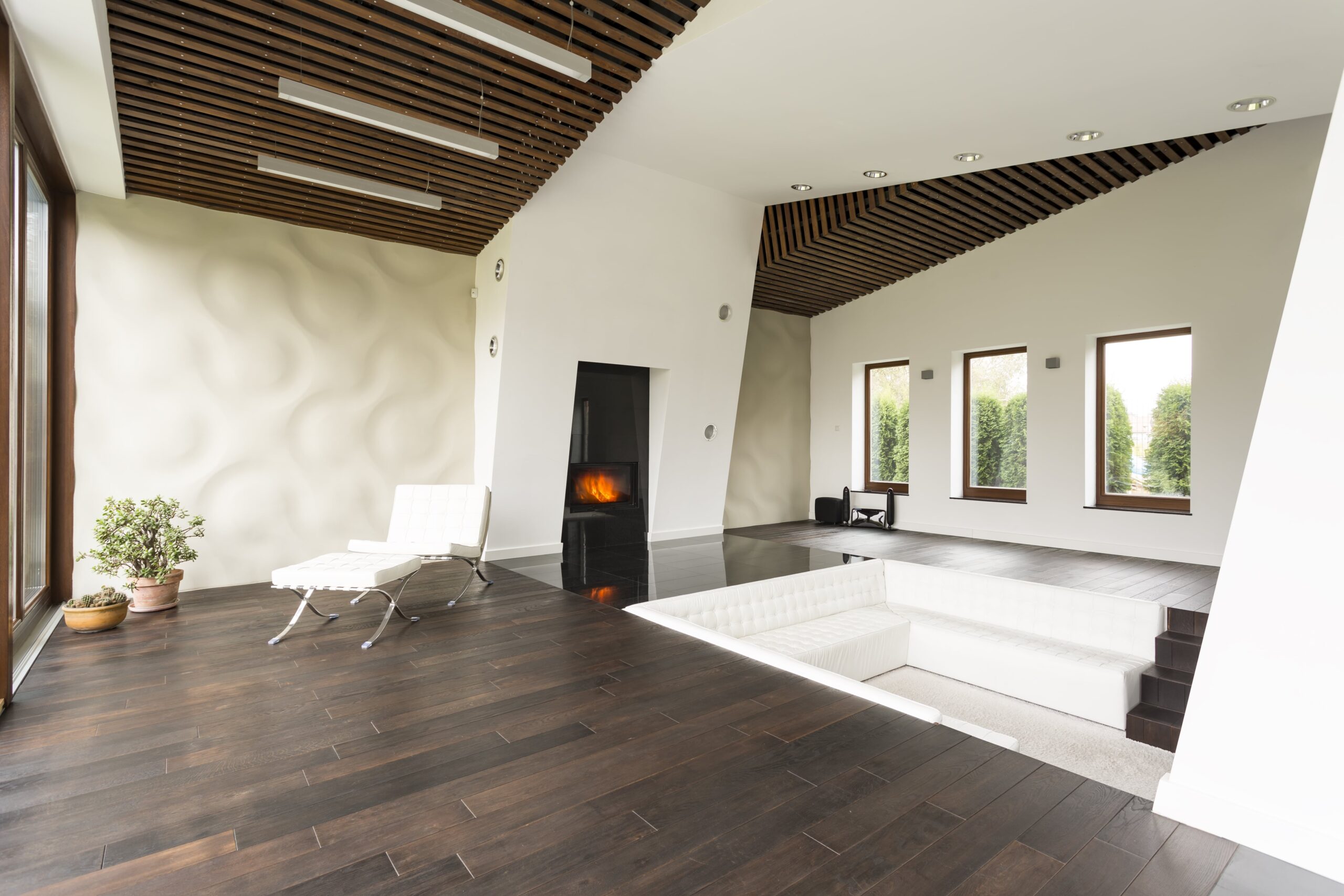
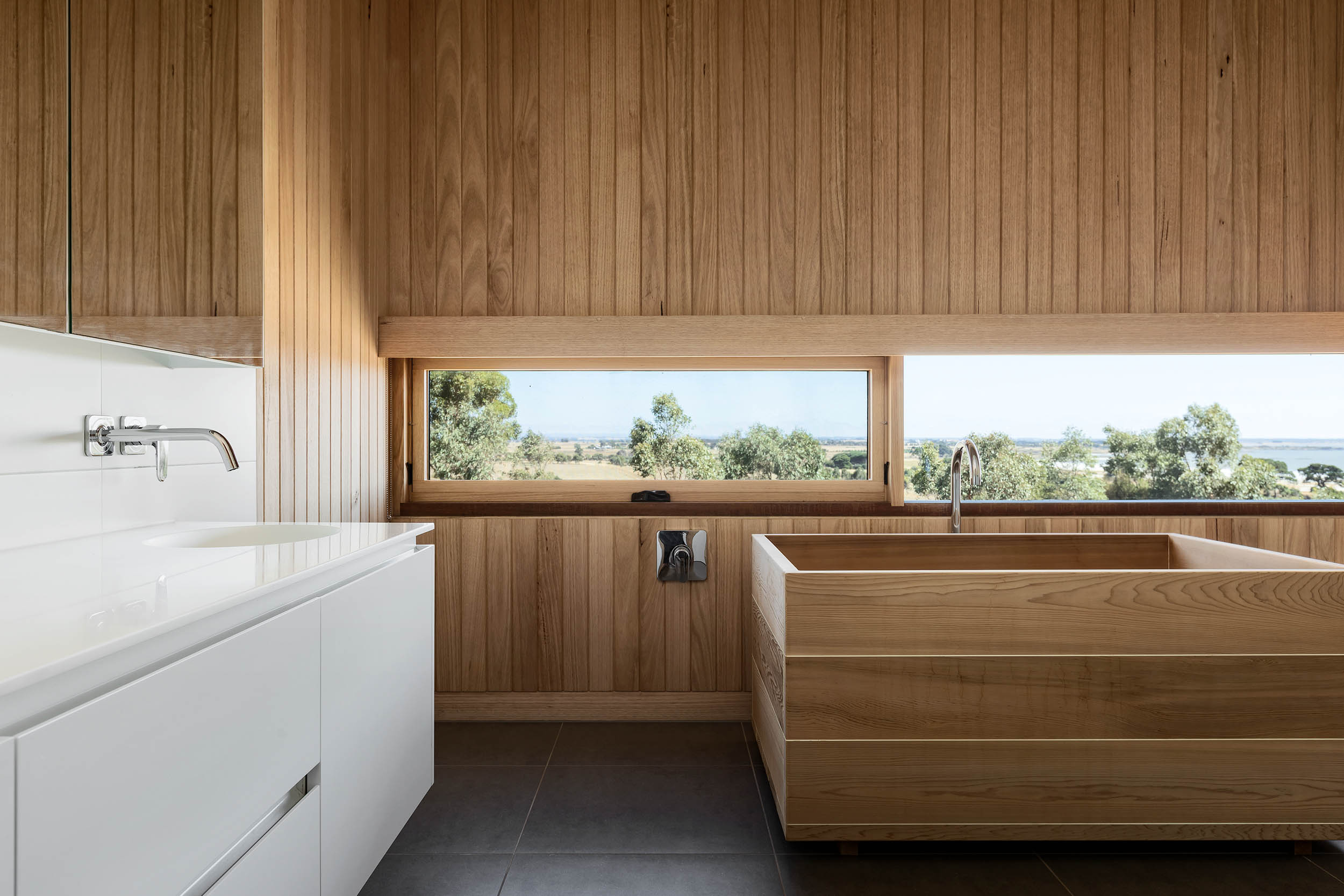
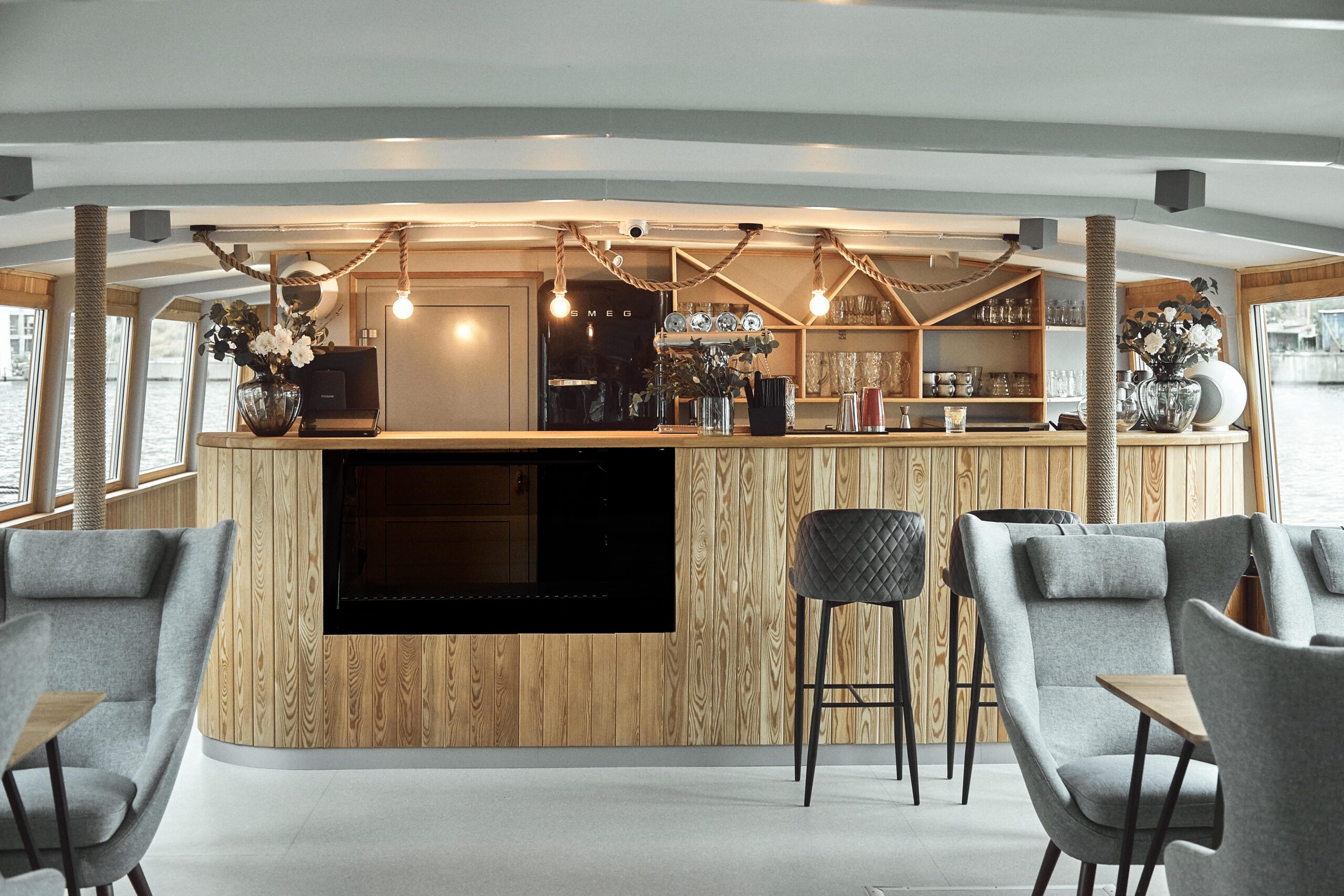
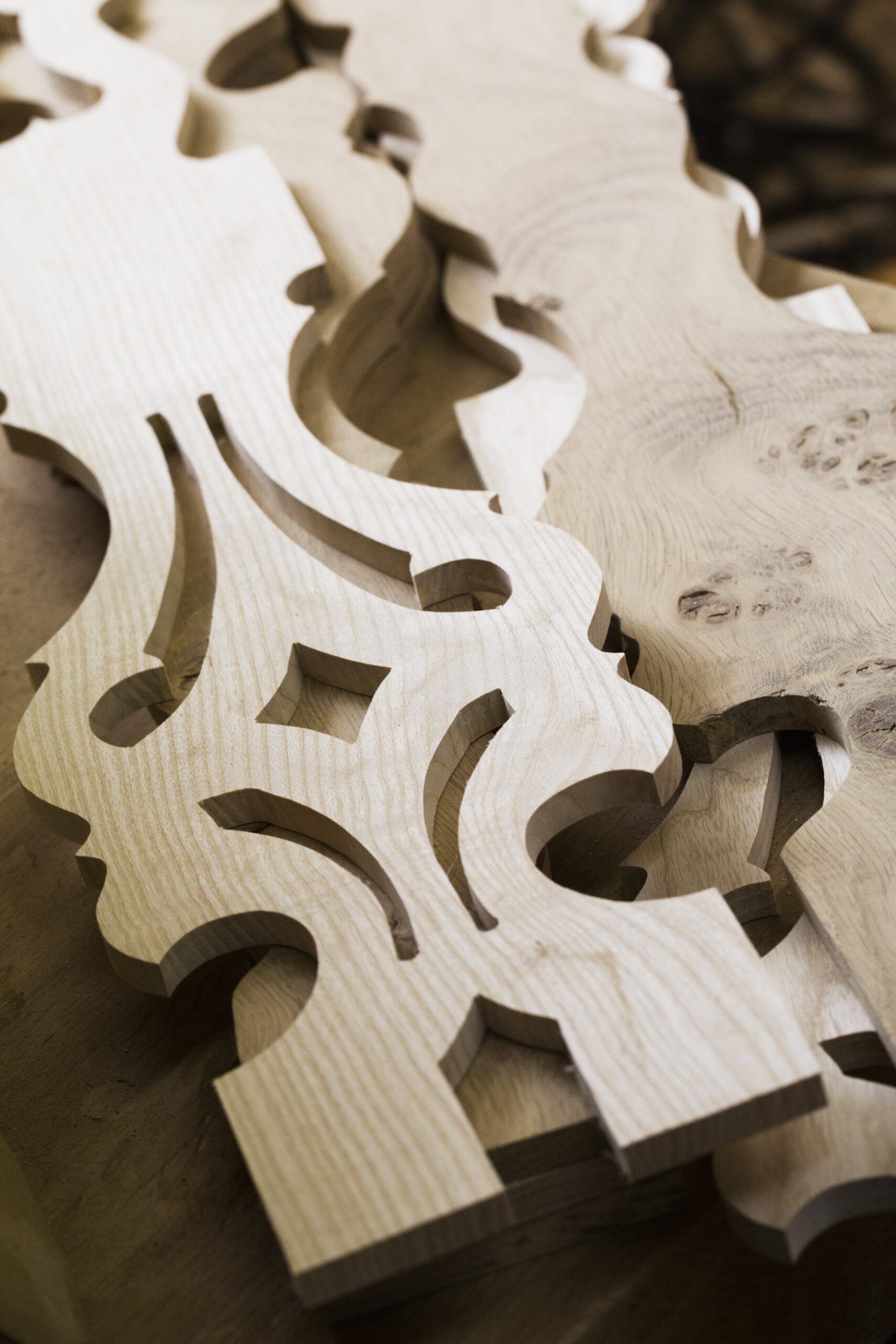
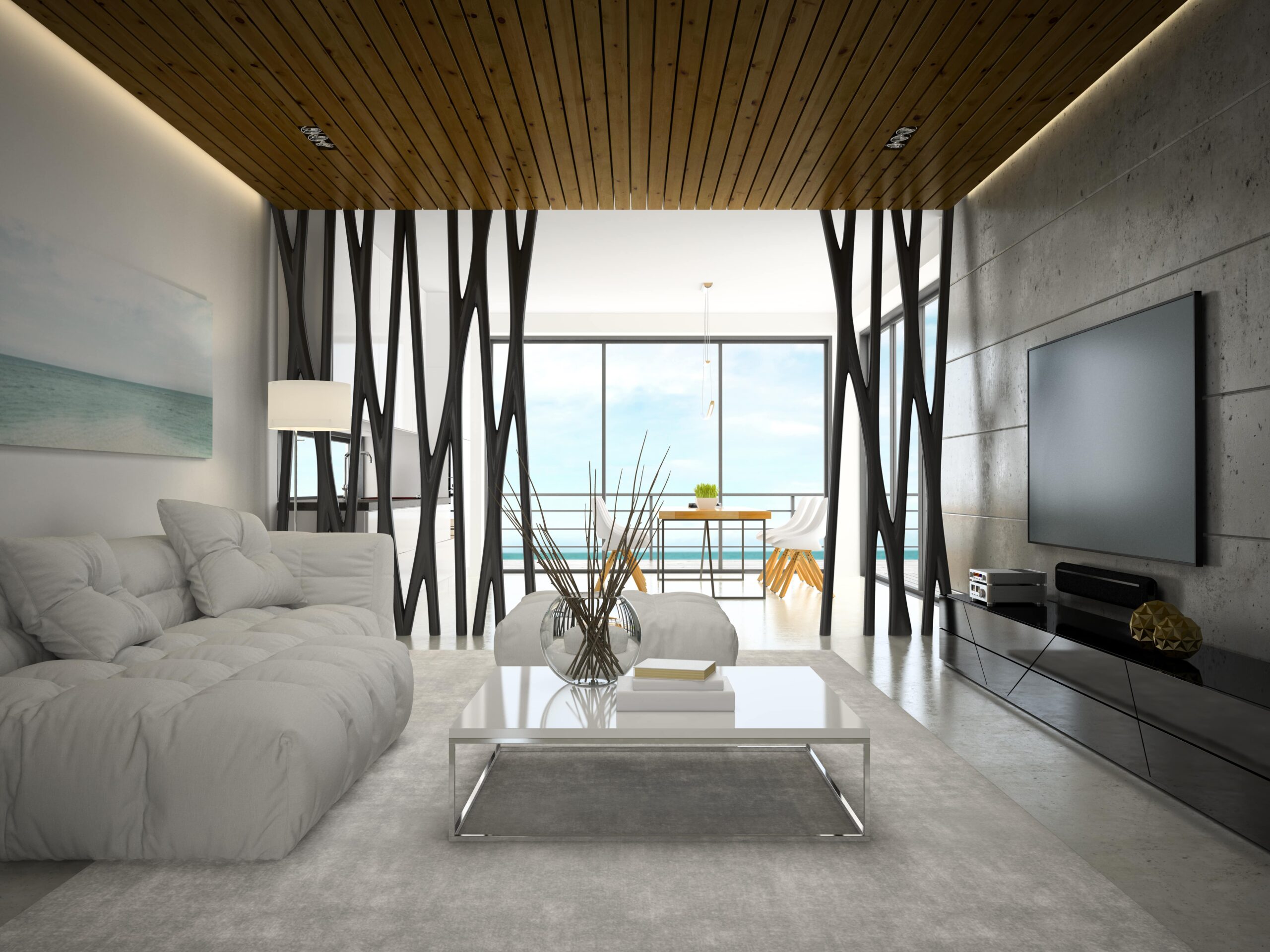
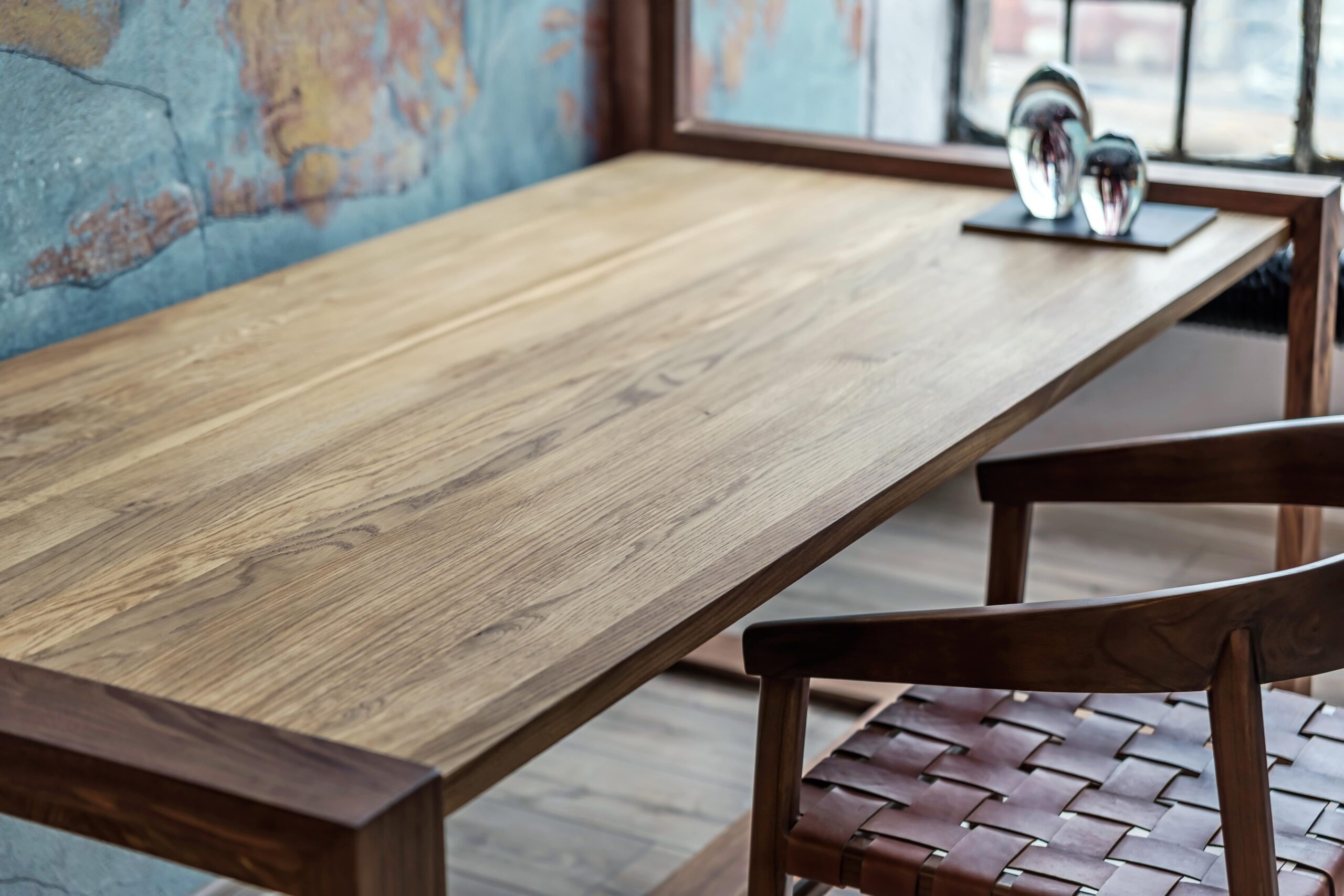
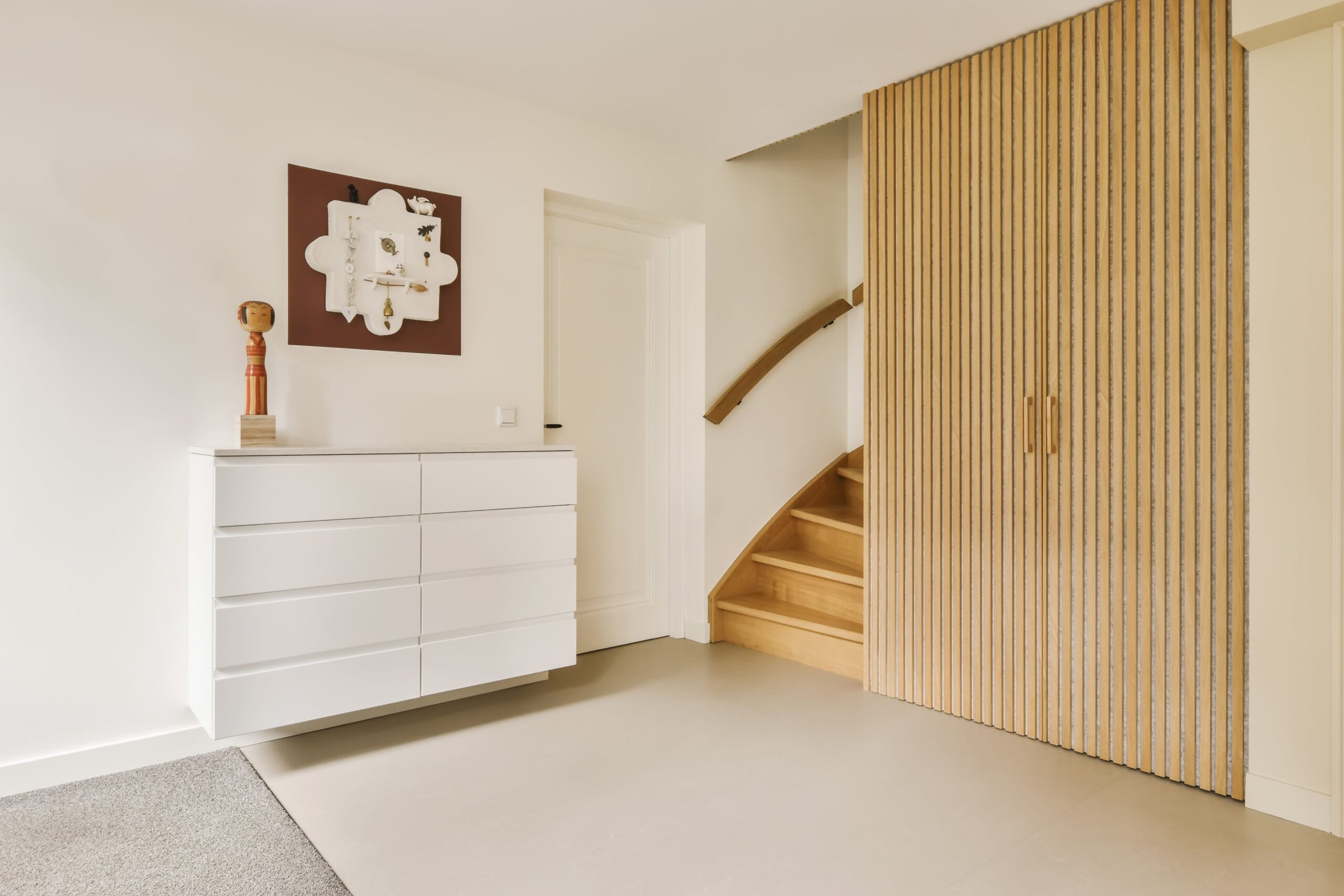
Products Made with EasyWOOD
DDX Learning Area

What can our woodworking CAD/CAM software do?
In the Customer Area, you'll find the DDX Learning Area: a space with video tutorials and real-world use cases dedicated to EasyWOOD. Explore all the features of our software and never stop learning with our interactive resources.

Optimize the creation of any project
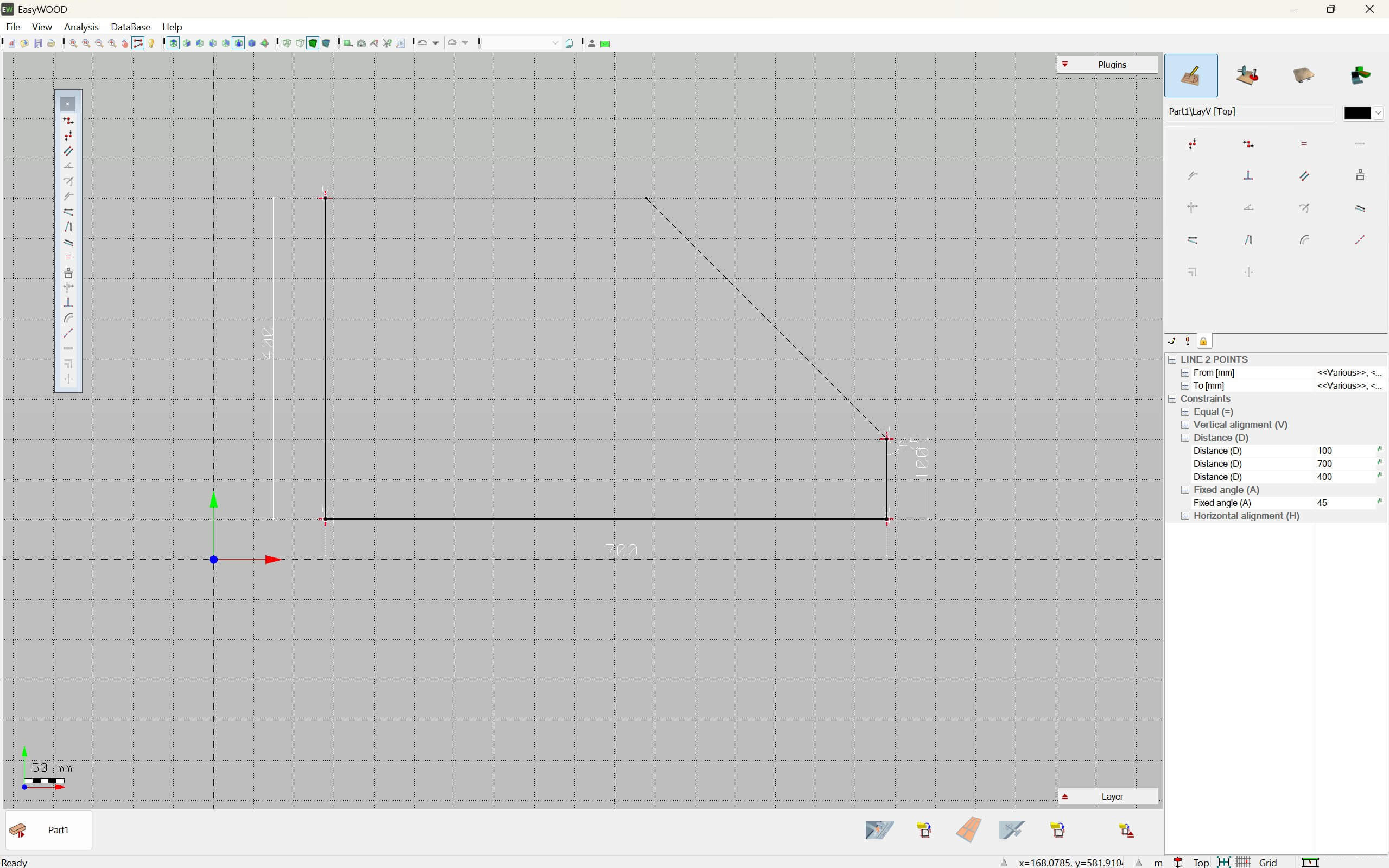
Parametric Engine

Transform your creative process with EasyWOOD! Simple and versatile, it lets you create parametric programs for any shape.
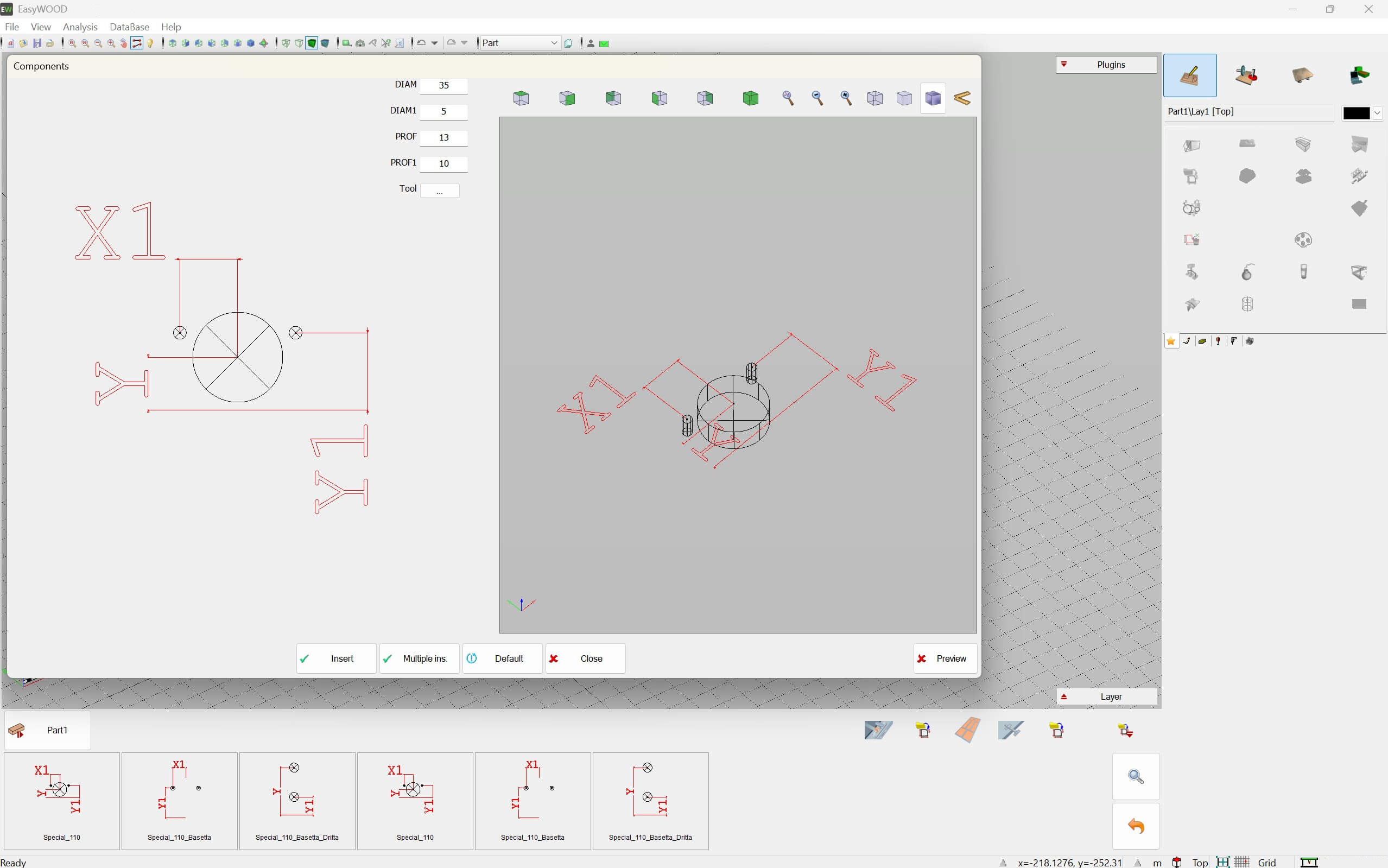
Macros

Create your macros with EasyWOOD and use them on all your machines. The result? Reduced programming time.
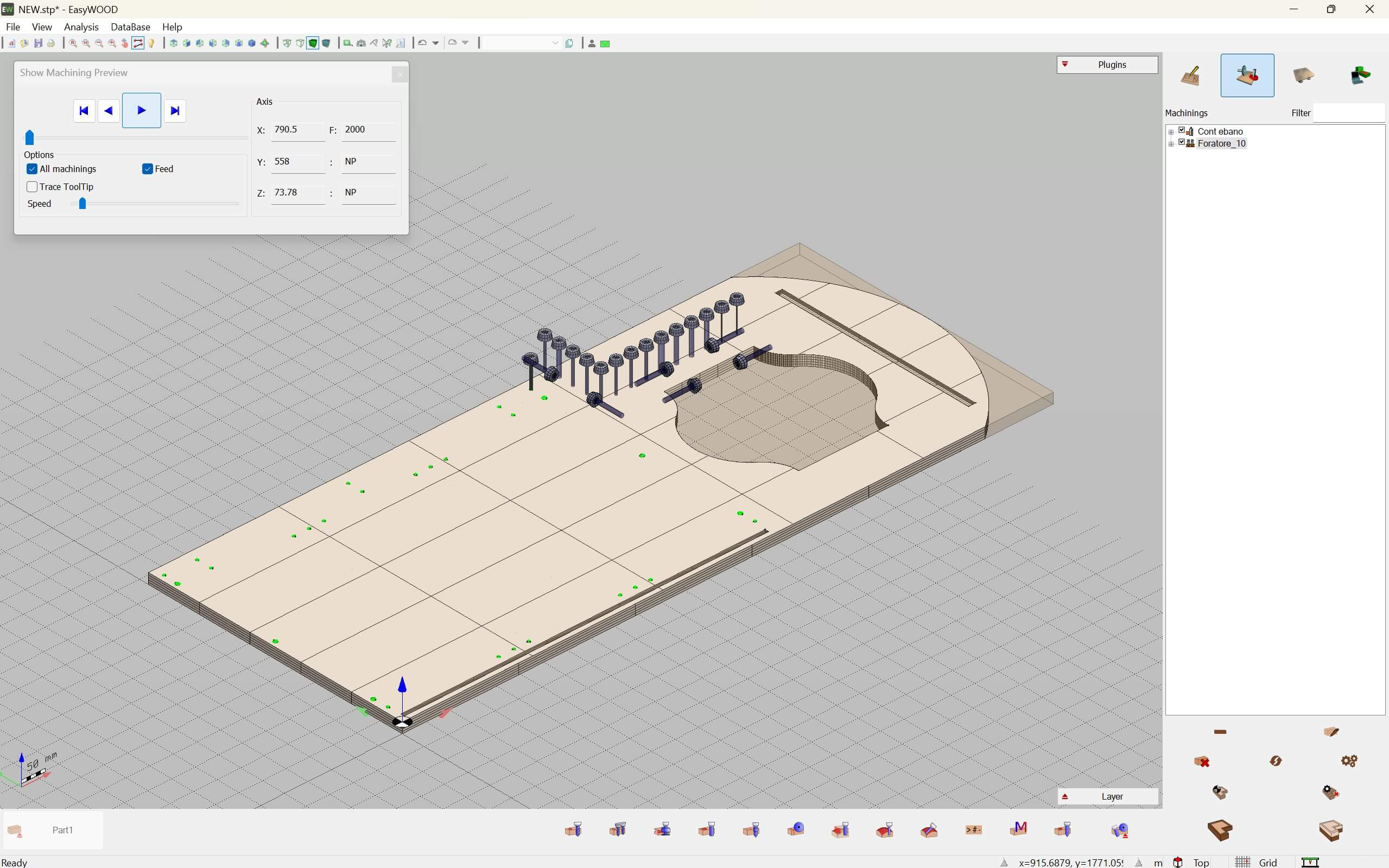
Import 3D Designs

Import your 3D designs with a click. EasyWOOD will automatically create the necessary operations through feature recognition.

Photorealistic Engraving

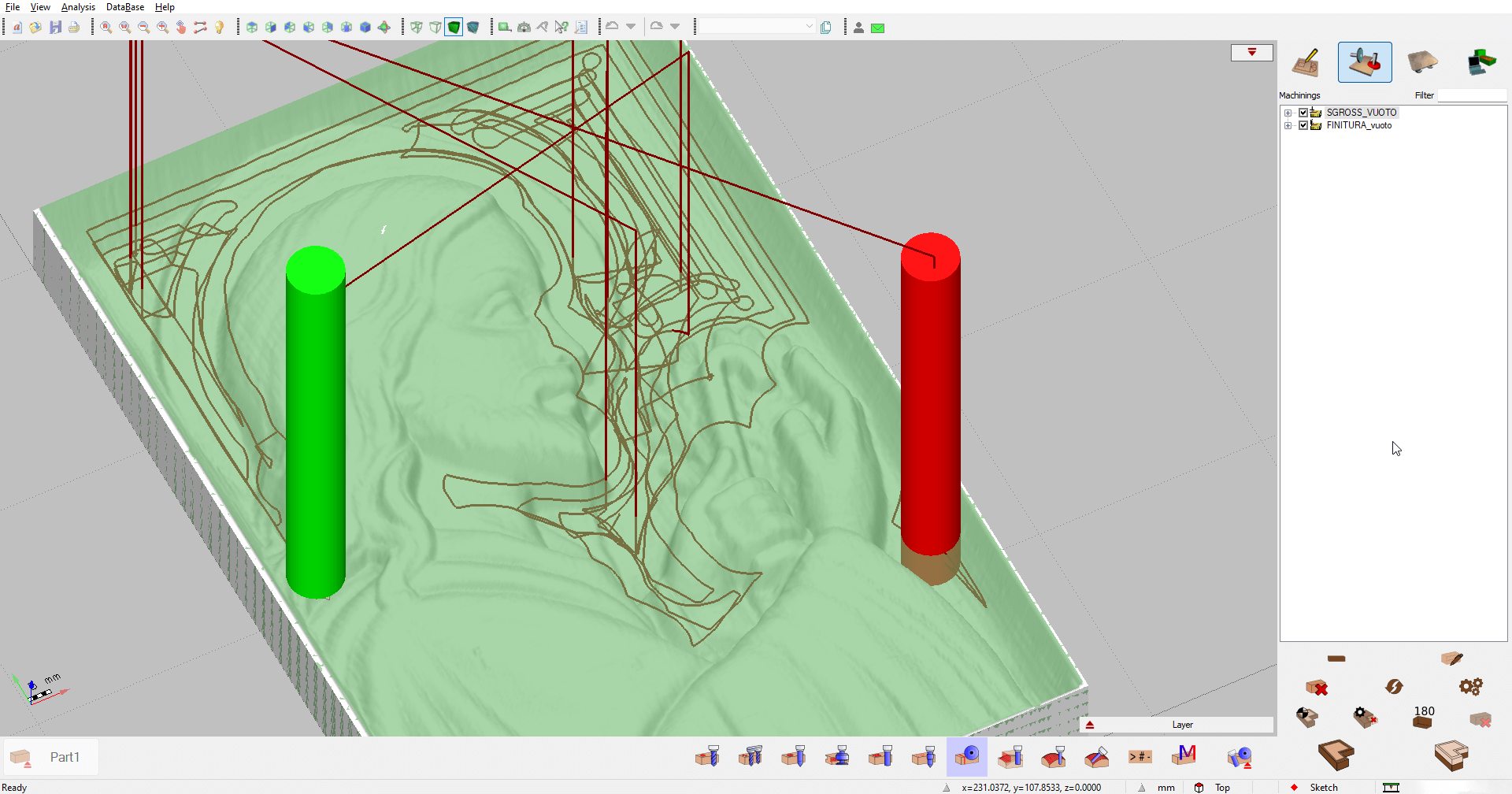
Upload a photo, and EasyWOOD will find the perfect engraving for each wood panel. Make every project unique and memorable.
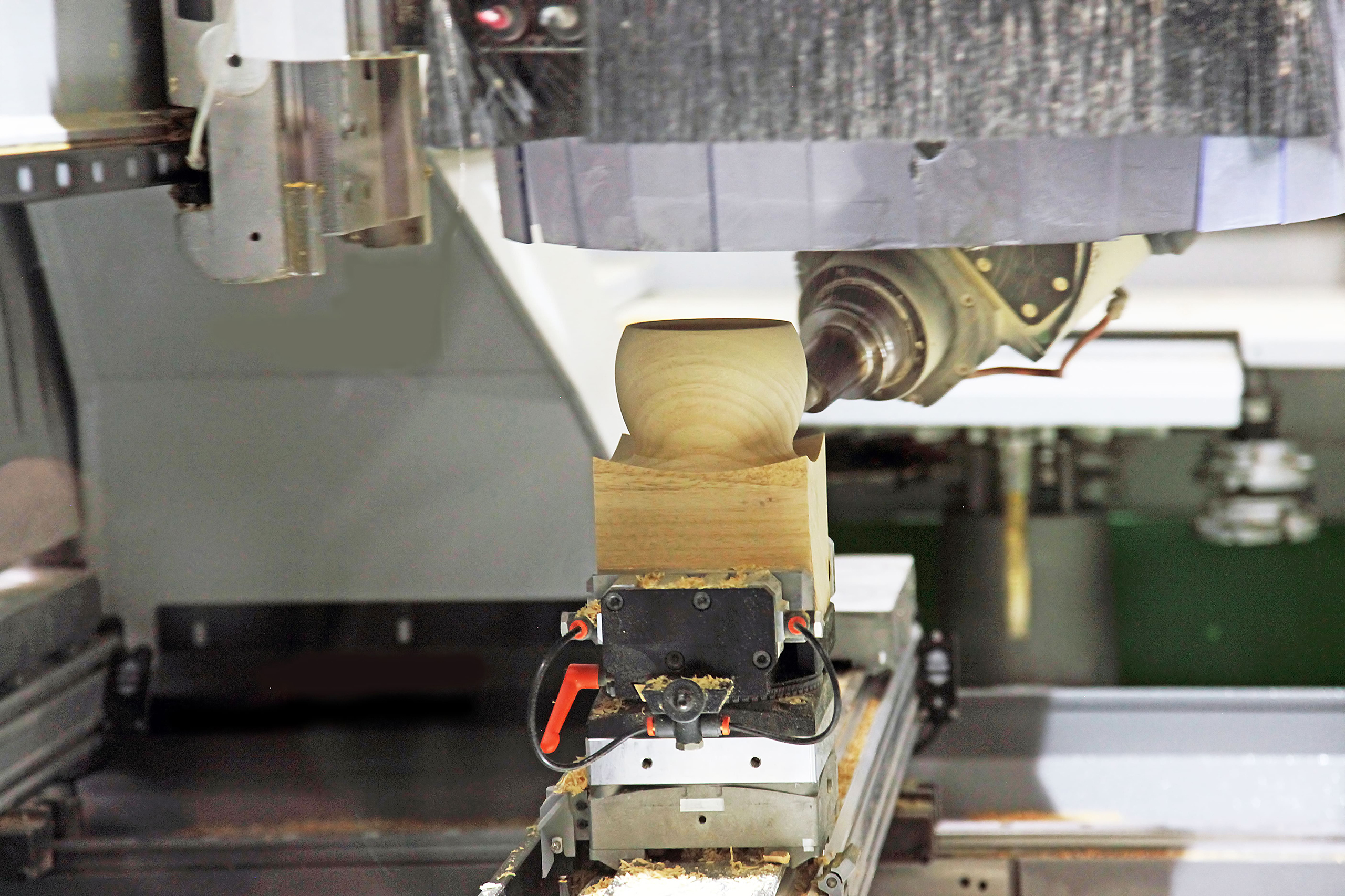
5-Axis Management

Manage 3, 4, and 5-axis interpolation easily with EasyWOOD. Rely on the precision and flexibility of our wood CAD/CAM software.
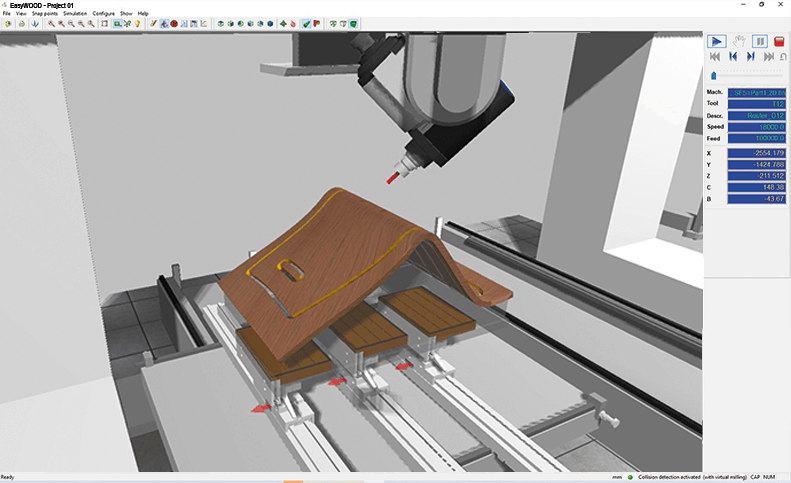
3D Simulation

Run a 3D simulation of your operations and check for any collisions. Turn every project into reality.

What You Can Do with EasyWOOD

Screenshot from EasyWOOD
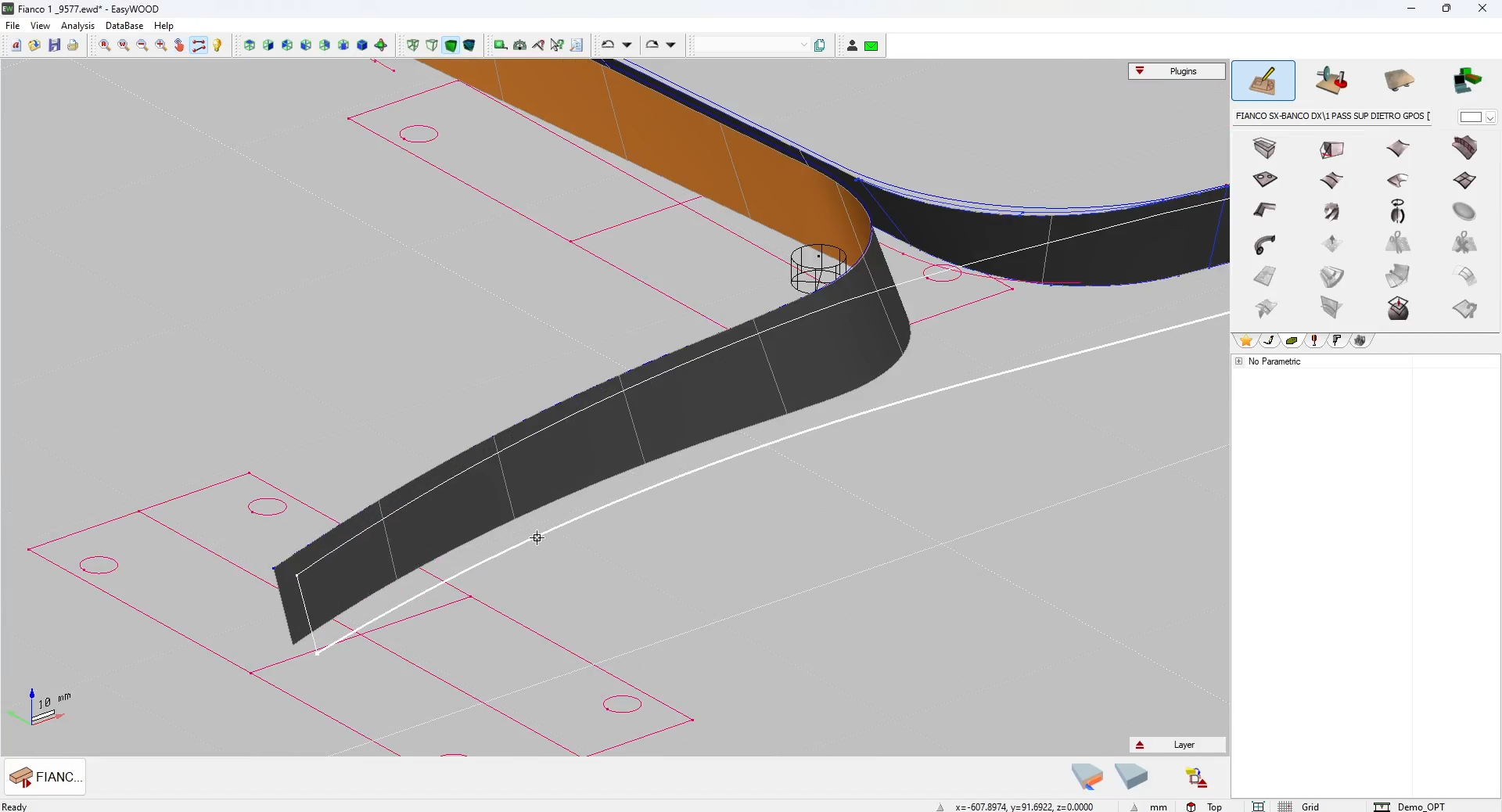
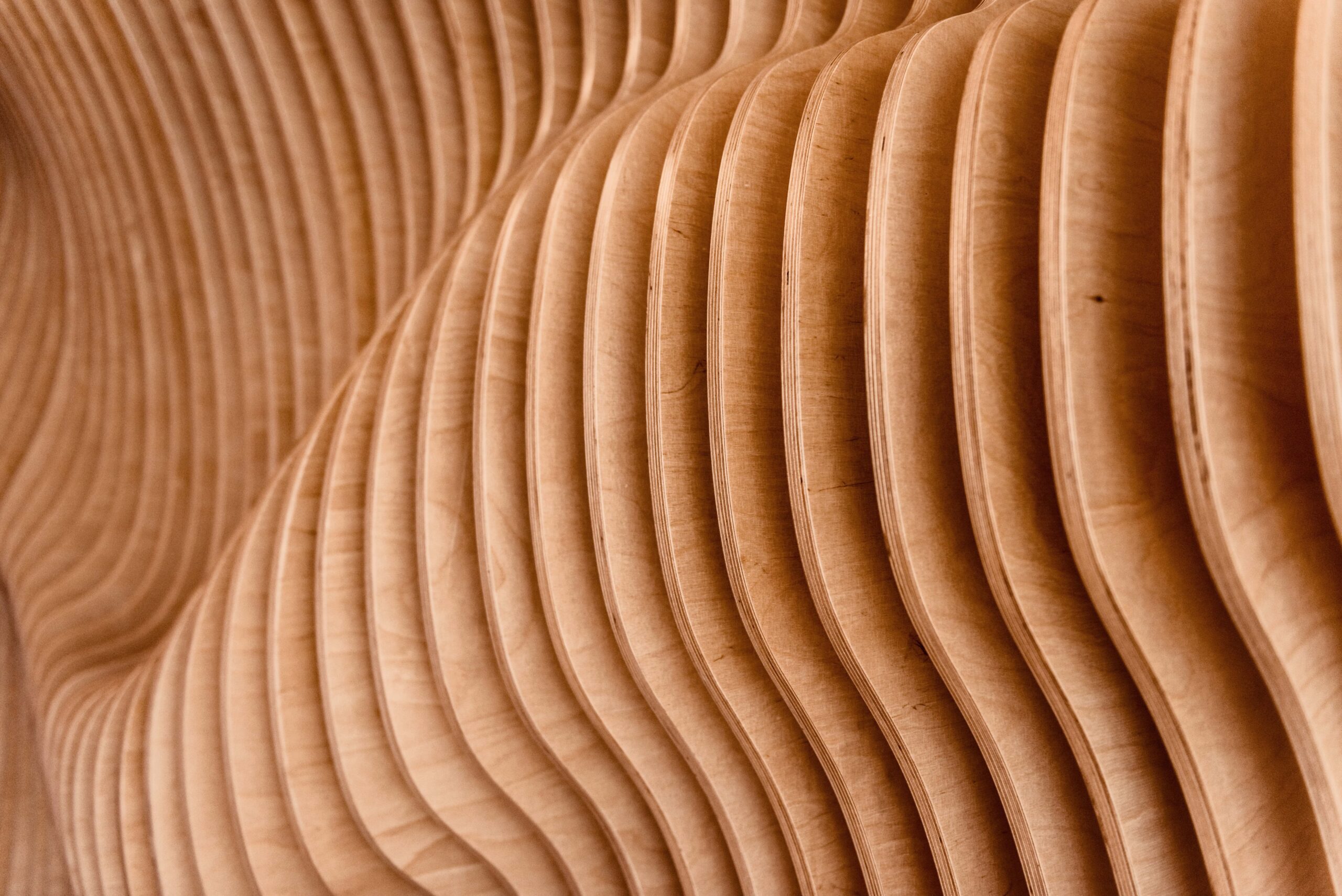
ddx-cad-cam-easywood-chair-project-detail
ddx-cad-cam-easywood-roughing-empty
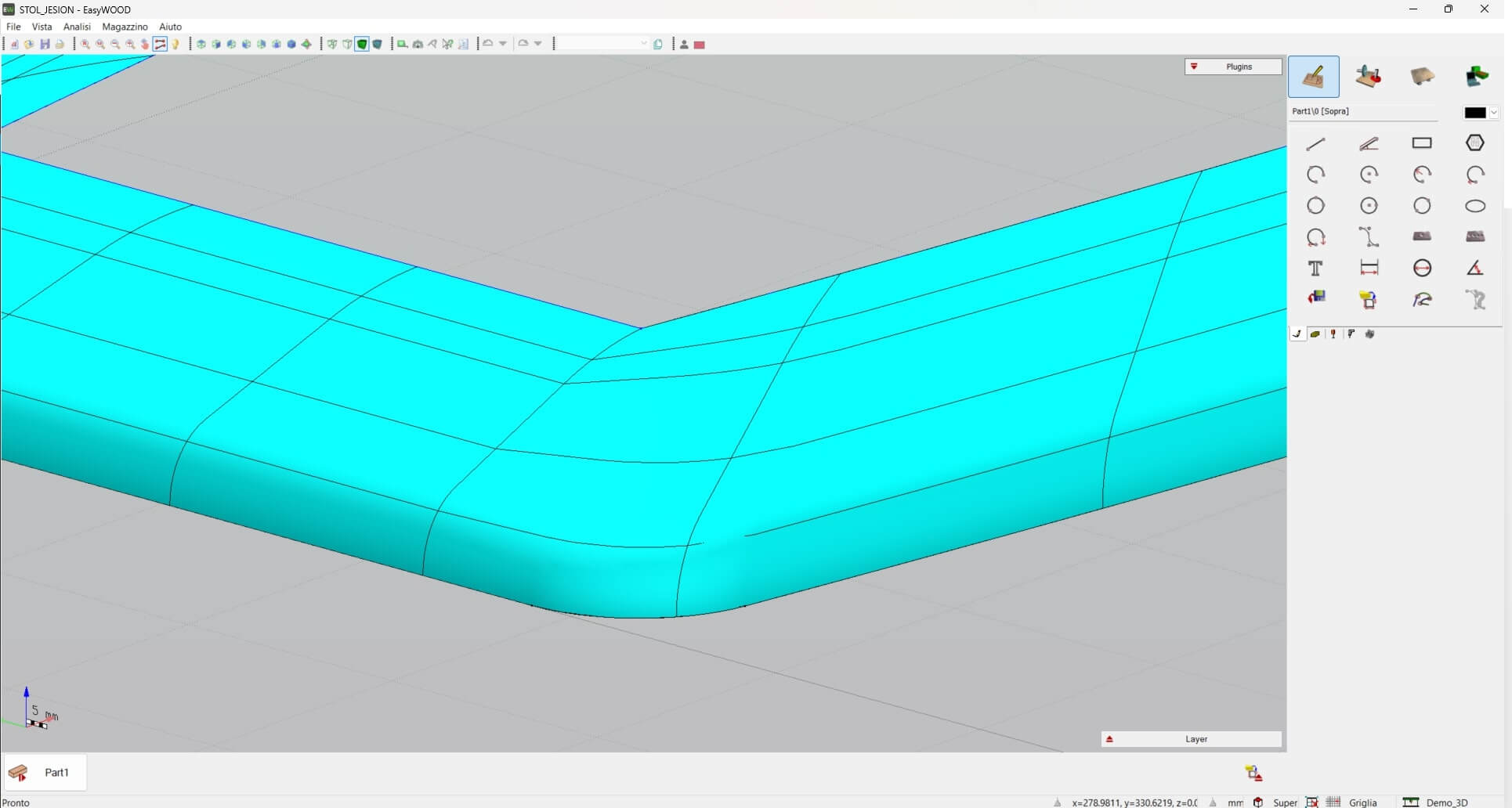
ddx-cad-cam-easywood-dettaglio-progetto

Add DDX Plugins to EasyWOOD

icon-nesting

Nesting

Reduce production time and cut costs with Nesting. Optimize the layout of parts on the workspace sheet and save material.


icon-easywood icon-easywall icon-easystone icon-easybeam icon-xdesignpro icon-xcam icon-easyglass icon-powerstairs icon-easystone-nc
icon-xfactory-plugin

XFactory

Monitor, track, document, and control the production process of your products with XFactory. Increase your plant's profitability with a dynamic and comprehensive MES.

icon-easywood icon-xcam icon-xdesignpro icon-easystone icon-easybeam icon-easywall icon-easyglass icon-powerstairs icon-easyjet icon-easystone-nc
icon-powersim

PowerSIM

Simulate operations and visualize your CNC machine. With the "Collision Control" module, avoid potential collisions between tools or parts of your machine.

icon-easywood icon-easywall icon-easybeam icon-xcam icon-easyglass icon-powerstairs icon-easystone icon-powerwin icon-easystone-nc icon-easyjet
icon-automatica-disposition

Automatic Disposition

Automate tool setup calculation and improve the workpiece holding on the machine by optimizing the size and positioning of the suction cups, while avoiding through operations.

icon-easywood icon-easywall icon-easystone icon-easybeam icon-xdesignpro icon-xcam icon-easyglass icon-easystone-nc
icon-automatic-execution

Automatic execution

Create a custom processing workflow for your designs: from applying operations to generating machine code.

icon-easywood icon-easystone icon-xdesignpro icon-xcam icon-easyglass icon-easyjet icon-easystone-nc
icon-automatic-cam

Automatic CAM

Automatically apply operations to your project based on specific rules and automate the data processing (DXF files).

icon-easywood icon-xcam icon-xdesignpro icon-easystone icon-easybeam icon-easywall icon-powerwin icon-powerstairs icon-easyjet icon-easystone-nc

Machining Centers Compatible with EasyWOOD

Related Stone CAD/CAM Software

Loading...
Loading...
Loading...
Loading...
Loading...
Loading...

WOOD FAQs

What You Need to Know About Woodworking

Wood is a natural, renewable, and biodegradable material. Its properties fall into three main categories:

  • Physical: wood is lightweight, with a density ranging from 400 to 800 kg/m³ (approximately 25 to 50 lb/ft³), and it is an excellent thermal insulator. Physical properties also include color, odor, and grain.
  • Mechanical: wood offers high compressive and bending strength, along with good hardness and elasticity, allowing the material to absorb impacts without breaking.
  • Technological: wood can be easily cut, bent, carved, and polished.
Our woodworking software handles both the CAD design side and every step of CNC machining.

In fact, with EasyWOOD you can:

  1. create parametric designs from scratch or import 3D models with automatic geometry recognition;
  2. arrange nesting layouts, calculate setups, and optimize toolpaths for panels, beams, and profiles;
  3. run 3-, 4-, and 5-axis machining centers for drilling, milling, cutting, and turning operations, with automatic tool selection;
  4. simulate machining in 3D, check for collisions, and generate machine code.
Thanks to its properties, wood is used across many industries, including:

  • Construction: it is the ideal material for load-bearing structures (beams, columns, frames), floor systems, roofs, and cladding. It provides thermal and acoustic insulation, low weight, and sustainability. It is also used to renovate windows, doors, and hardwood floors, as well as in energy-efficiency retrofits.
  • Furniture and millwork: in these fields, wood is essential for manufacturing furniture, doors, windows, and home furnishings.
  • Other industries: wood is the raw material behind the production of paper, varnishes, and chemicals. It is also used as fuel and in boatbuilding and aviation.
Peripherals Minumum Requirements Recommended Requirements
Mouse Required Required
Monitor 17" with 1280x1024resolution 17" with 1920x1080 Full HD resolution
Processor INTEL® Core™ I3 (or equivalent) 32 bit or 64 bit INTEL® Core™ I7
Operating System Microsoft® Windows® 10 (limited support for Windows 7 SP1 and Windows 8) Microsoft® Windows® 11 (64 bit)
RAM 2 GB 8 GB or superior
Graphics Card OpenGl® compatible ( Intel®, NVIDIA® GeForce®, AMD Radeon™) NVIDIA® GeForce® serie GTX or AMD Radeon™ serie RX
Hard Disk Space 40 GB available - 7200 RPM 40 GB available on SSD
Internet Connection Required for Cloud-based license management Required for Cloud-based license management
Peripherals Minumum Requirements Recommended Requirements
Mouse Required Required
Monitor 17" with 1280x1024resolution 17" with 1920x1080 Full HD resolution
Processor INTEL® Core™ I3 (or equivalent) 32 bit or 64 bit INTEL® Core™ I7
Operating System Microsoft® Windows® 10 (limited support for Windows 7 SP1 and Windows 8) Microsoft® Windows® 11 (64 bit)
RAM 2 GB 8 GB or superior
Graphics Card OpenGl® compatible ( Intel®, NVIDIA® GeForce®, AMD Radeon™) NVIDIA® GeForce® serie GTX or AMD Radeon™ serie RX
Hard Disk Space 40 GB available - 7200 RPM 40 GB available on SSD
Internet Connection Required for Cloud-based license management Required for Cloud-based license management

Tell us about your production setup and discover how to optimize your workflow with EasyWOOD.

Do you need more information?

Would you like to receive further details about our software solutions?

Do you need more information?

E-mail

Support request

Technical support ticket
Contact Form

Go to Top