

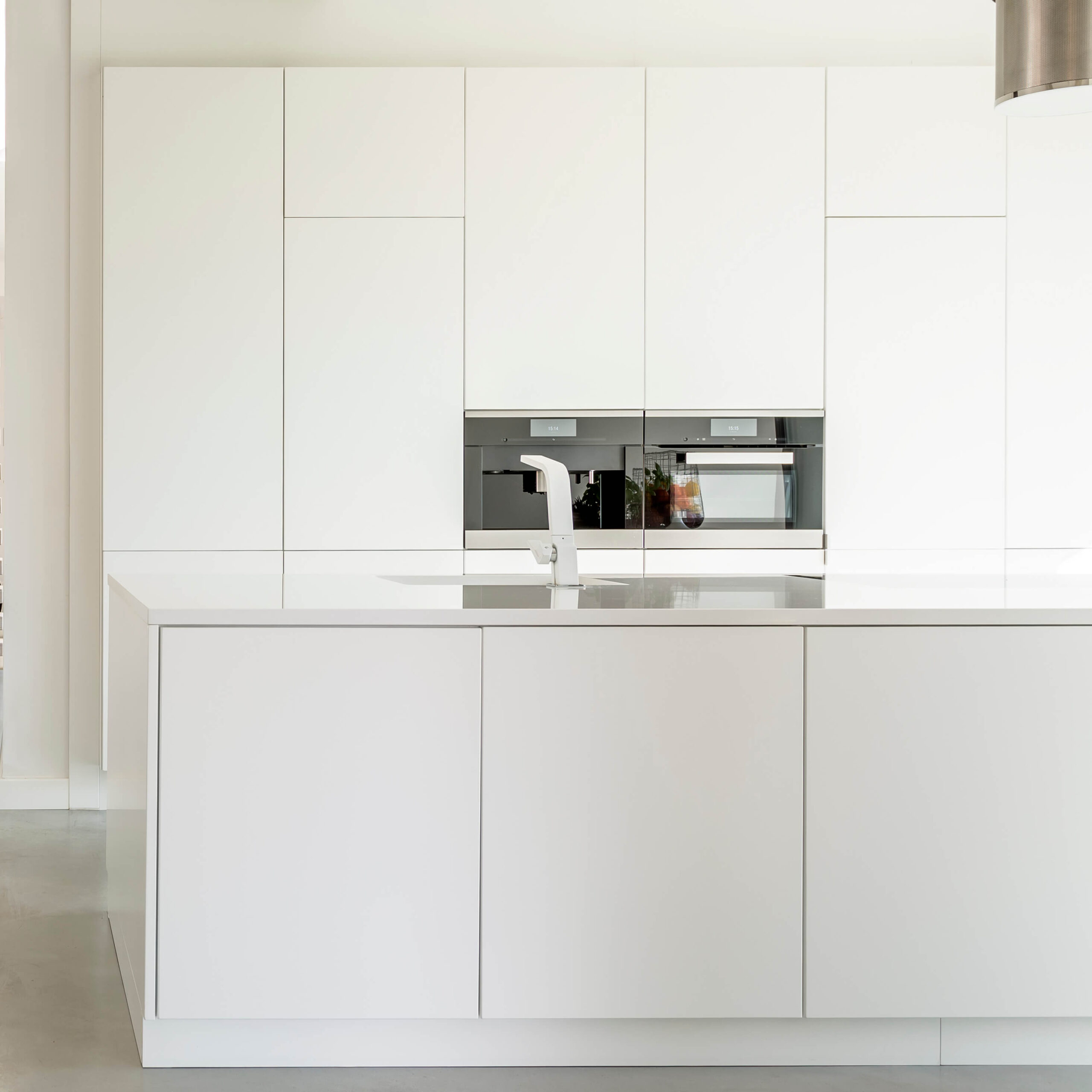
The kitchen countertop or bathroom surface is a detail with a strong personality — a defining character that shapes the entire space. Functionality and aesthetics meet and blend to create a distinctive design element.
With the growing demand for custom-made countertops, designers are experimenting with new shapes and materials. Some choose the solid strength of granite, while others are drawn to the natural elegance of marble or the versatility of synthetic materials (ceramic, Dekton, Silestone, and more). However, selecting the right material is only a small part of the process. Beyond choosing the right stone slabs, it’s essential to consider the overall visual effect you want to achieve—what model best suits your kitchen or bathroom, and how a custom countertop fits harmoniously into the overall design.
Discover how we at DDX Software Solutions can support you with our PowerTOP software in bringing your projects to life — and learn about the 5 key elements that will help you create the custom kitchen or bathroom countertop of your dreams.
#1 – Stone Slab Library
Anyone who needs to create a custom kitchen or bathroom countertop knows it well: choosing the right slab is a crucial step for the success of the project. However, the range of marble and granite slabs available today has become so extensive that it can sometimes be difficult to decide.
That’s why, alongside a precise physical organization of the stone slabs in the warehouse, a reliable digital classification system is essential. Softwares such as DDXPhoto and PowerTOP allow you to build a complete digital inventory of your stone slabs, including images, dimensions, edges, finishes, origin, color, defects, and availability.
This integration provides immediate benefits in terms of customizing the digital database and detailing the production report. It’s no longer about evaluating materials based on small samples or generic descriptions — instead, you can access an extensive photo archive of real stone slabs.
Discover how the integration between PowerTOP and DDXPhoto works.
#2 – Stone Slabs’ Vein-Matching
Once you’ve selected the marble or granite slab for your kitchen or bathroom countertop, it’s time to focus on the project’s aesthetics. With our PowerTOP software, you can carry out vein-matching — a process that aligns the natural veins of the stone to highlight its beauty and enhance the elegance of the finished surface.
Our software allows you to import stone slab images directly from the digital inventory in DDXPhoto to simulate how each piece will be positioned on the kitchen or bathroom countertop. This gives both the fabricator and the client a clear sense of the final result — where the veining runs continuously and harmoniously across the surface.
A well-executed vein-matching process adds both aesthetics and functionality, turning the countertop surface into a true design feature.
Would you like to learn more about vein-matching and why it’s such a key element in kitchen or bathroom countertop projects?
#3 – Customizable Database
Sinks, cooktops, edge profiles, and backsplashes — every detail tells a story and contributes to the uniqueness of the custom countertop you’re designing.
PowerTOP simplifies these processes through a customizable database that includes all the essential items for your project. In just a few clicks, you can insert these elements directly onto the countertop and check how they integrate with the selected stone slab.
The result? Maximum precision and a constantly updated production report. For the end customer, this means realistic previews and a smooth, streamlined customization process — effectively turning the idea of a kitchen or bathroom into a concrete project, with no surprises.
#4 – 3D Visualization of Your Custom Countertop
Imagine being able to preview your custom countertop project before production. With PowerTOP software, design becomes even more effective thanks to 3D visualization. Clients can view their kitchen or bathroom countertop from every angle, assess proportions, cuts, and how all components fit together.
You can also import a complete kitchen project created in XDesignPRO in 3D, OBJ, or GLB format and continue designing the countertop directly in PowerTOP. This feature allows you to refine the final result down to the smallest detail, starting from an existing technical drawing.
Thanks to 3D visualization, clients can see exactly what the final product will look like — ensuring design accuracy at every stage of production.
#5 – Quote and Production Reports
Looking for greater transparency in your projects? With PowerTOP, you can easily turn your design into an accurate quote that presents a clear commercial offer to your client.
In addition to quote reports, PowerTOP also generates:
- Technical printouts, essential for producing different components;
- Configurable printouts, allowing clients to view the complete project in all its forms.
Every printout is fully customizable.
But that’s not all. PowerTOP also creates and prints the corresponding BOM (Bill of Materials) for your countertop — a technical document that lists the materials used, all accessories included, the required finishes, and specifies every process needed to produce the final result. This ensures a seamless and accurate transition from design to production.
Both the quote and the BOM are essential documents for the client, as they confirm timelines, costs, and project feasibility, enabling a complete and informed evaluation.
Create Your Custom Kitchen and Bathroom Countertops with Our PowerTOP Software
Designing your dream custom kitchen countertop or bathroom surface has never been easier.
Our PowerTOP software makes every step of the process effortless:
- choose the perfect stone slab through seamless integration with DDXPhoto your digital inventory — all at your fingertips
- carry out vein-matching by placing the slab directly on the countertop
- visualize your project in 3D
- Print quotes and production reports
- Generate highly customizable technical and configurable printouts
- Send your project to production in just a few clicks, thanks to direct integration with EasySTONE®.
Want to know how DDX can support your projects with EasySTONE® for CAM operations?