



Software for the Design and Production of Wooden Windows
Single Work Environment
Parametric Design
Element Libraries
Integrated Graphic Simulation
Hardware Management
ERP Integration
All-in-One: From Design to Finished Product in Just One Click
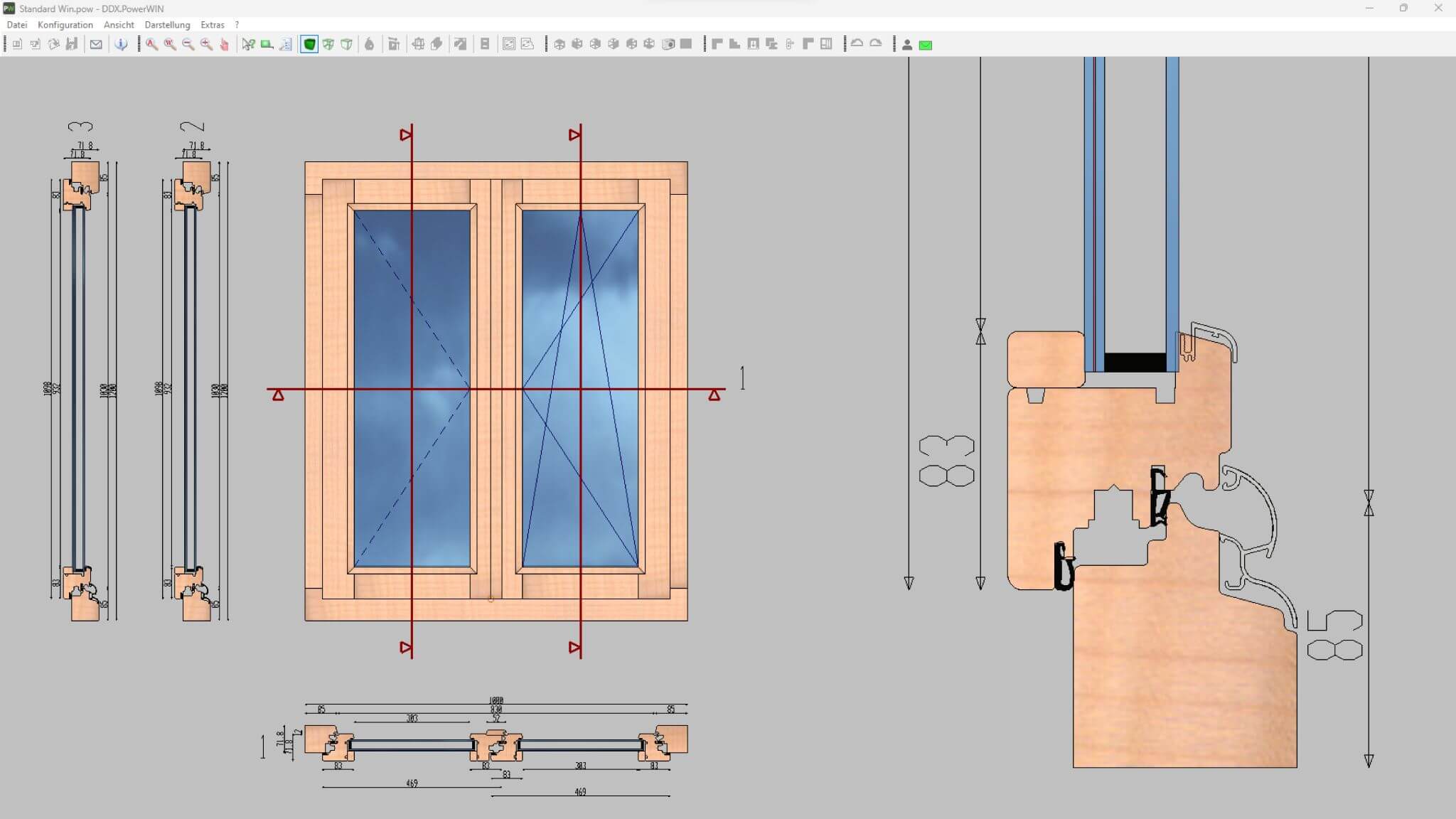
Complete Solution
Simplify your production workflow by integrating design and machining. Generate toolpaths for producing one or multiple parts using 3-, 4-, or 5-axis CNC routers.

Parametric Design
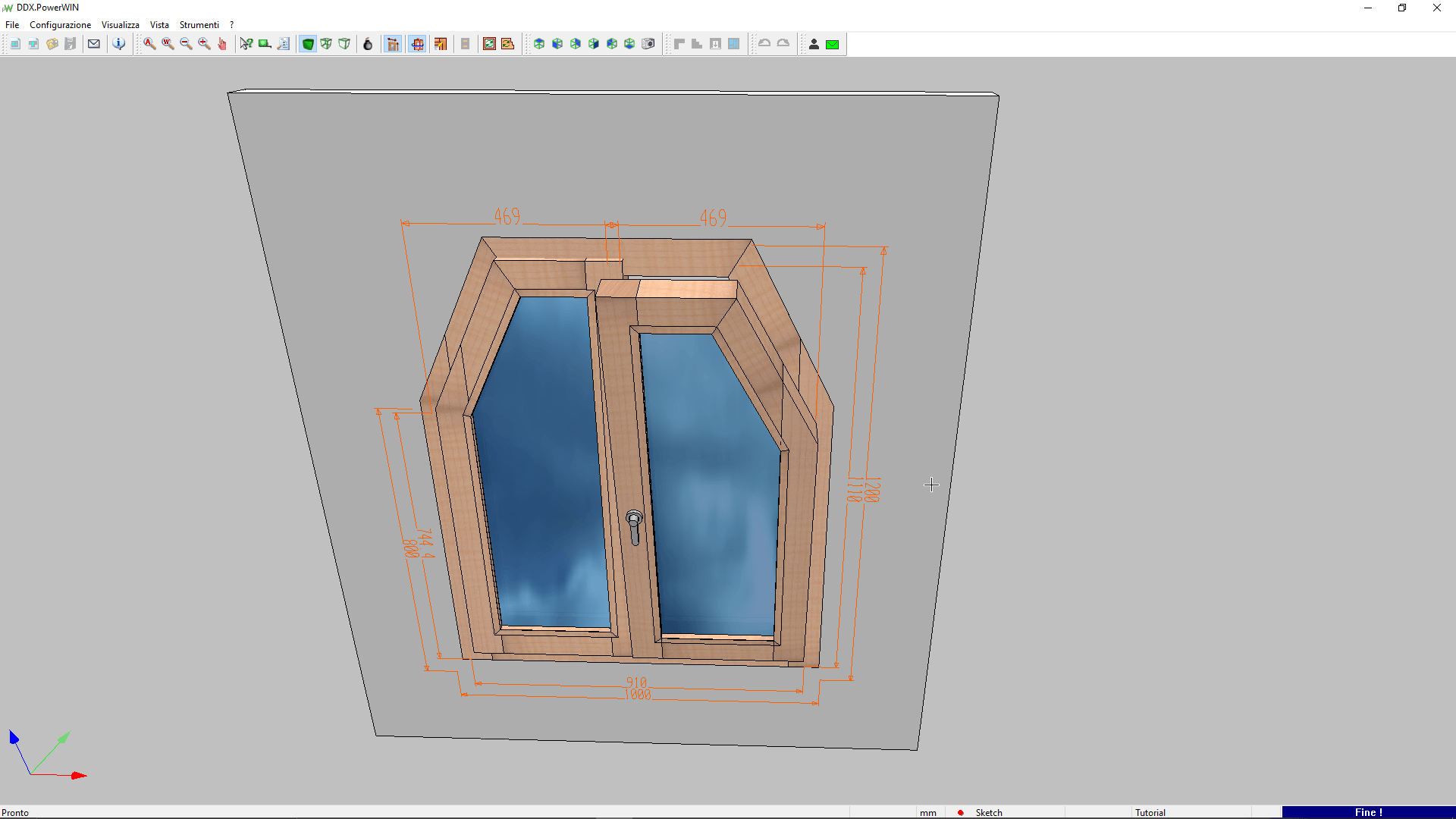
PowerWIN projects are fully parametric. Change the dimensions? No problem. The software automatically recalculates the position of every component, including hardware.
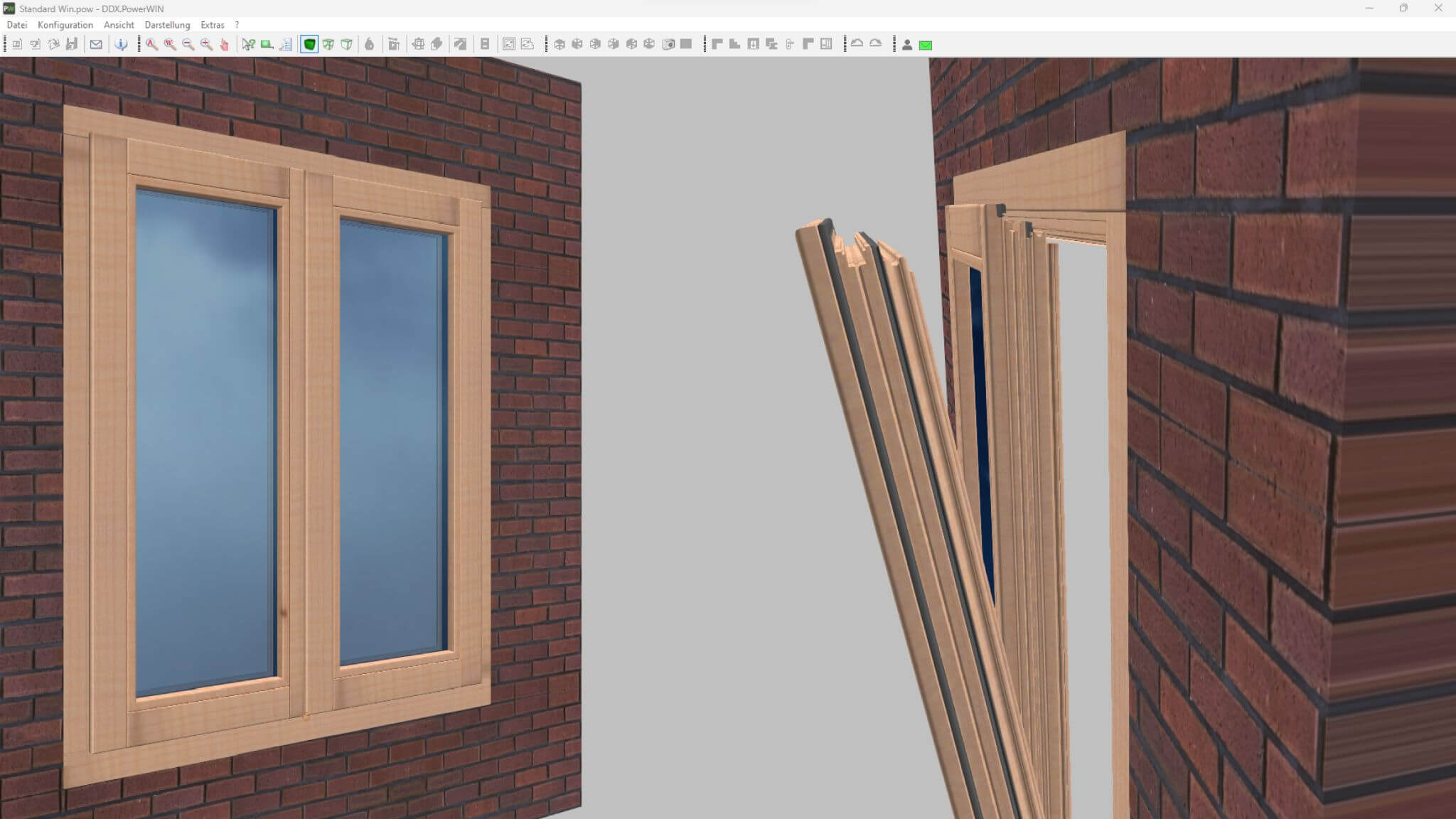
Quick Design Process
Do you want to design your windows and doors quickly? Find everything you need in the PowerWIN libraries. Seals, glass, wood, and other materials are built into the CAD for flawless results.
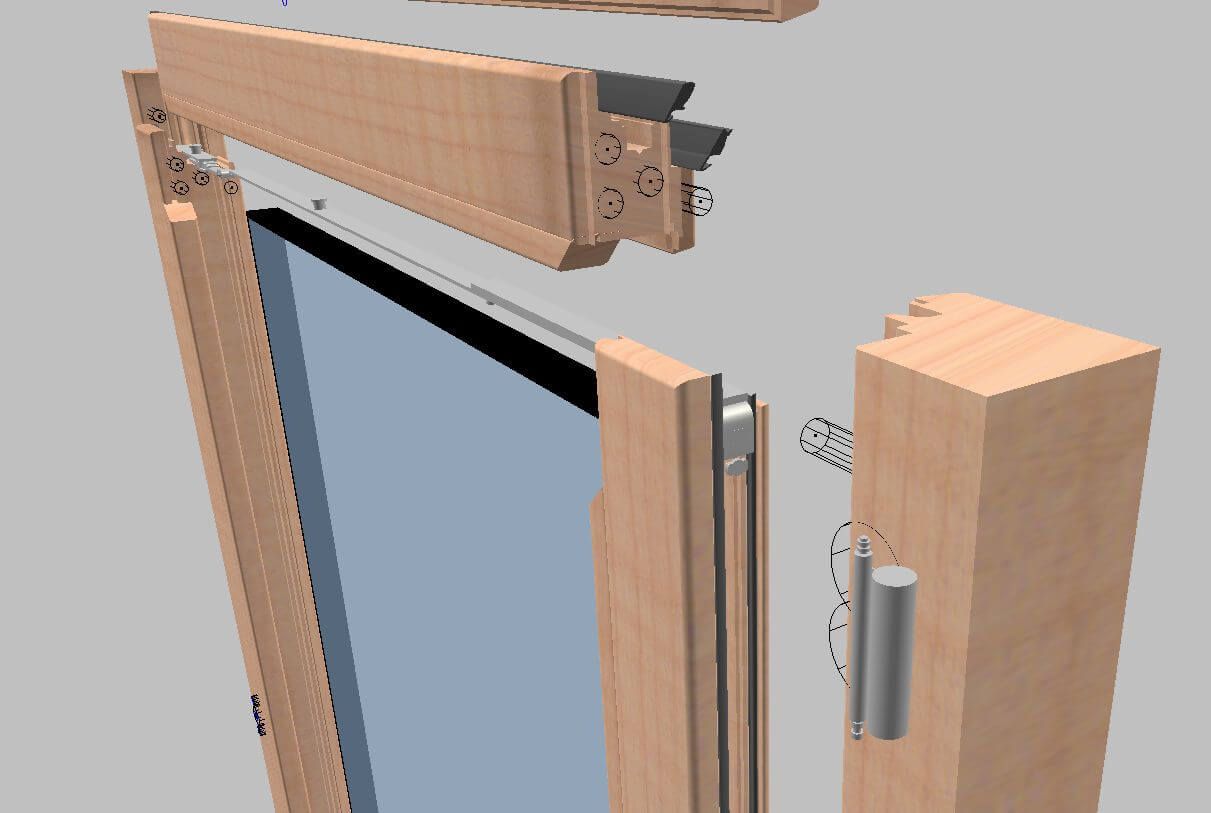
3D Interactive Graphic
Choose PowerWIN for efficient window and door design. With interactive 3D graphics, you gain full control over every machining operation—plus, you can prevent collisions and avoid machine downtime.
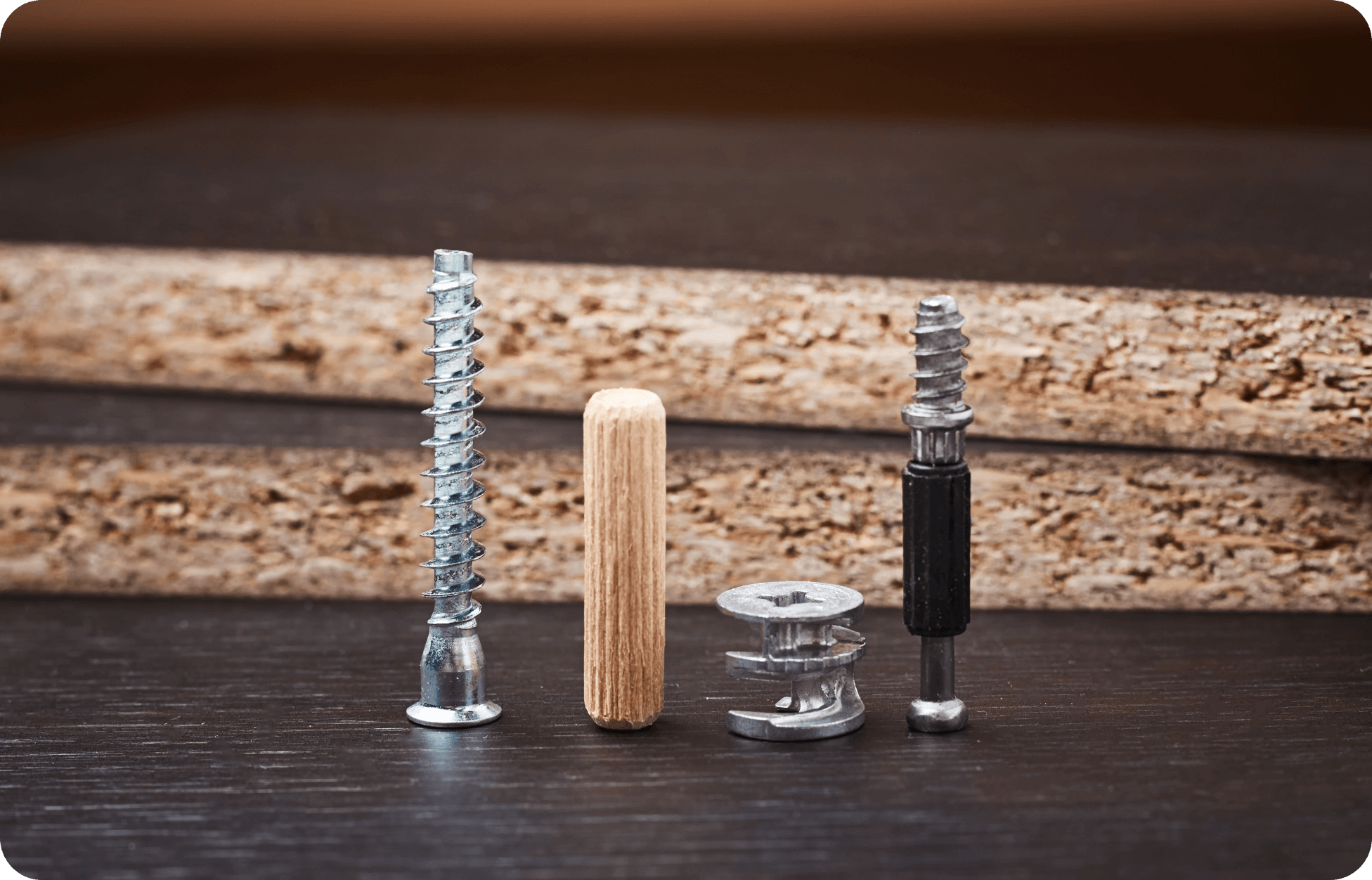
Hardware Management
PowerWIN connects with leading hardware suppliers. This enables full integration and seamless management of hardware components throughout the process.

ERP Integration
Our CAD/CAM solution for windows and doors integrates easily with major ERP systems. The result is optimized data handling, tool management, and production processes.
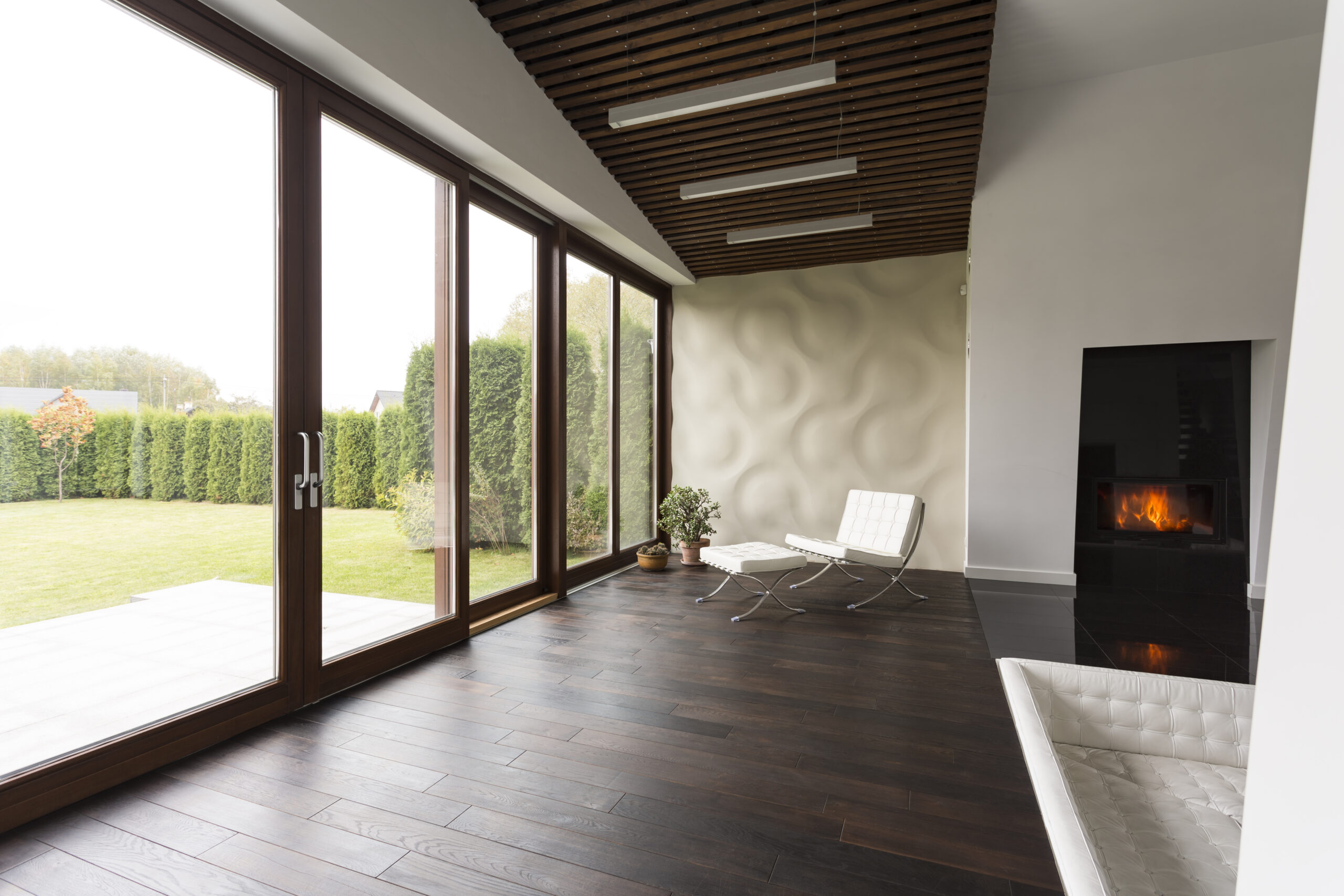
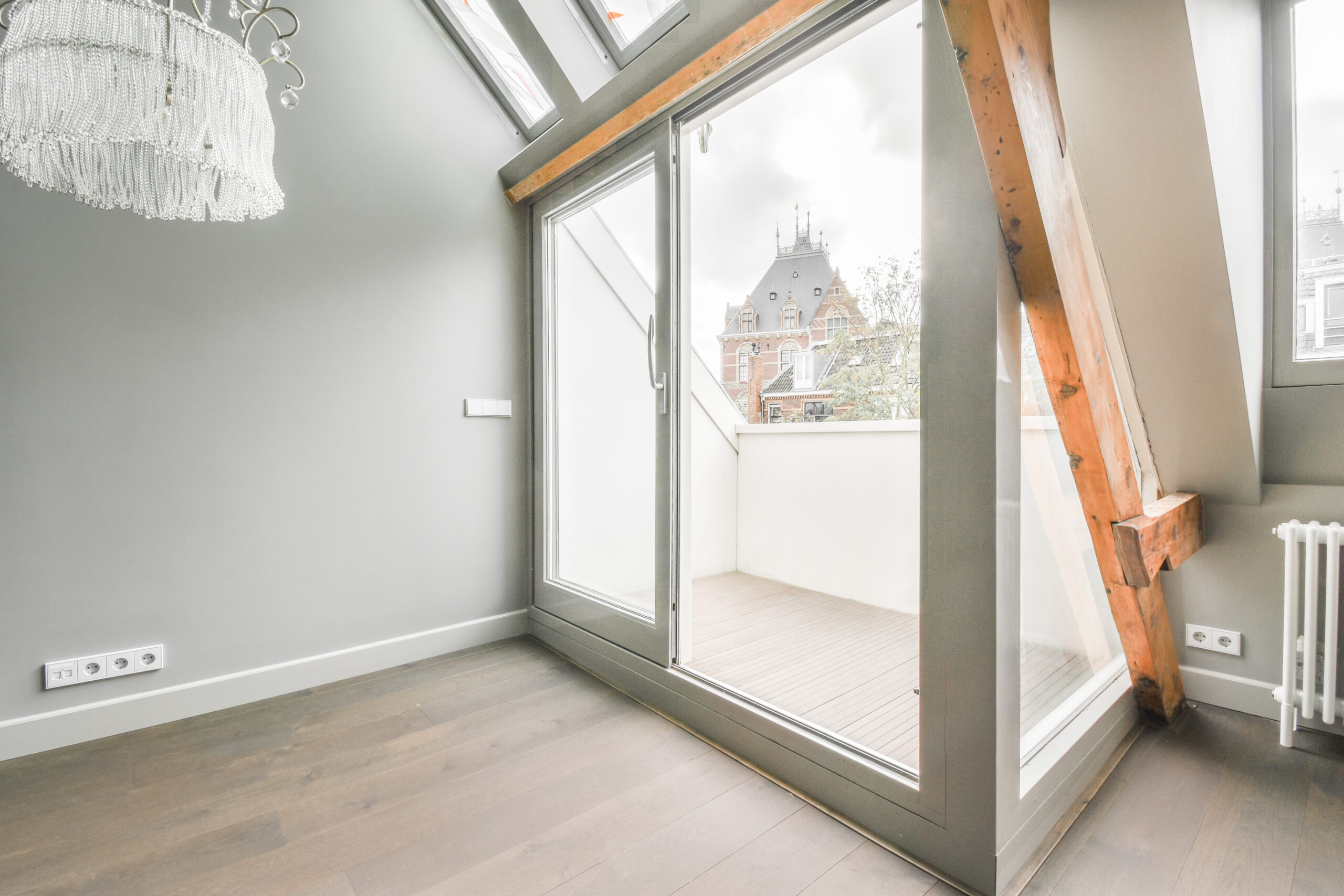
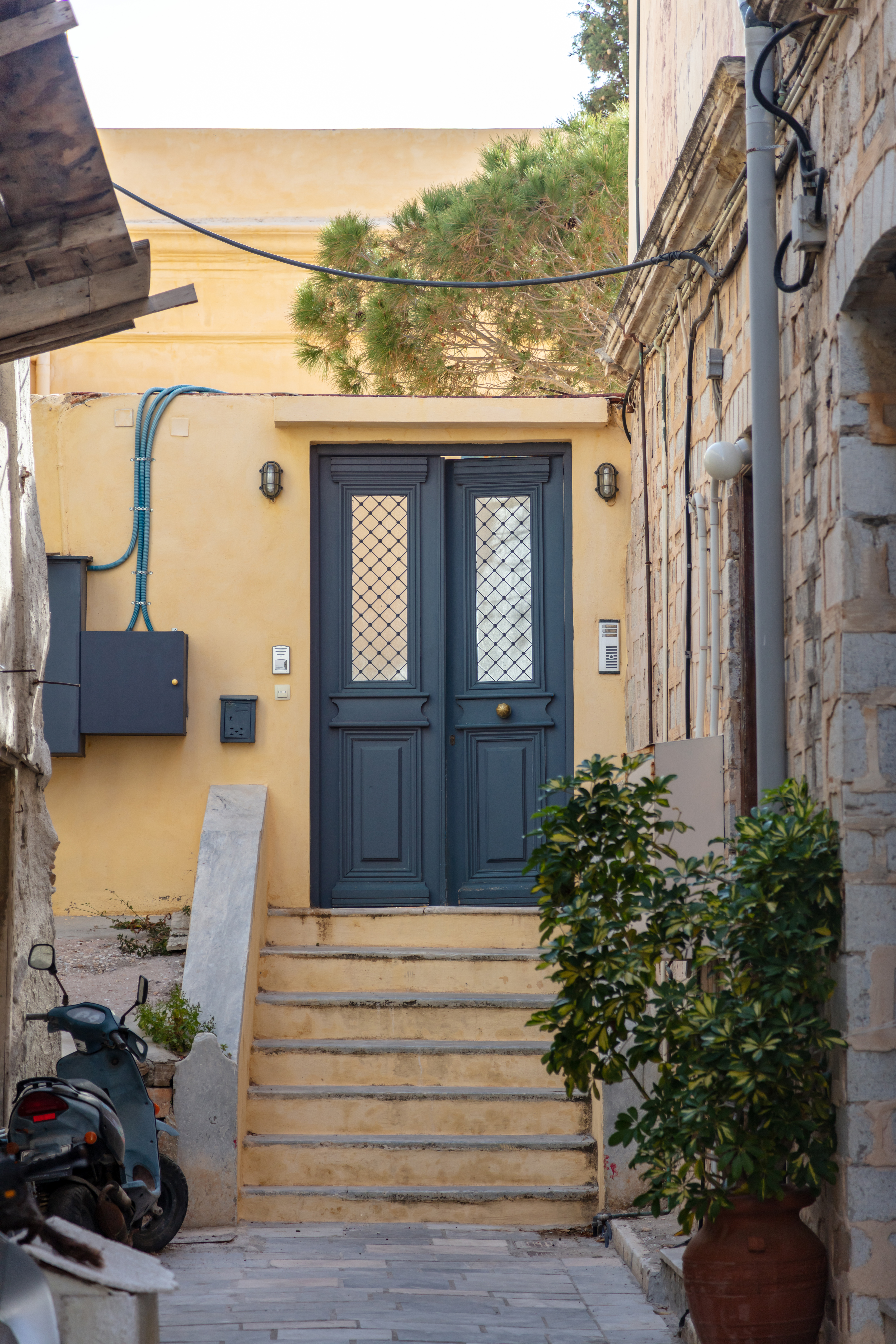
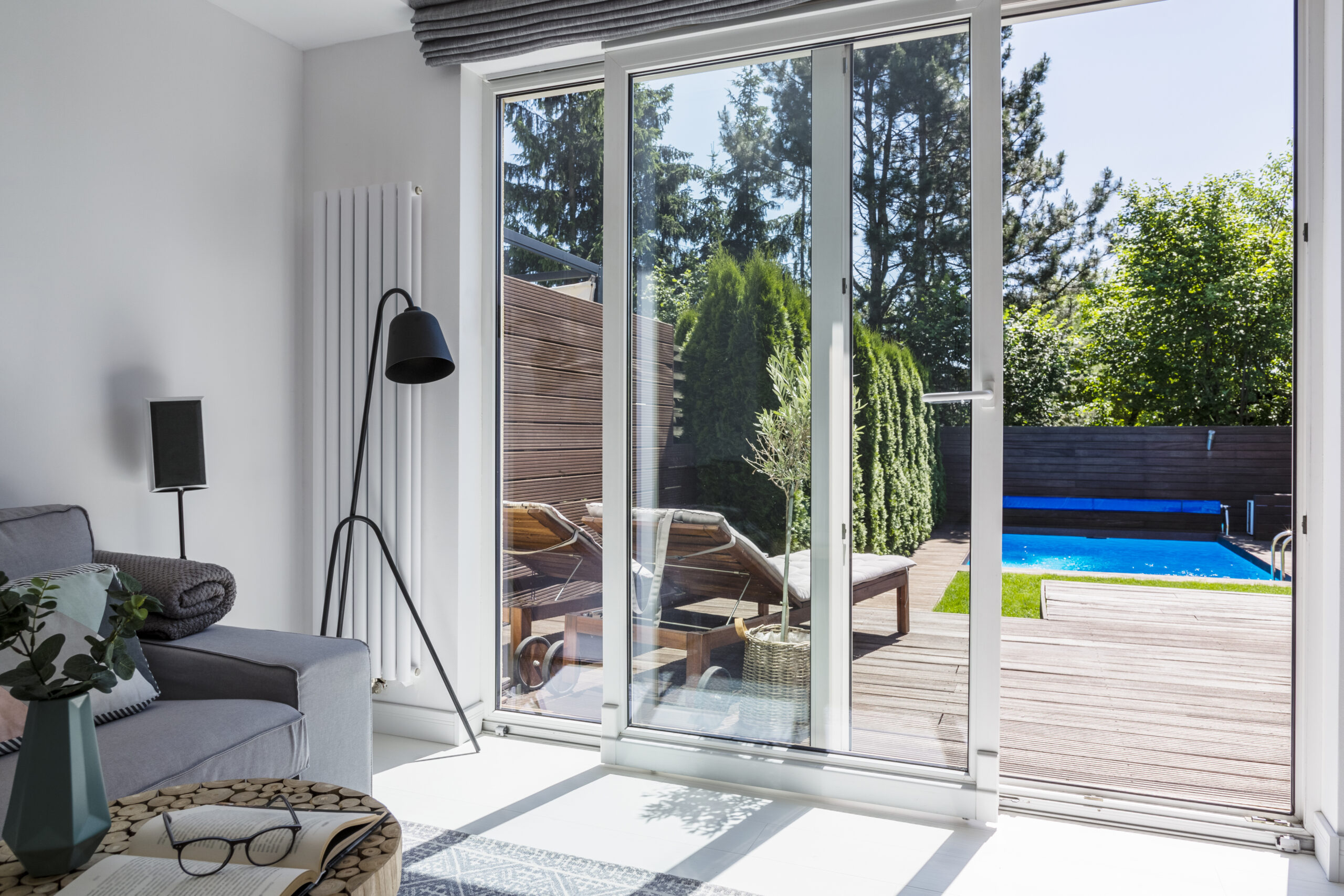
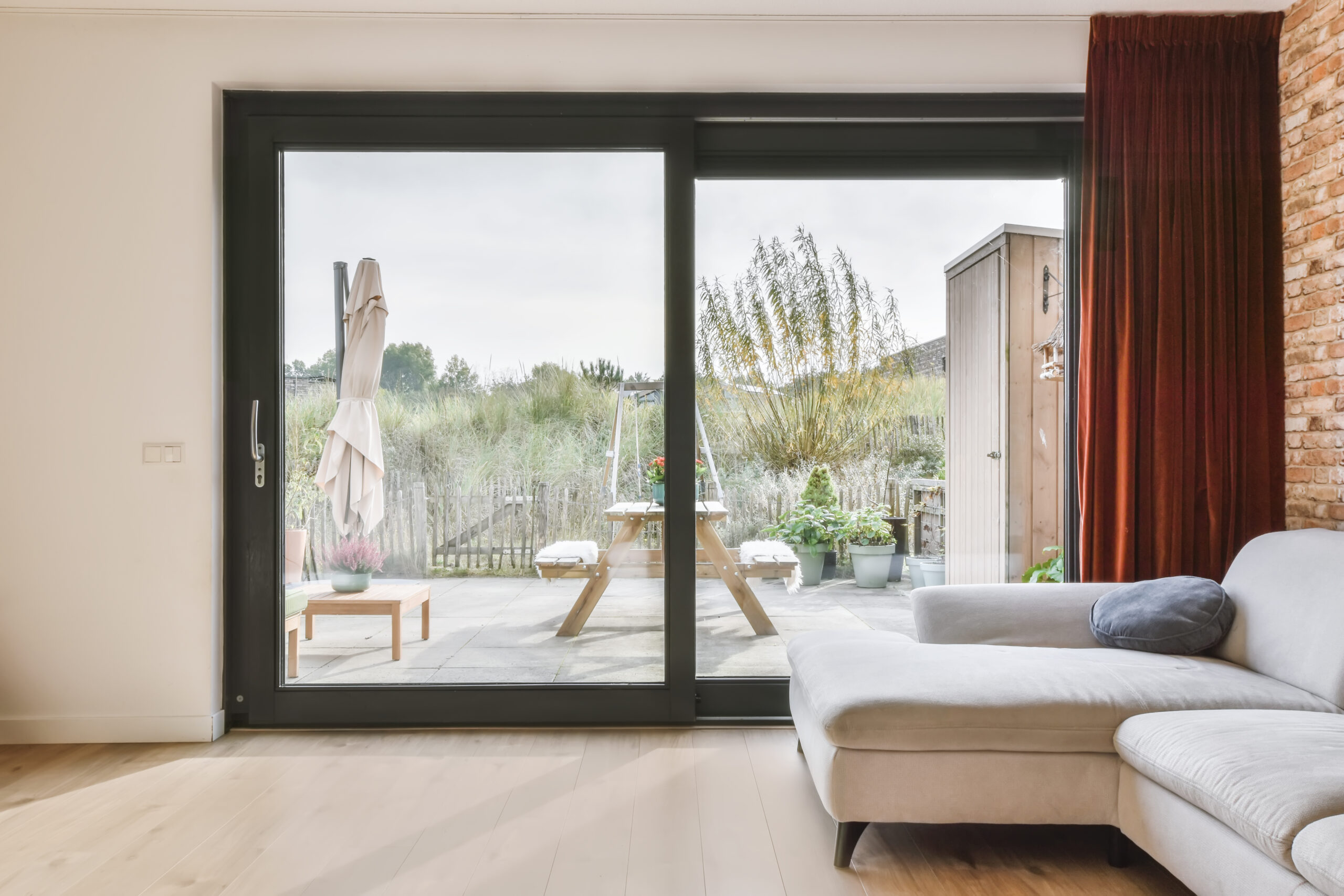
Made With PowerWIN
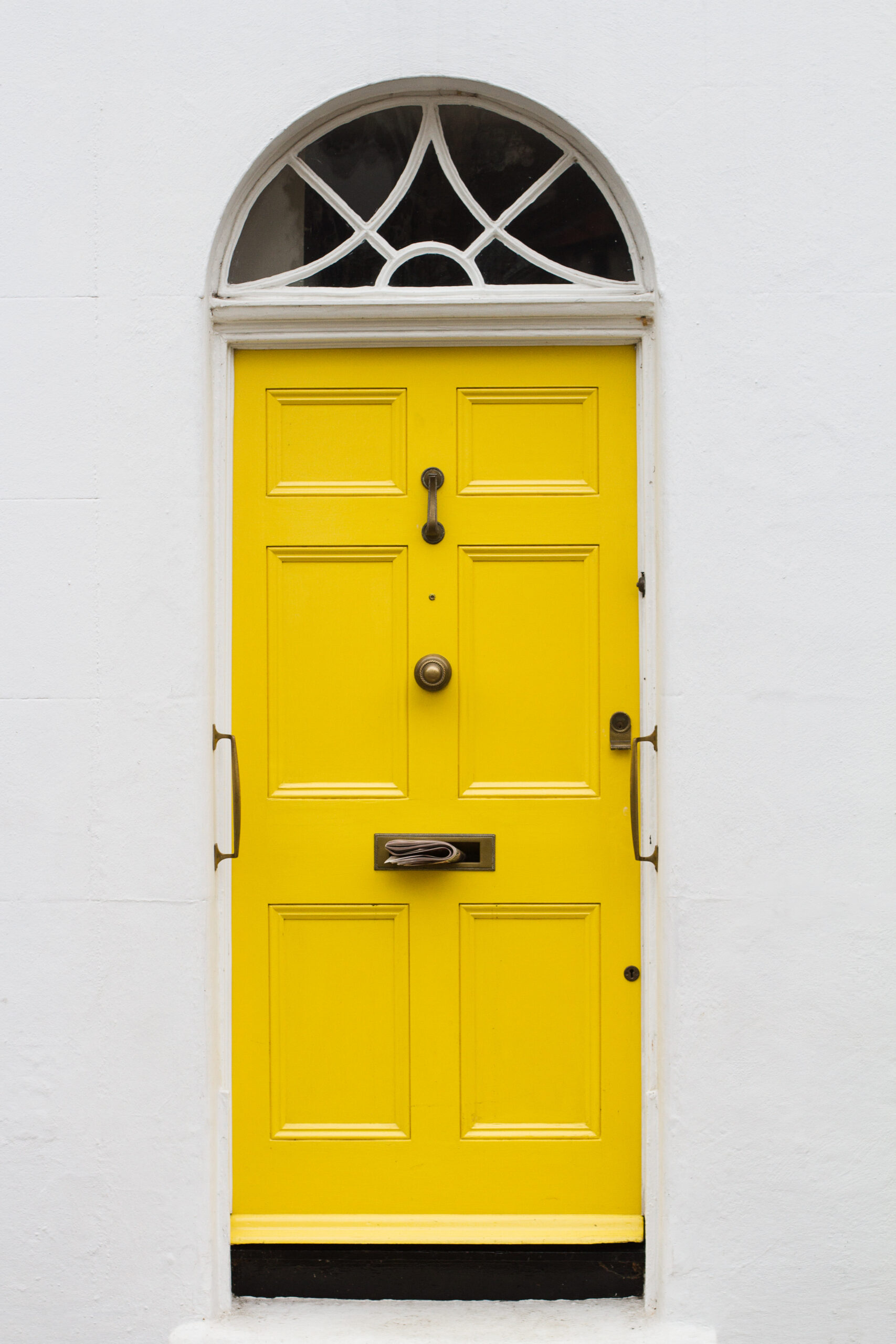
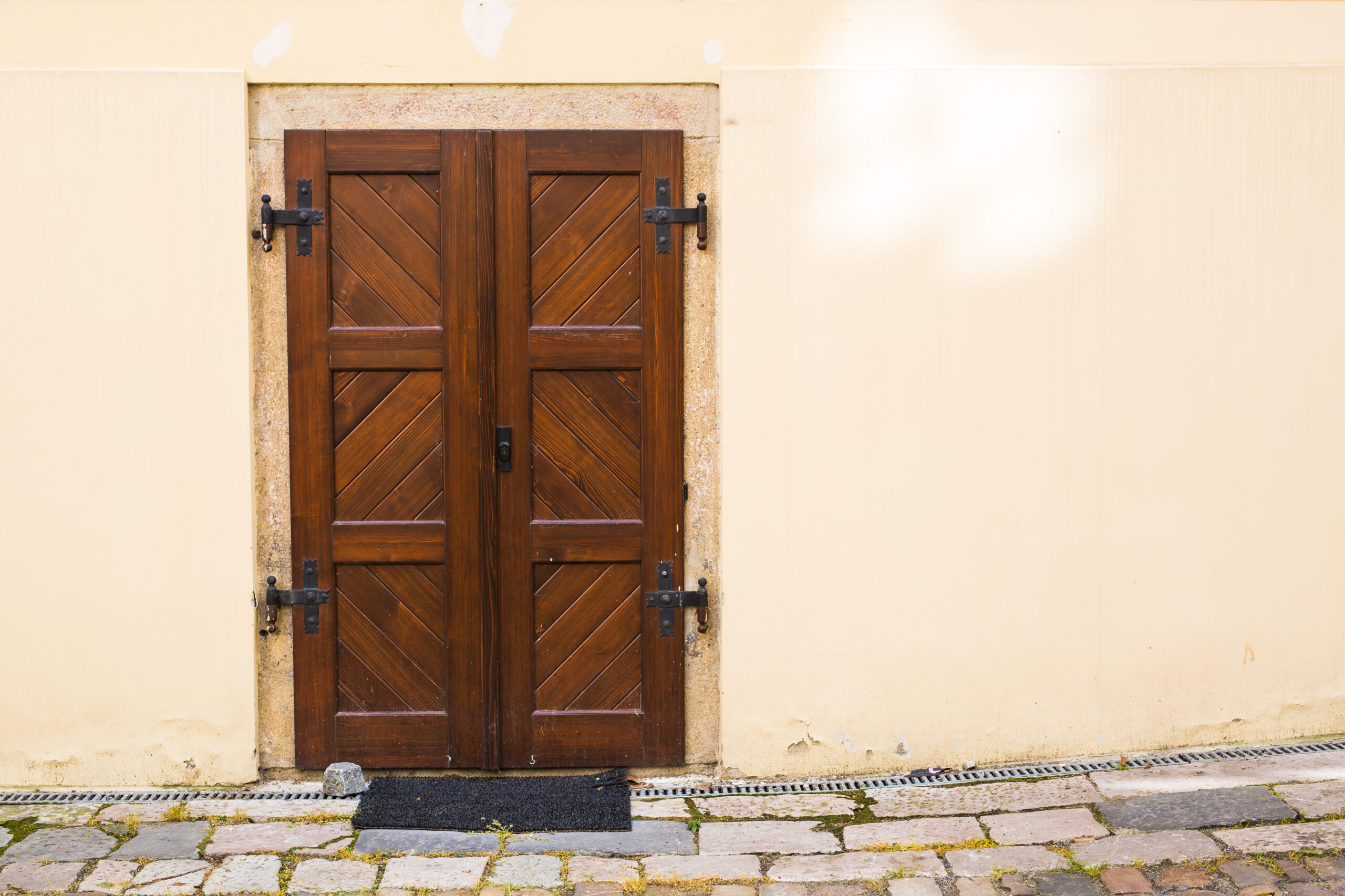
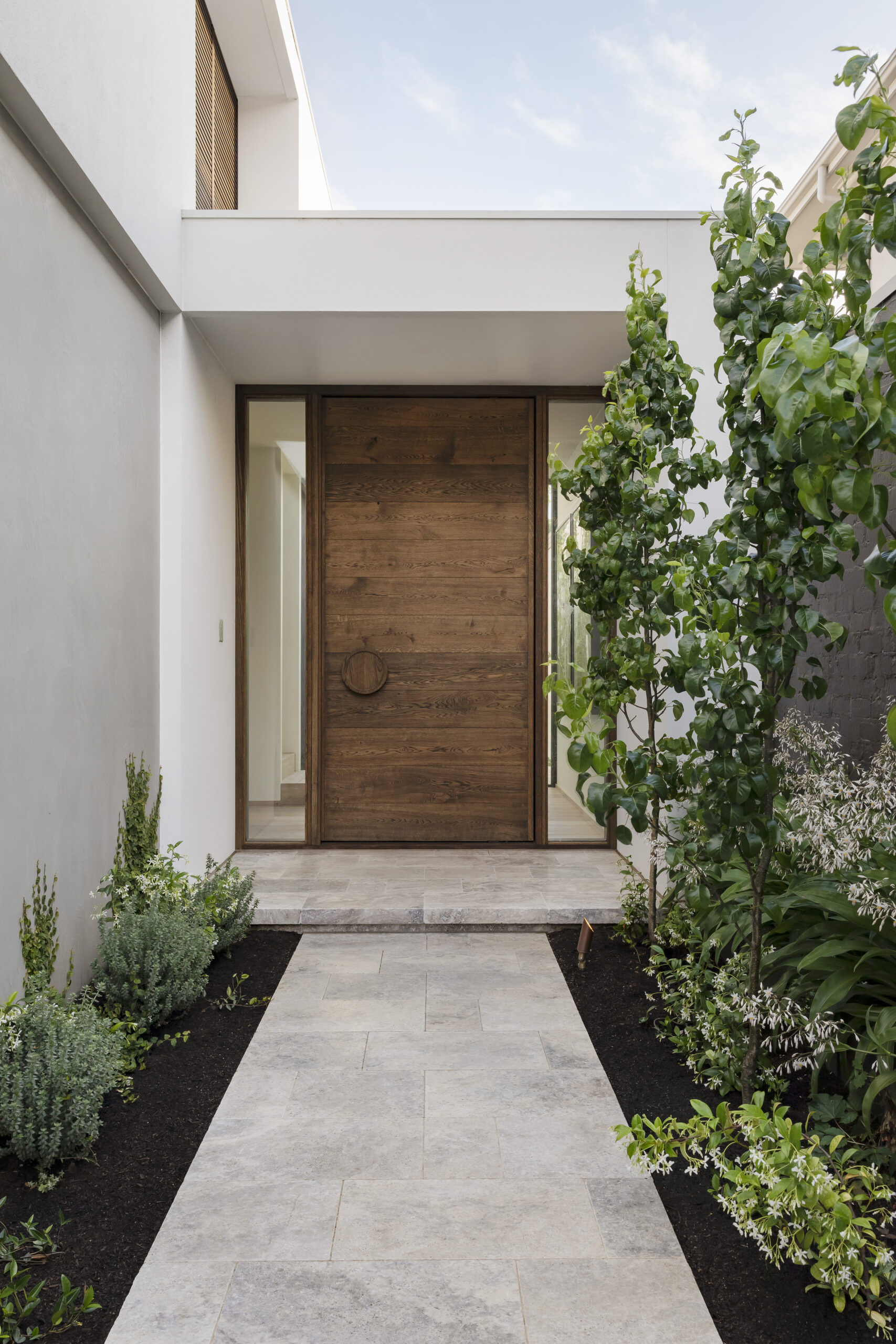
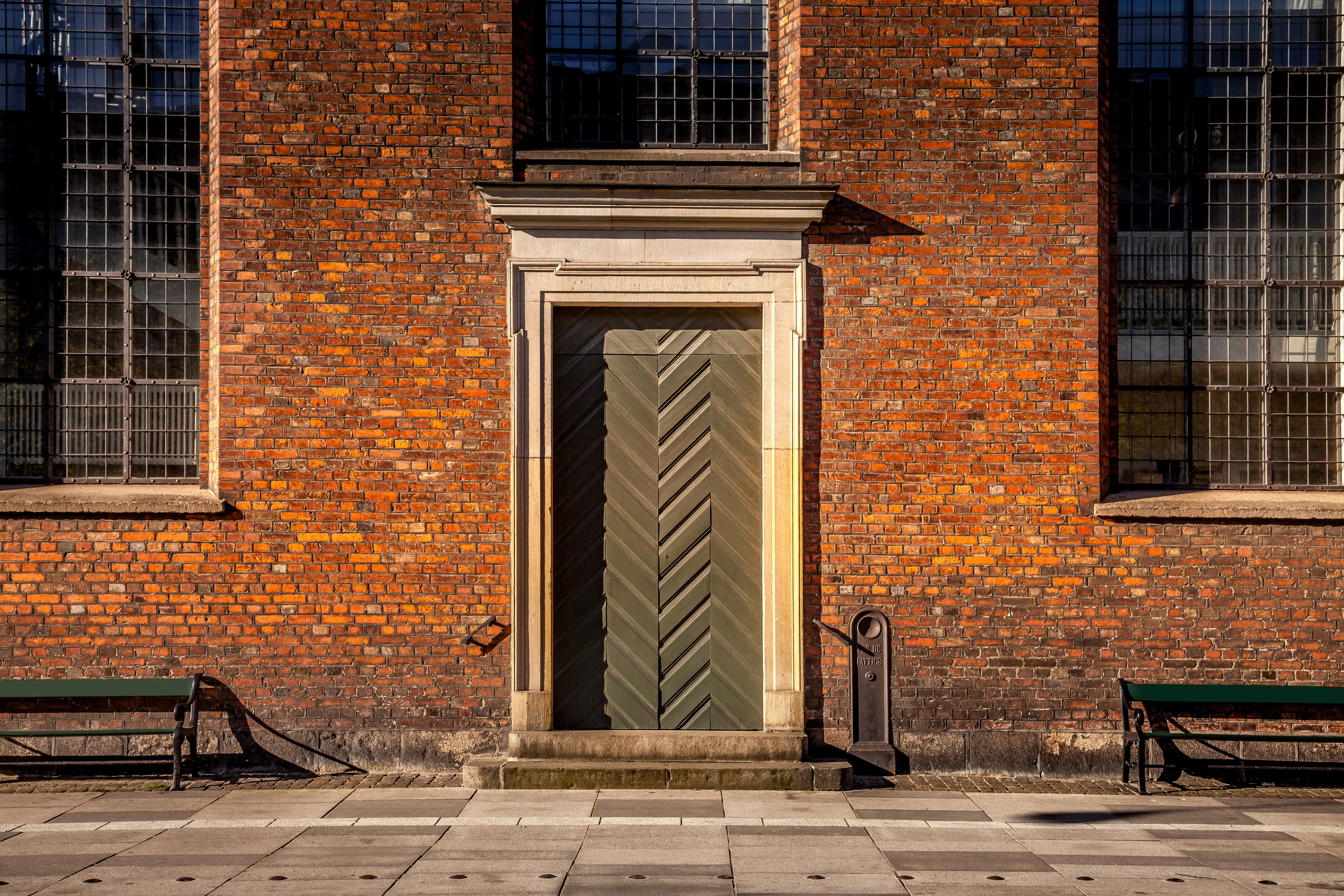

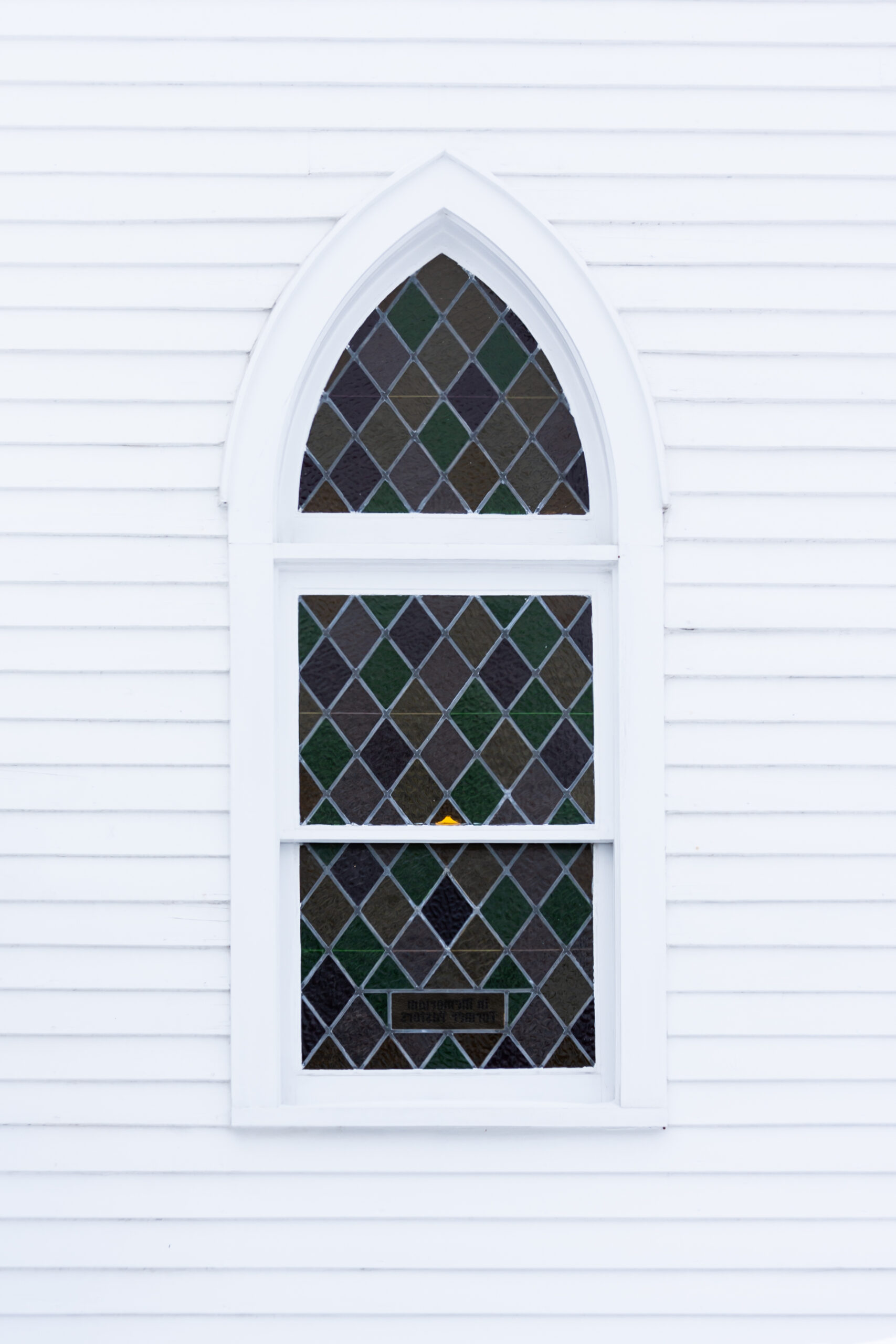
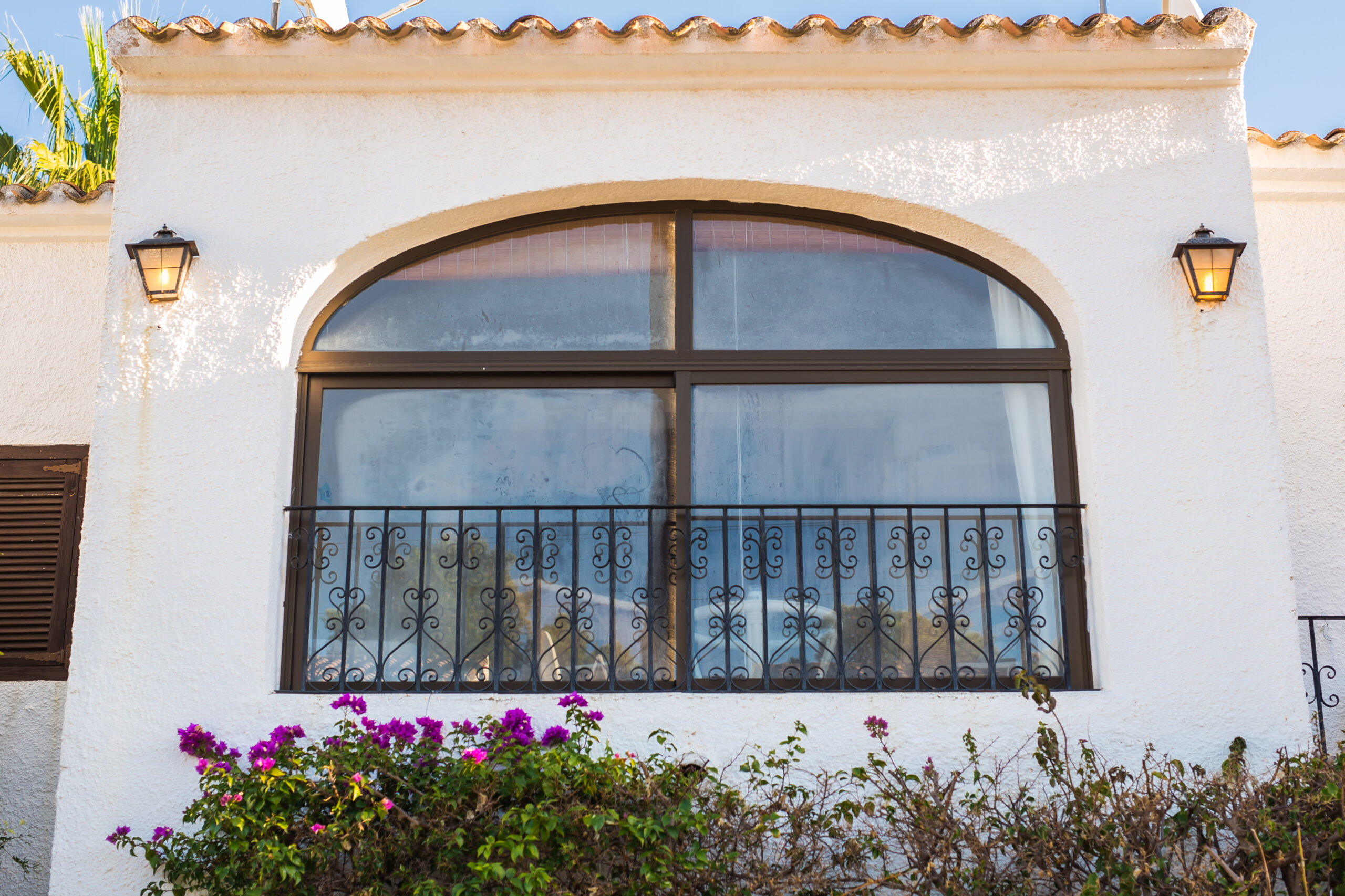

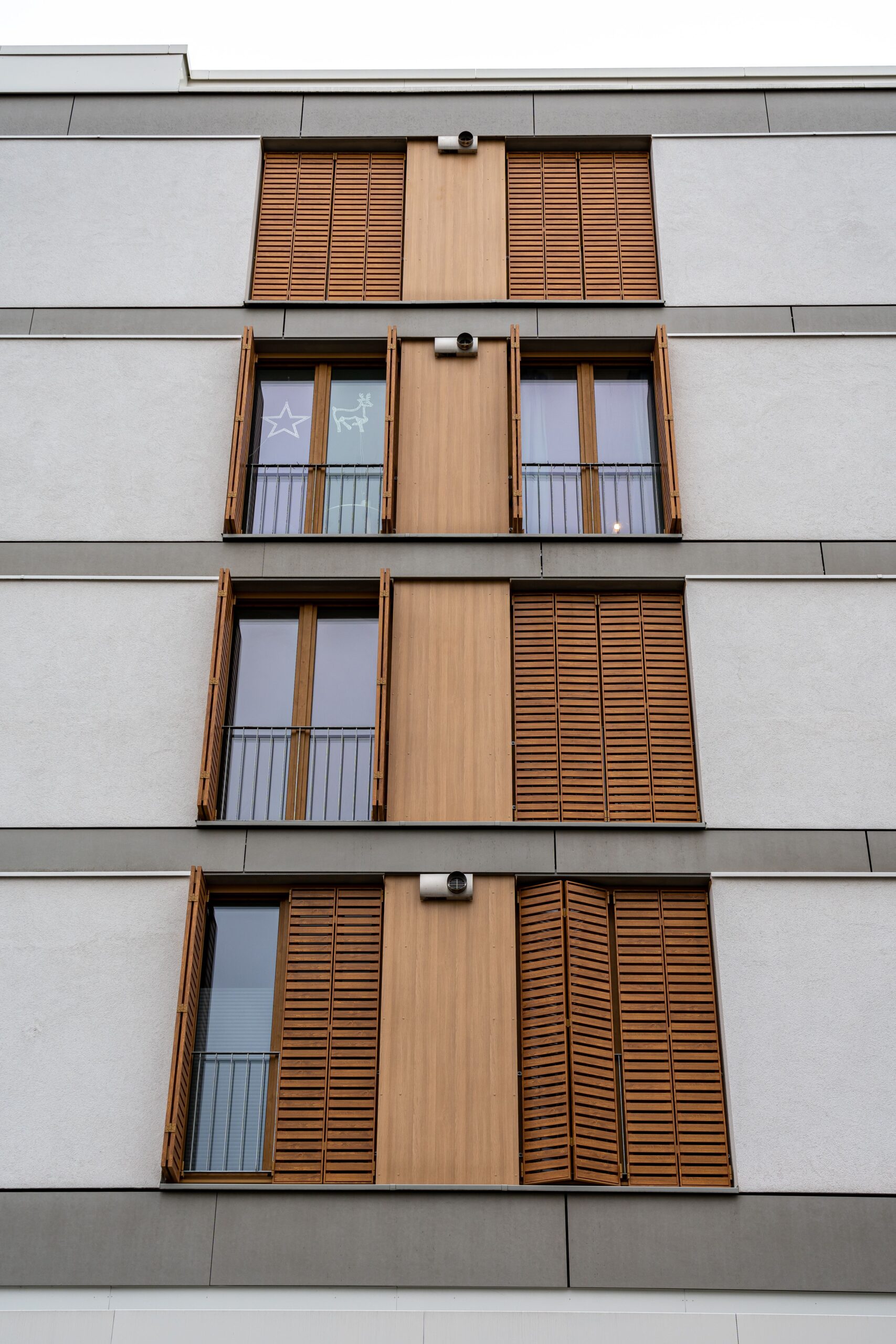
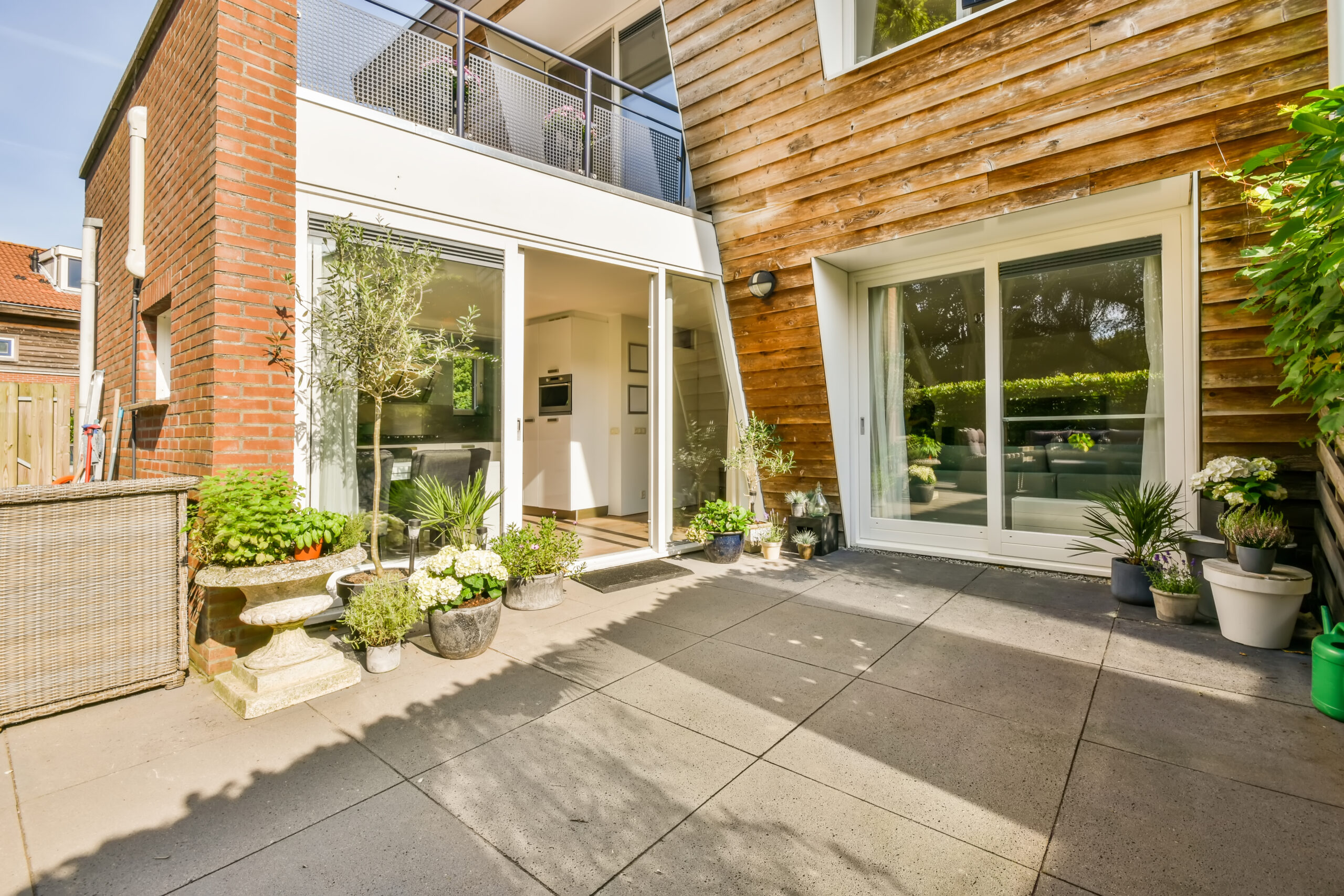
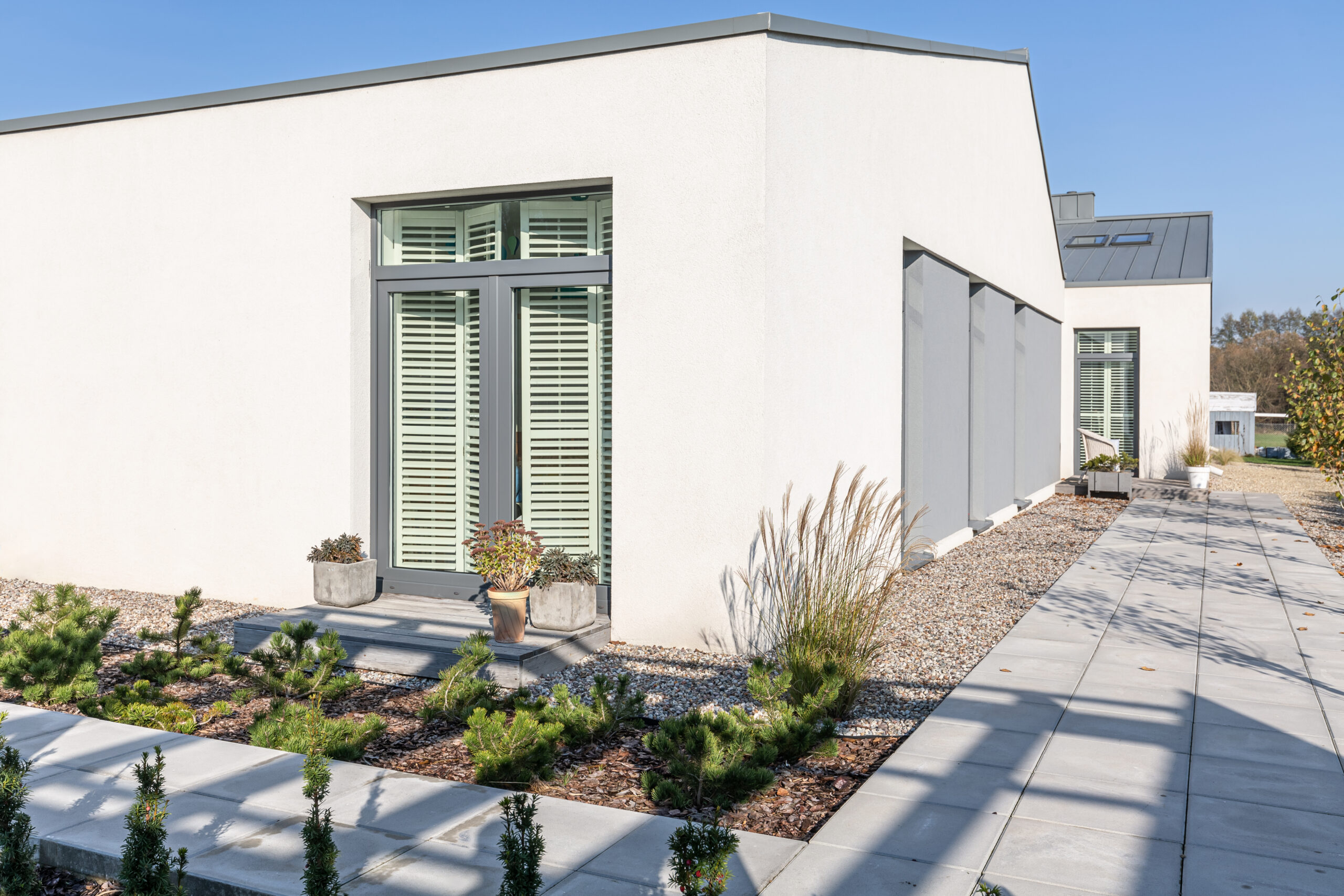
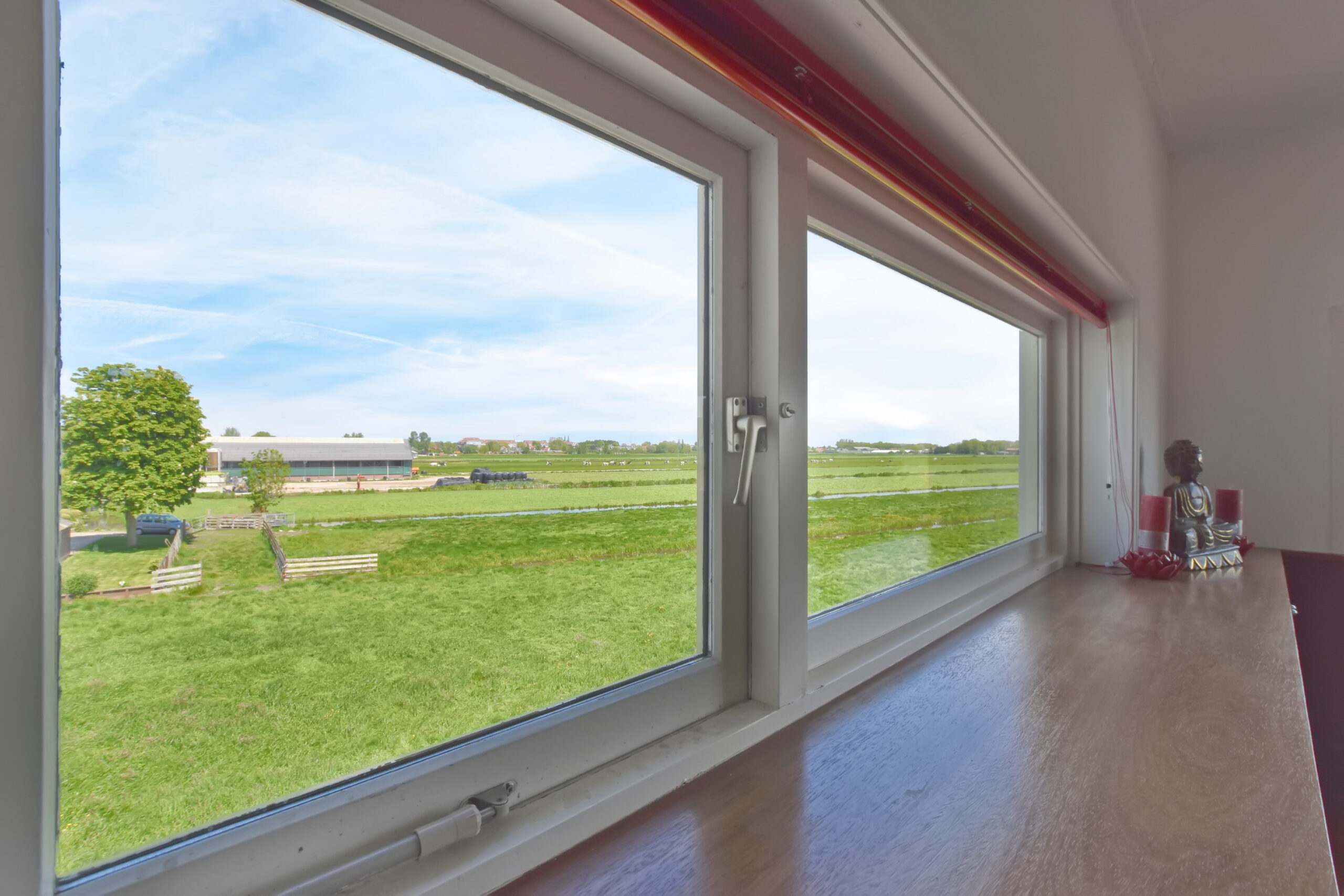
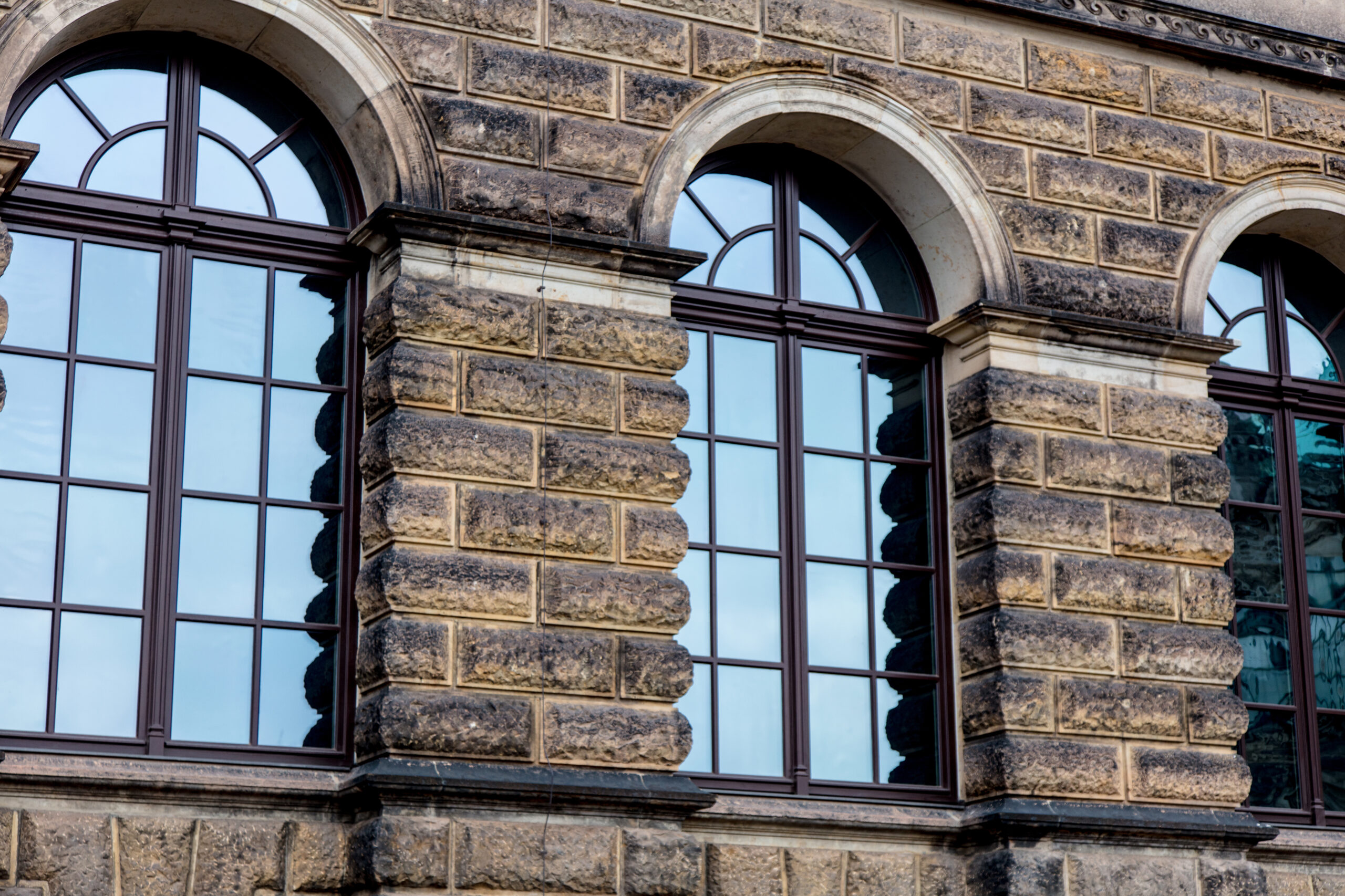


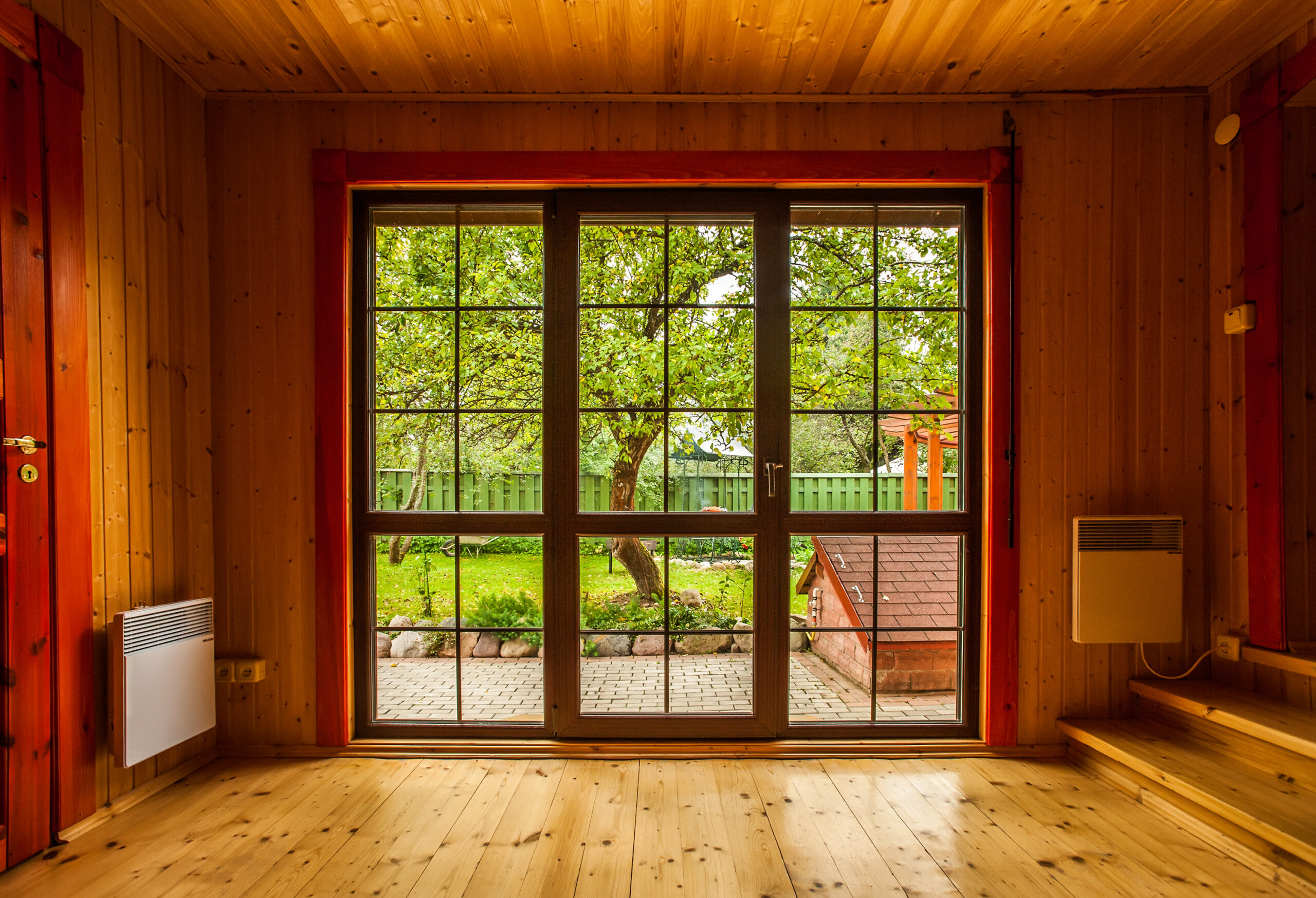


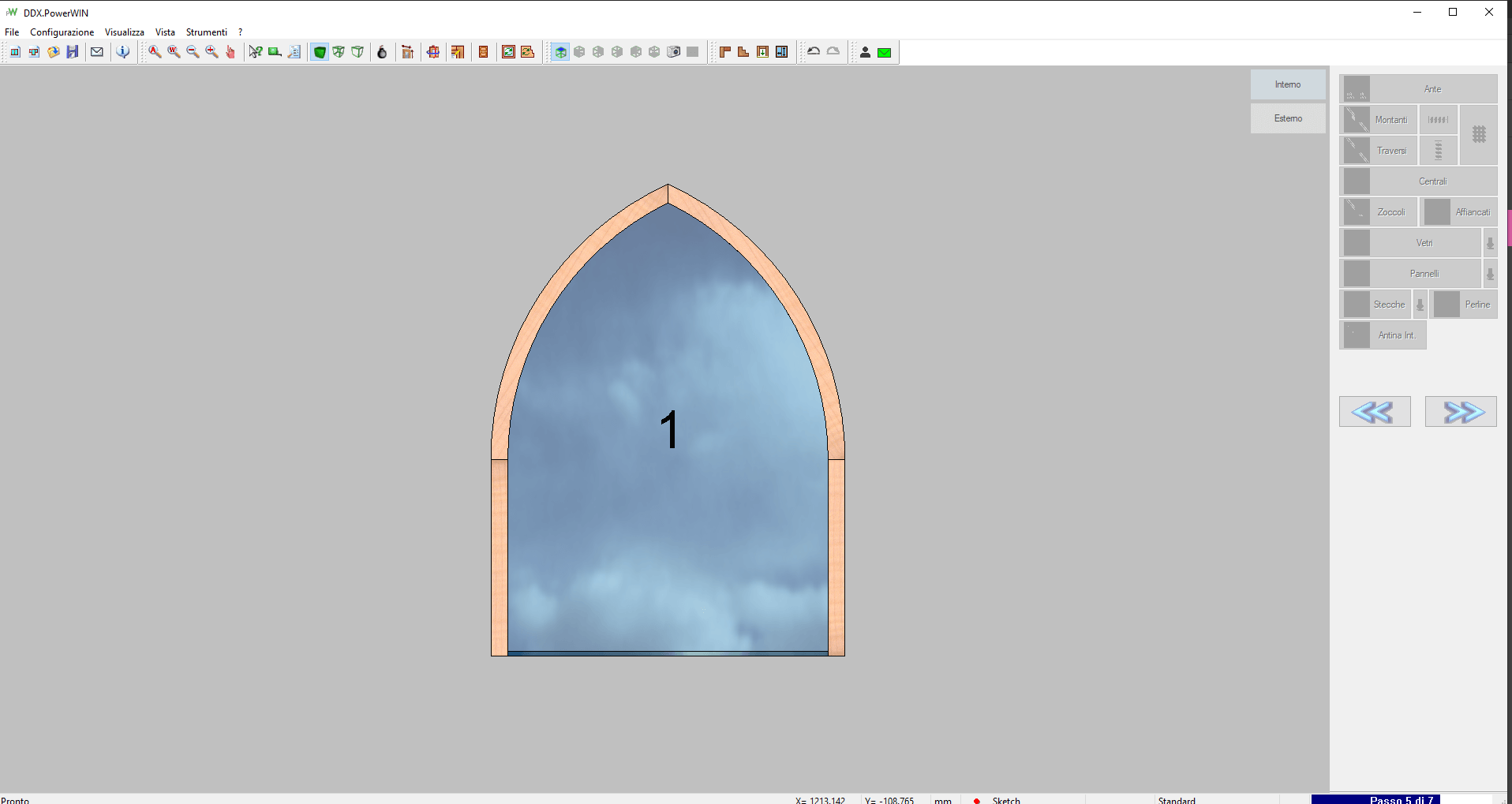
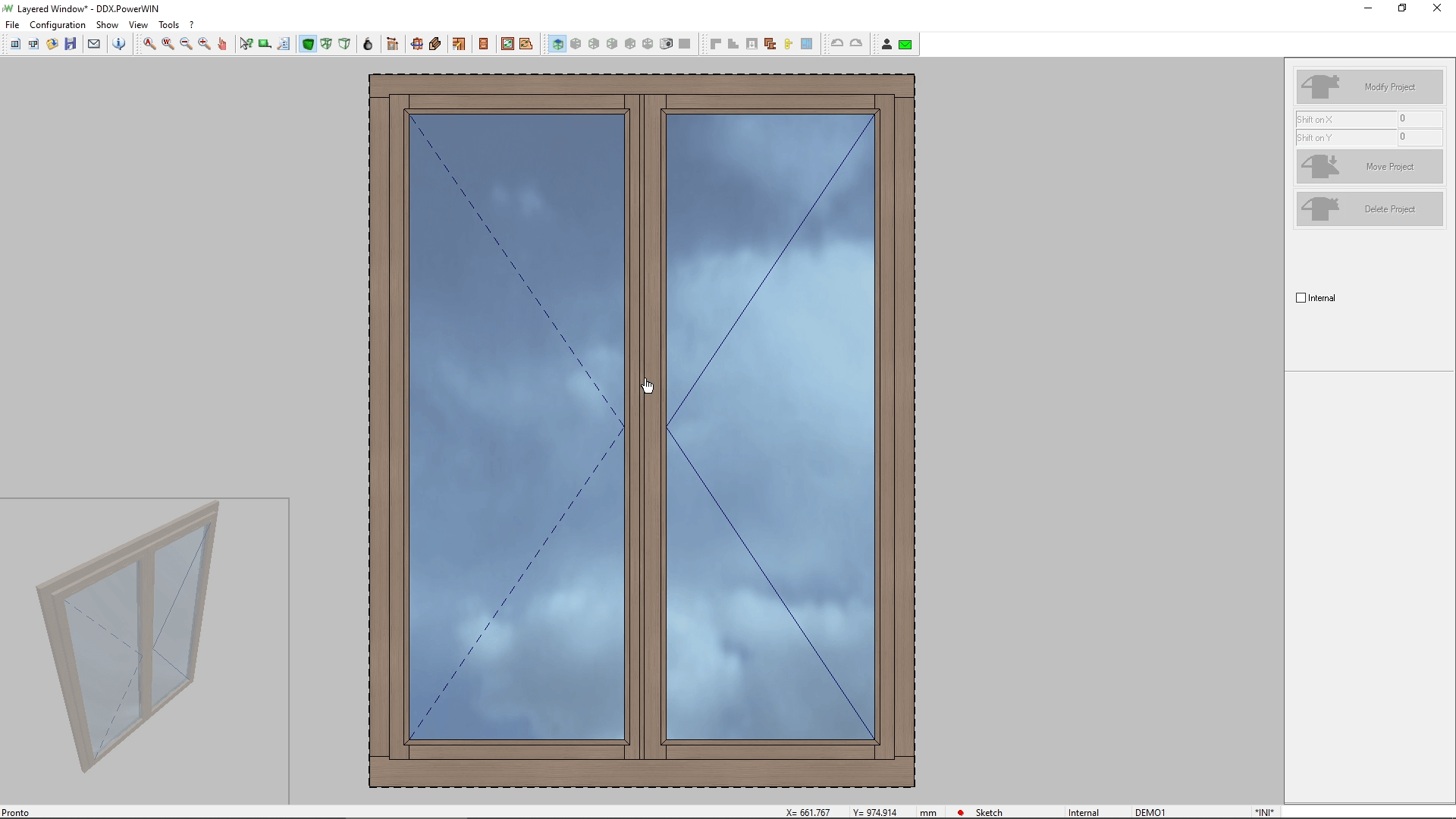
Screenshots
Software Pills
Plugin
 PowerSIMSimulate operations and visualize your CNC machine. With the "Collision Control" module, avoid potential collisions between tools or parts of your machine.           |  Automatic CAMAutomatically apply operations to your project based on specific rules and automate the data processing (DXF files).  |  Side-By-Side FramesWith the Side-by-Side Frames module, you can design and produce side-by-side frames in a single project for aesthetic and high-quality results. |
 3D Profiles and SectionsGet an advanced 3D view and section of your frame and its profiles. Automatically calculate vertical and horizontal sections, print them, and export them in DXF format. |  Aluminum Management LibraryManage aluminum parts and accessories for your wood/aluminum frames. In addition to various components, you will also find the corresponding codes and cutting lists. |  Shutters ModuleThis module allows you to manage the shutters in your project: fixed or variable-step blinds, external shutters (with or without framing), and internal shutters. |










DDX Case Study: QR Legno
QR Legno was founded in 1997. Over time, the business has transitioned from
DDX Case Study: Giraldi Serramenti
Giraldi Serramenti was founded in 1953 as a family-run business.
DDX Case Study: Pons
Founded in 1966, Menuiseries Pons is a family-run business. Each wooden product is of excellent workmanship and is characterized by an
One Solution Partner: Related Products



Why choose DDX?
We develop CAD/CAM software designed to handle various types of materials.
We offer solutions to the leading players in both the national and international markets.
We design modular software that is compatible with major CNC machining centers.
Do you need more information?
Would you like to receive further details about our software solutions?
Do you need more information?
Support request
Technical support ticket